47
Royal 240DX User’s Guide
Parameters
To open the System Parameters menu
PROGRAM SETTING SYSTEM PARAMETER Parameters
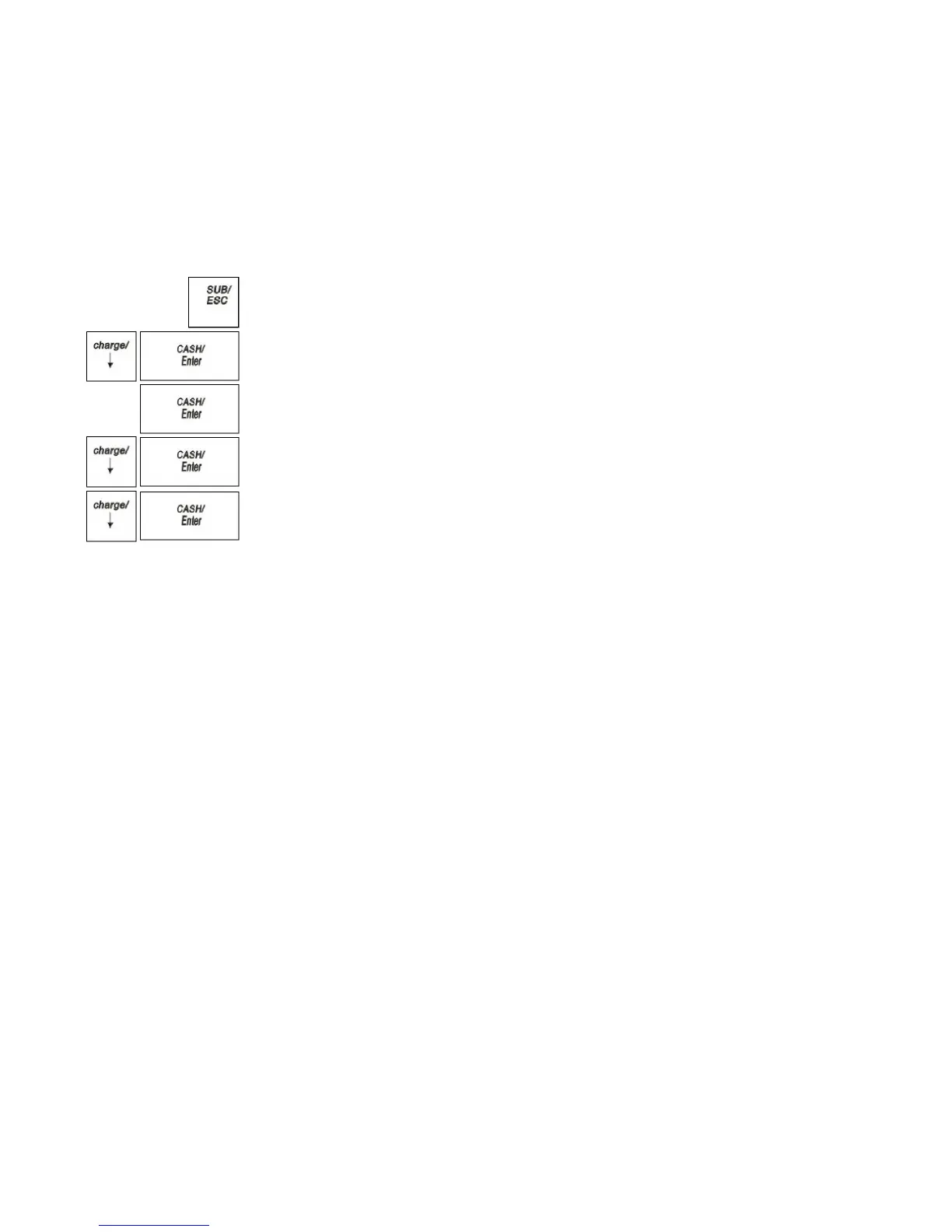
1 Press the SUB/ESC key.
2 Press the Arrow Down key to select PROGRAM SETTING. Press the
CASH/Enter key.
3 If you are prompted for a Manager Password, type the password number and then
press the CASH/Enter key. If you did not program a Manager Password, go to the
next step.
4 Press the Arrow Down key to select SYSTEM PARAMETER. Press the
CASH/Enter key.
5 Press the Arrow Down key to select Parameters. Press the CASH/Enter key.
The rest of this section explains each menu option.
Compulsory Amount
Specify whether compulsory input the amount when payment.
Zero Skip Report
Specify whether zero skip when print on the report.
Reset Receipt Printer No. Daily Z
Specify whether to reset the receipt No. after Daily Z report.
Bell Active
Specify whether the bell ring is active.
Warn Out of Stock
Specify whether pop-up warning when out of stock.
Clear EJ (Full)
Specify either Manual or Auto to clear the EJF.
[00] Key Function
Specify the key function of [00] key: [00] or [.]



 To Next Page