97
Royal 240DX User’s Guide
You can also use the Arrow Up key to scroll the clerk display, select the entry
you want to void and then press the C key. Press the SUB/ESC key and then
continue with the transaction.
Error-Correct a Department Preset with a Minus Percentage
Discount
Example 21: Assume Department 1 is programmed for $1.00, Department 2 is
programmed for $2.00, and the 1% is pre-programmed for 10%. Ring up
Department 1 and deduct 10%, ring up Department 2 and deduct 10%, then void
the Department 1 entry with the 10% discount.
To void a department preset with a minus percentage discount
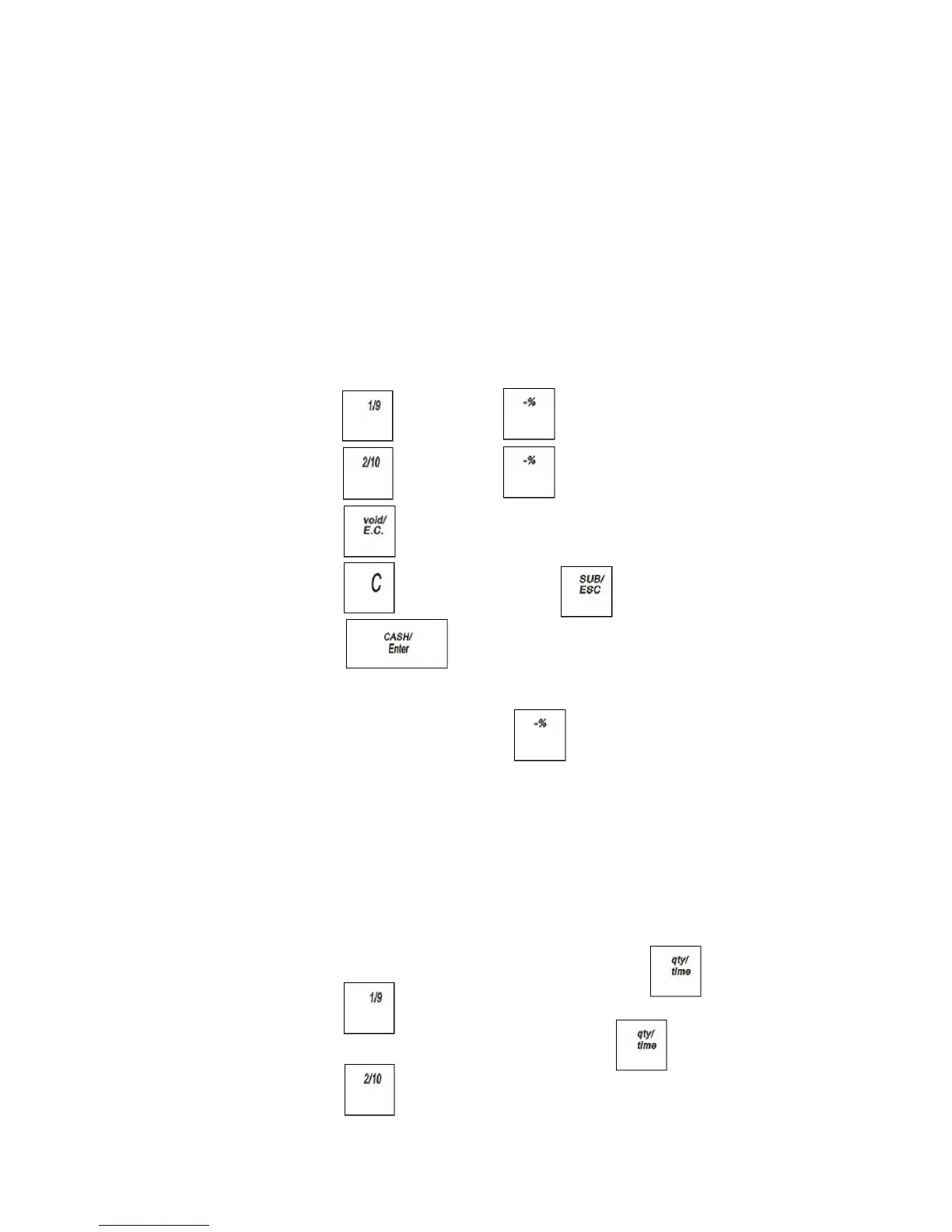
1 Press the key. Press the key and Select 1%
2 Press the key. Press the key and Select 1%
3 Press the key. Press Arrow Up key to select Department 1
4 Press the key and then press the key.
5 Press the key.
Note
If the Minus Percentage Discount Rate is not pre-programmed, type in the
discount rate before pressing the key. Applies only to 1%.
Error-Correct a Multiplication of a Department Preset Price
Example 22: Assume Department 1 is programmed for the price of $1.00 and
Department 2 is programmed for the price of $2.00. Ring up Department 1
three times and Department 2 two times, then void the Department 1 entry
rung up three times.
To void a multiplication of a department preset price
1 In the Number keys area, press 3, and then press the key.
2 Press the key.
3 In the Number keys area, press 2, and press the key.
4 Press the key.



 To Next Page