61
Royal 240DX User’s Guide
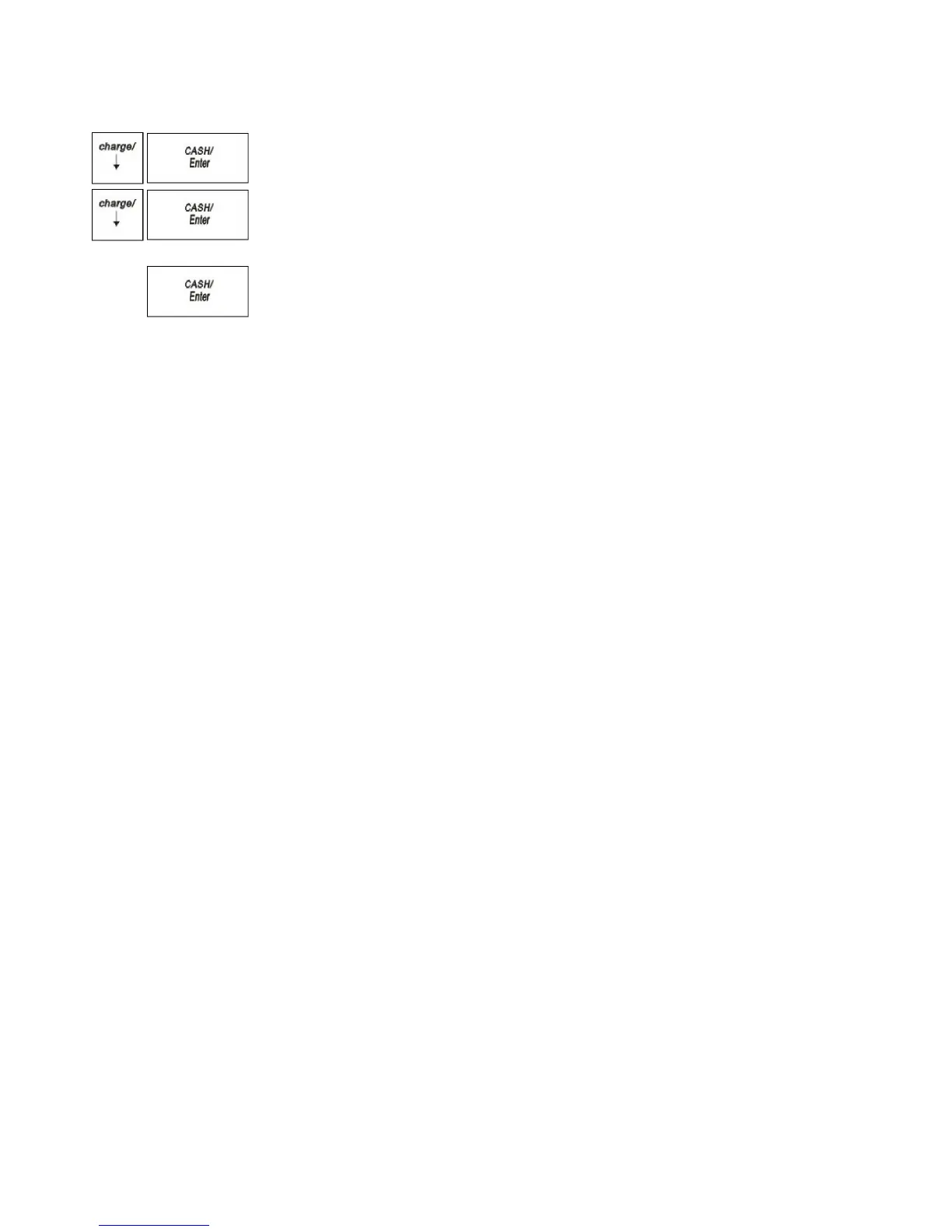
4 Press the Arrow Down key to select TAX SETTING. Press the CASH/Enter
key.
5 Press the Arrow Down key to select the tax you want to change. Press the
CASH/Enter key.
6 Using the round Number keys area, enter the tax you want to add. You must use
a 5 digit number.
7 When you are done, press the CASH/Enter key.
8 Repeat for each tax you want to set.
Printing a Confirmation Report
To check your results, see the Parameter Print on page 48.



 To Next Page