Royal 240DX User’s Guide
56
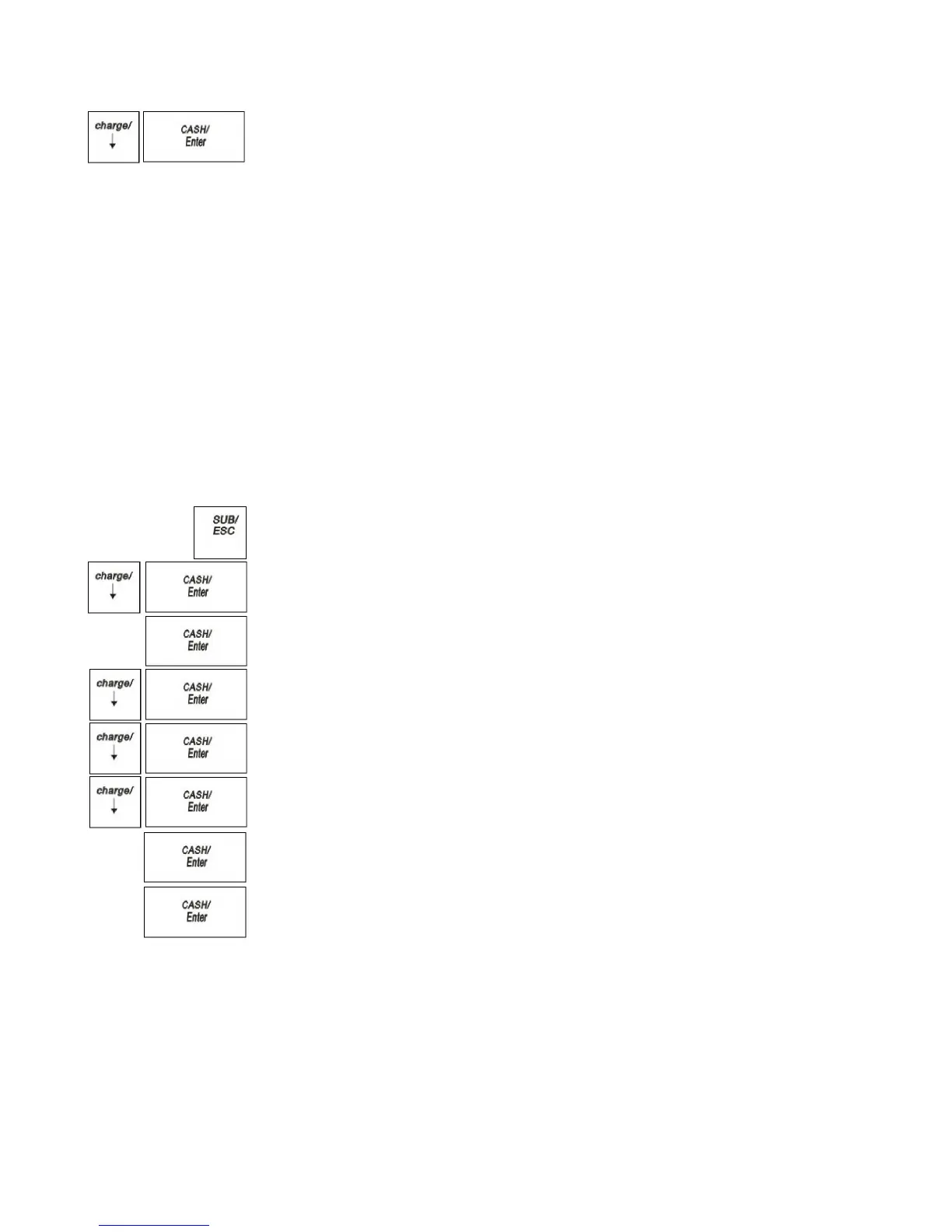
6 Press the Arrow Down key to select Tax System. Press the CASH/Enter key.
7 Select the tax system you want to use. Press the CASH/Enter key.
8 Now you need to specify the values for the tax rate(s):
• Straight tax values for Tax 1 and, optionally, Tax 2 through 4. See the next
section.
• Table tax values. See Programming Table Tax in the United States on
page56.
• VAT tax rates. See Using VAT Tax Rates on page60.
Programming Straight Add-on Tax in the United States
After you select the tax system to use, you must specify values. This section
explains how to specify straight add-on tax rates for the United States. Straight
add-on tax is the most common in the United States. You must specify at least 1 tax
rate and, optionally, you can specify up to 3 others.
To program straight Add-on tax rates for the United States
PROGRAM SETTING TAX SETTING
1 Press the SUB/ESC key.
2 Press the Arrow Down key to select PROGRAM SETTING. Press the
CASH/Enter key.
3 If you are prompted for a Manager Password, type the password number and then
press the CASH/Enter key. If you did not program a Manager Password, go to
the next step.
4 Press the Arrow Down key to select TAXSETTING. Press the CASH/Enter
key.
5 Press the Arrow Down key to select the tax you want to change. Press the
CASH/Enter key.
6 Press the Arrow Down key to select the type. Press the CASH/Enter key.
7 Select the Straight. Press the CASH/Enter key.
8 Using the round Number keys area, enter the tax you want to add. For example,
7750 is 7.75% tax.
9 When you are done, press the CASH/Enter key.
10 Repeat for each tax you want to set.
Programming Table Tax in the United States
If your area uses a tax code table, you must calculate your tax codes before you
continue with this section. For instructions, see Calculating Your Tax on
page 57.When you are done calculating your tax codes, return to this section.
Before you start, you must know where the first irregular breakpoint and the first
regular breakpoint are.



 To Next Page