Royal 240DX User’s Guide
78
Data Loading
To load the programming data in SD card to Cash Register
PROGRAM SETTING SYSTEM PARAMETER Data Recovery
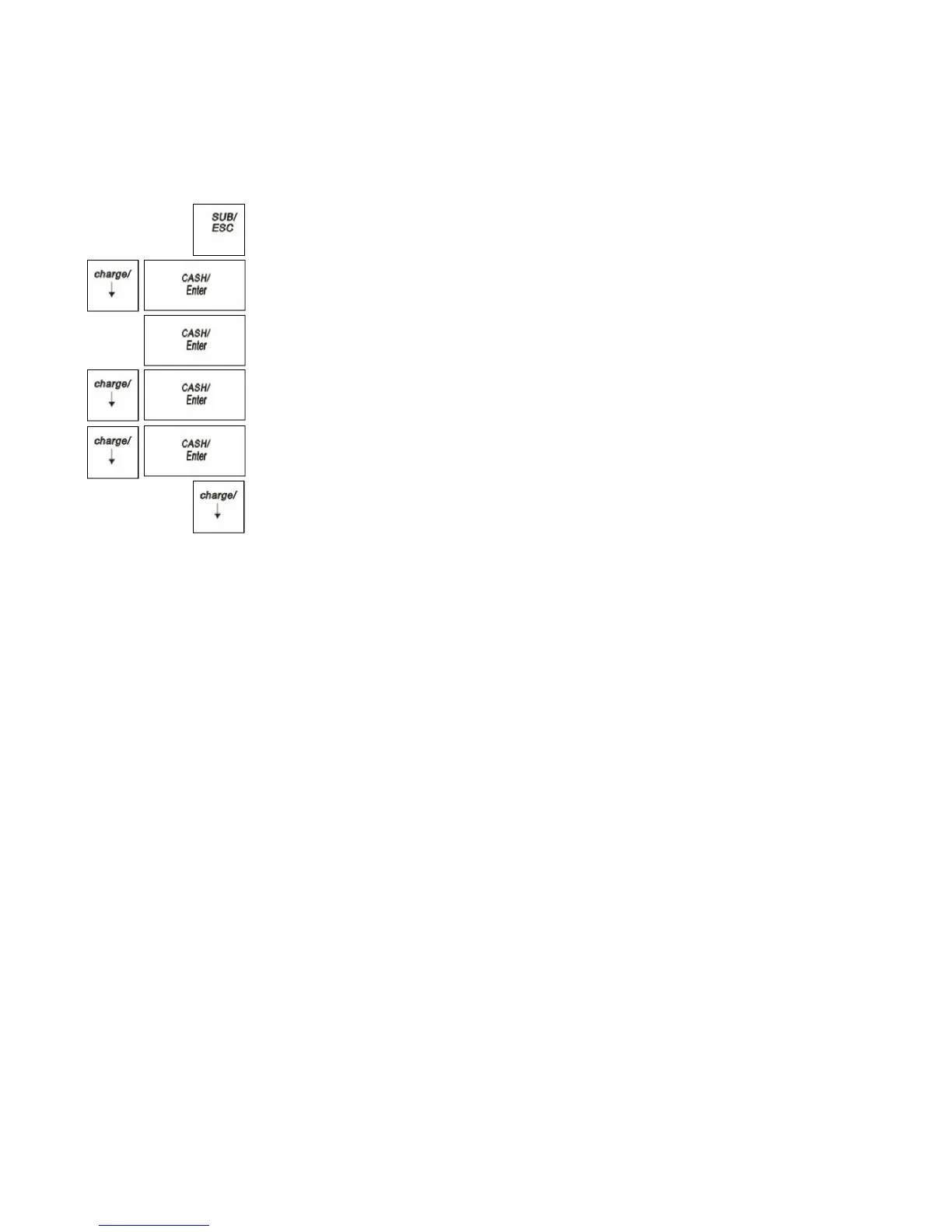
1 Press the SUB/ESC key.
2 Press the Arrow Down key to select PROGRAM SETTING. Press the
CASH/Enter key.
3 If you are prompted for a Manager Password, type the password number and then
press the CASH/Enter key. If you did not program a Manager Password, go to
the next step.
4 Press the Arrow Down key to select SYSTEM PARAMETER. Press the
CASH/Enter key.
5 Press the Arrow Down key to select Data Recovery. Press the CASH/Enter
key.
6 Press the Arrow Down key to select Yes.
The ECR is reading programming data from SD card, after reading over it will
prompt “Succeed!”



 To Next Page