Royal 240DX User’s Guide
18
Navigating keyboard
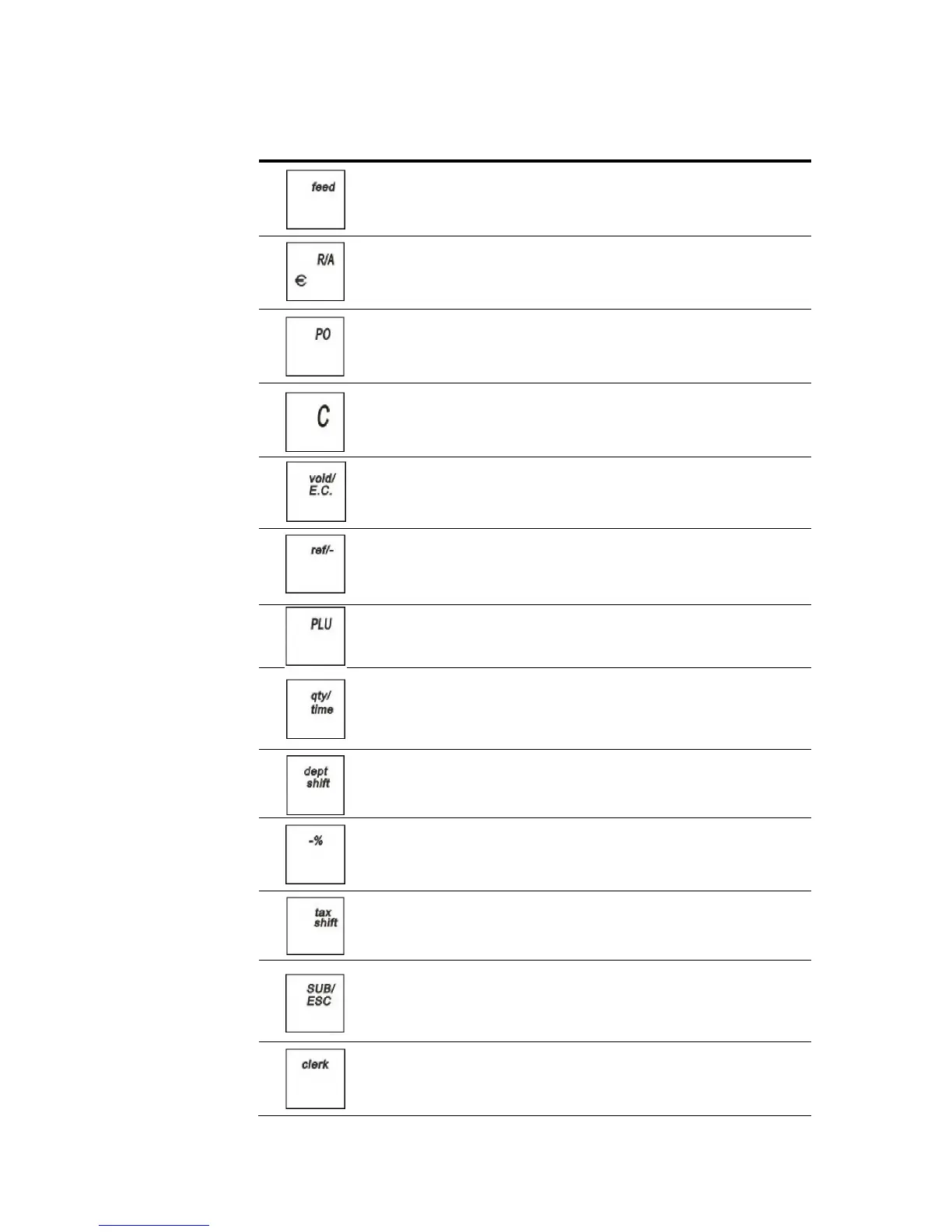
Use this key... To do this...
feed paper through the printer
use Received On Account
use Cash Paid-Out
Clear an entry
void a line item in a sales
transaction(ERROR-CORRECT) or
ring an entire voided sale transaction
Return Merchandise
Refund
enter a PLU number manually
enter multiple quantities of a PLU or Department
during a sale
show the default date/time/status screen on the clerk
display between sales in the Sales Registration mode
switch the department increment
switch the alphanumeric input (Capital letter/
Lowercase letter/ Digits/ Symbol)
-% (Discount) operation
override the pre-programmed tax rate for an item with
a different tax rate or tax exempt a single item
go directly back to the Main menu from any point in
the cash register menus
exit the current screen and go back to the previous
screen
log on/off the clerk



 To Next Page