27
Royal 240DX User’s Guide
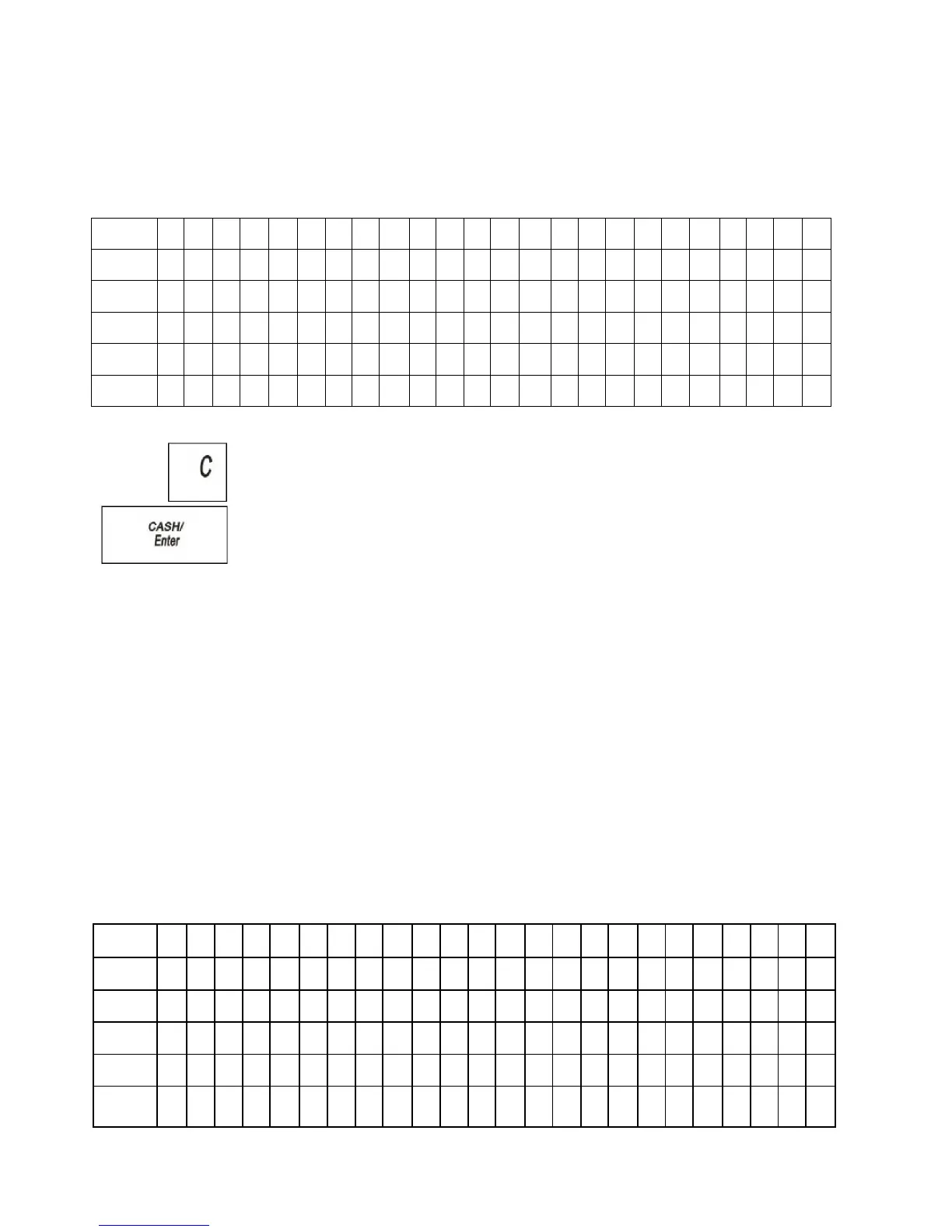
Header Message or Footer Message Worksheet
Use this worksheet to make your header message or footer message. Make a copy of
the blank worksheet before you start, in case you make a mistake or change your
mind.
Important
If you enter the wrong character, press the C key to clear the character.
Now you can continue.
The text in the header message and the footer message is not automatically
centered. If you want the message to be centered, select center and press
CASH/Enter.
Before PROGRAM SETTING your header or footer message
1 Write out your store name and the header message you want to
program.
2 After writing out your message, count the number of characters on each line. The
following example shows a message and the letter count, including spaces.
INTERNATIONAL
3 Complete the chart, filling in extra unused characters with blank spaces. The text
for each line is automatically centered.
Line 1



 To Next Page