Royal 240DX User’s Guide
74
Checking the Electronic Journal Memory
You can check the current status of the Electronic Journal memory for thenumber of
lines used in memory and how many lines remain free. Thislets you know if you
should print the Electronic Journal soon.
To check the Electronic Journal memory
PROGRAM SYSTEM PARAMETER System Configuration
System Information
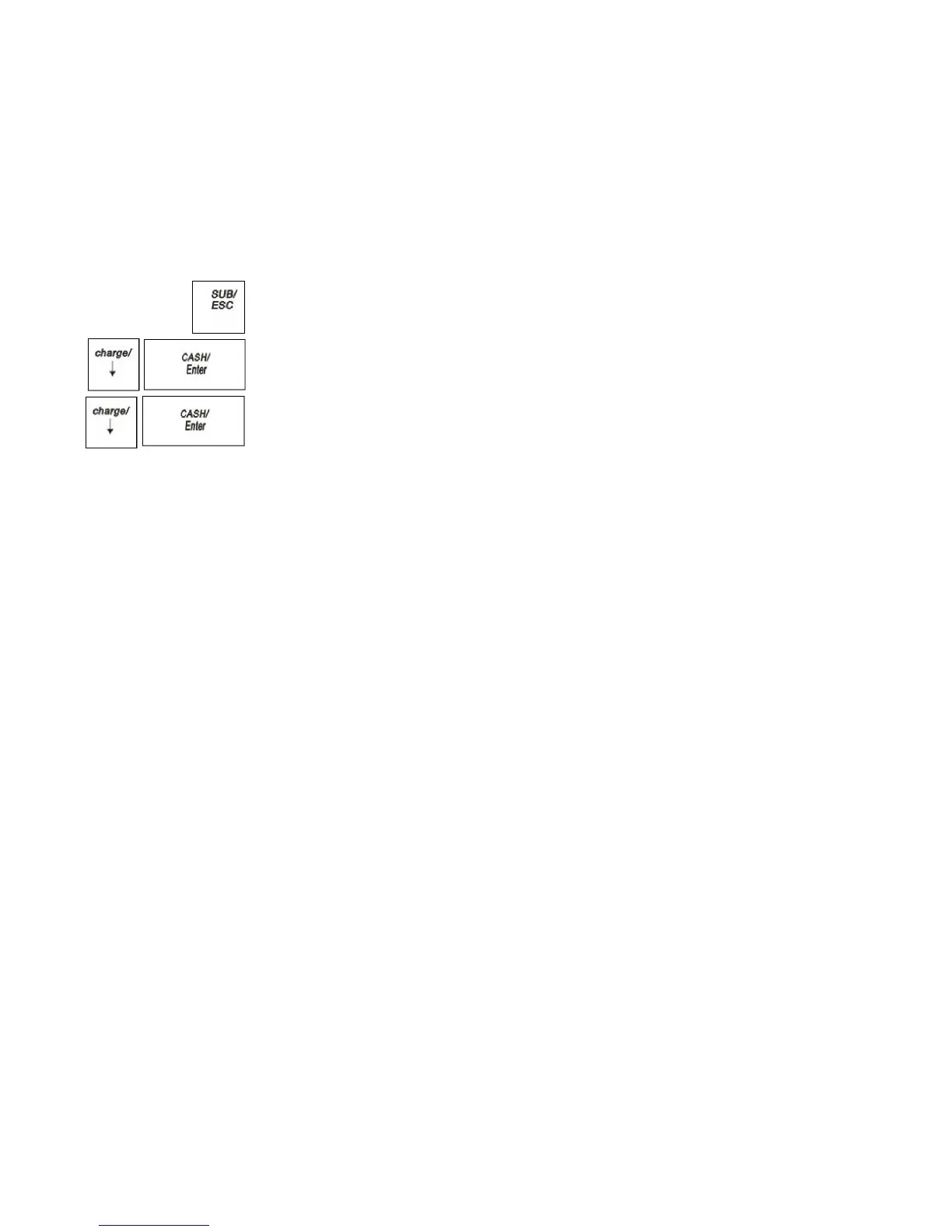
1 Press the SUB/ESC key
2 Press the Arrow Down key to select PROGRAM. Press the CASH/Enter key
.
3 Press the Arrow Down key to select SYSTEM PARAMETER. Press the
CASH/Enter key
.
4 Press the Arrow Down key to select System Information. Press the
CASH/Enter key
.
5 The system information appears on the screen.
The total available number of PLUs are shown with the number you are using. You
also see the EJ information. If the number used is close to the total number of
150,000, print the EJ report to avoid losing important information.



 To Next Page