42
curve(C-cureve), spiral(T-curve).
In MENU, press [0] to enter the Road
function.
Select “1.HZ AL data” to enter into define HZ
Alignment function. Then select “Define HZ AL”.
Input the chainage of start point, and N, E
coordinates. Press [OK]
The display enters to the Define HZ
alignment main menu.
Straight Line
When the start point or other line type is defined, user can define line. A line consists of azimuth angle and
distance. The distance value can not be negative.
Press [StrL] to enter into the straight line
defining menu.
Input the length of the line, press [OK]
The display shows the end chainage of the
straight line and its azimuth.
Now, user can define other curves.
When the line is in the middle of road, the azimuth angle of the line is calculated according to the previous
elements.
Curve
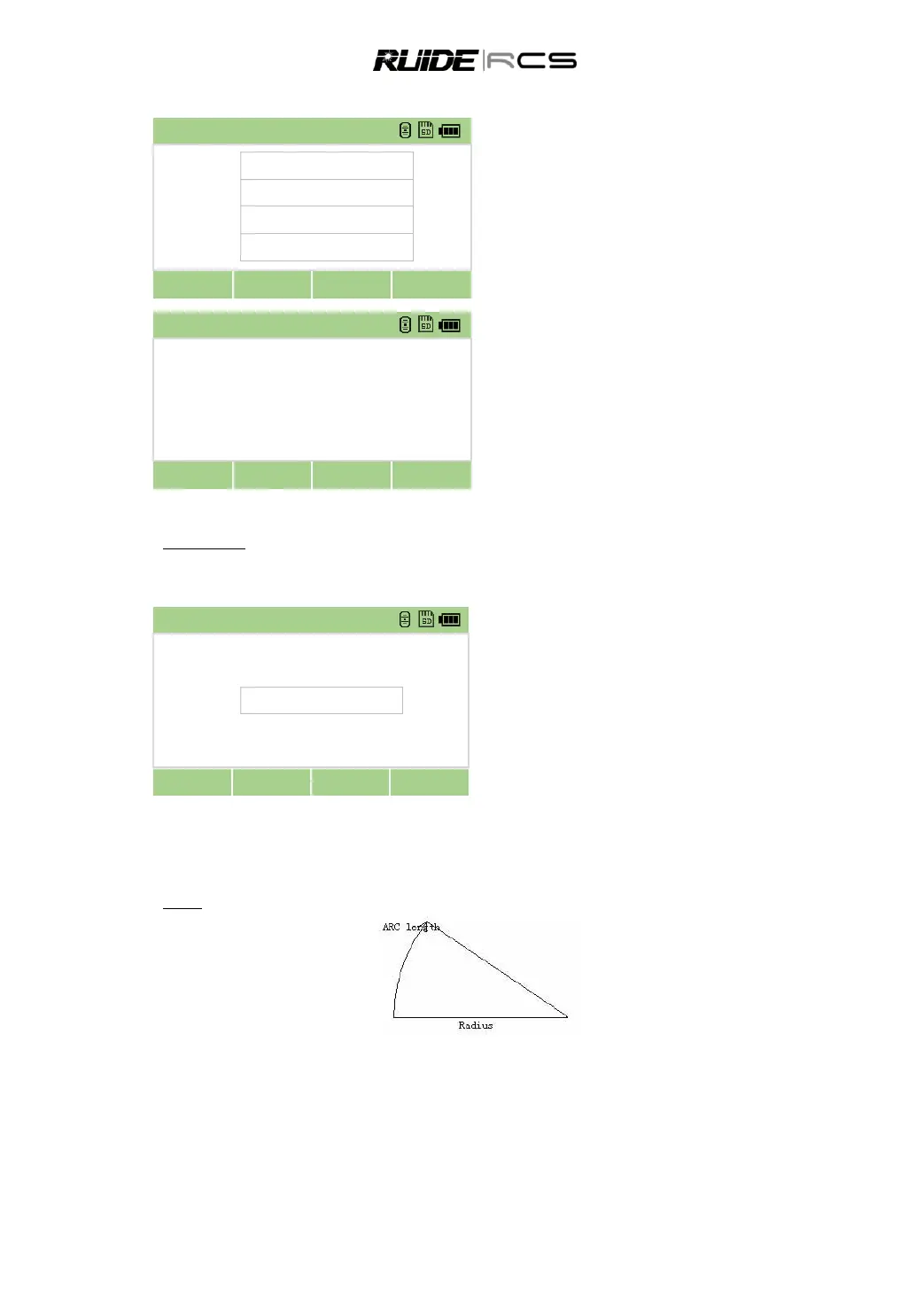
Press [C-curve] in “Define HZ AL” menu to define the arc. A curve consists of arc length and radius. The
rule of radius value: along the forward direction of the curve. When the arc turns right, the radius value is
positive; while the arc turns to left, the radius value is minus. The arc length can neither be negative nor
longer than the circumference.



 To Next Page