43
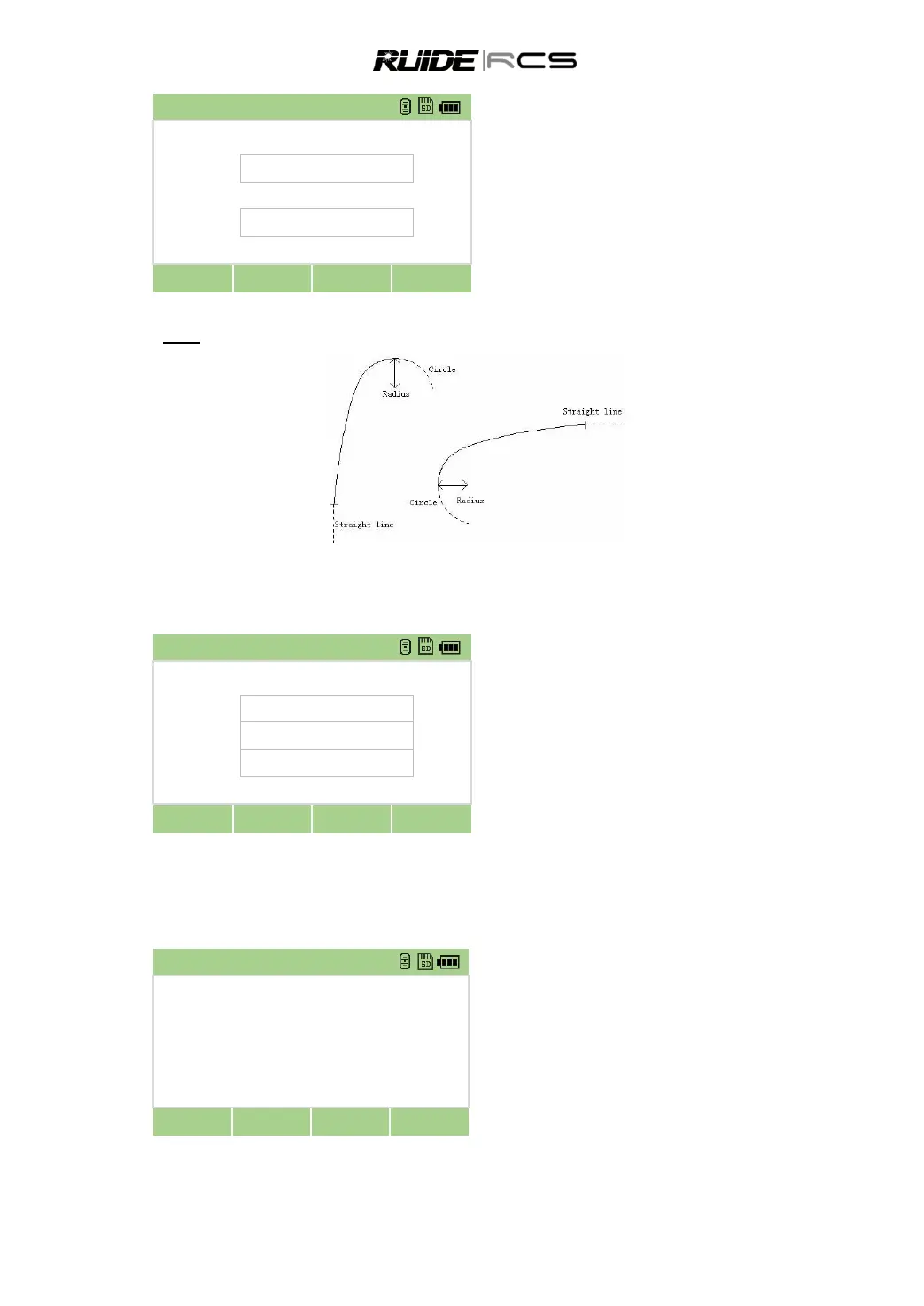
Press [C-curve] to enter into the curve
defining menu.
Input radius and arc length, and press [OK]
to record this data.
The display shows the end chainage of the
curve and its azimut
Spiral
In Define HZ AL screen press [T-curve] to define transition. A transition consists of the parameter, start
radius and end radius. The rule of radius value is same as the rule of radius value. Similarly, the arc
length can‟t be negative.
Press [T-curve] to enter into the spiral
defining menu.
Input radius and parameter, and press [OK]
to record this data.
The display shows the end chainage of the
spira and its azimut
10.2 EDIT HORIZONTAL ALIGNMENT DATA
In the process of defining horizontal alignment, editing is available.
In HZ Alignment select “Edit HZ AL”.
Select the data to be edited, press [ENT]
Press [Edit], input the new data, , press [OK],
then [ESC] to choose other elements to edit.



 To Next Page