44
10.3 RECEIVE HZ AL
In HZ Alignment select “Import HZ AL”.
Select the file to be imported
Press [OK] to start
10.4 DELETE HORIZONTAL ALIGNMENT DATA
The horizontal alignment data in internal memory can be deleted. Operation is shown below.
In HZ Alignment select “Delete HZ AL”.
Press [OK] to delete all the horizontal
alignment.
10.5 DEFINE VERTICAL ALIGNMENT
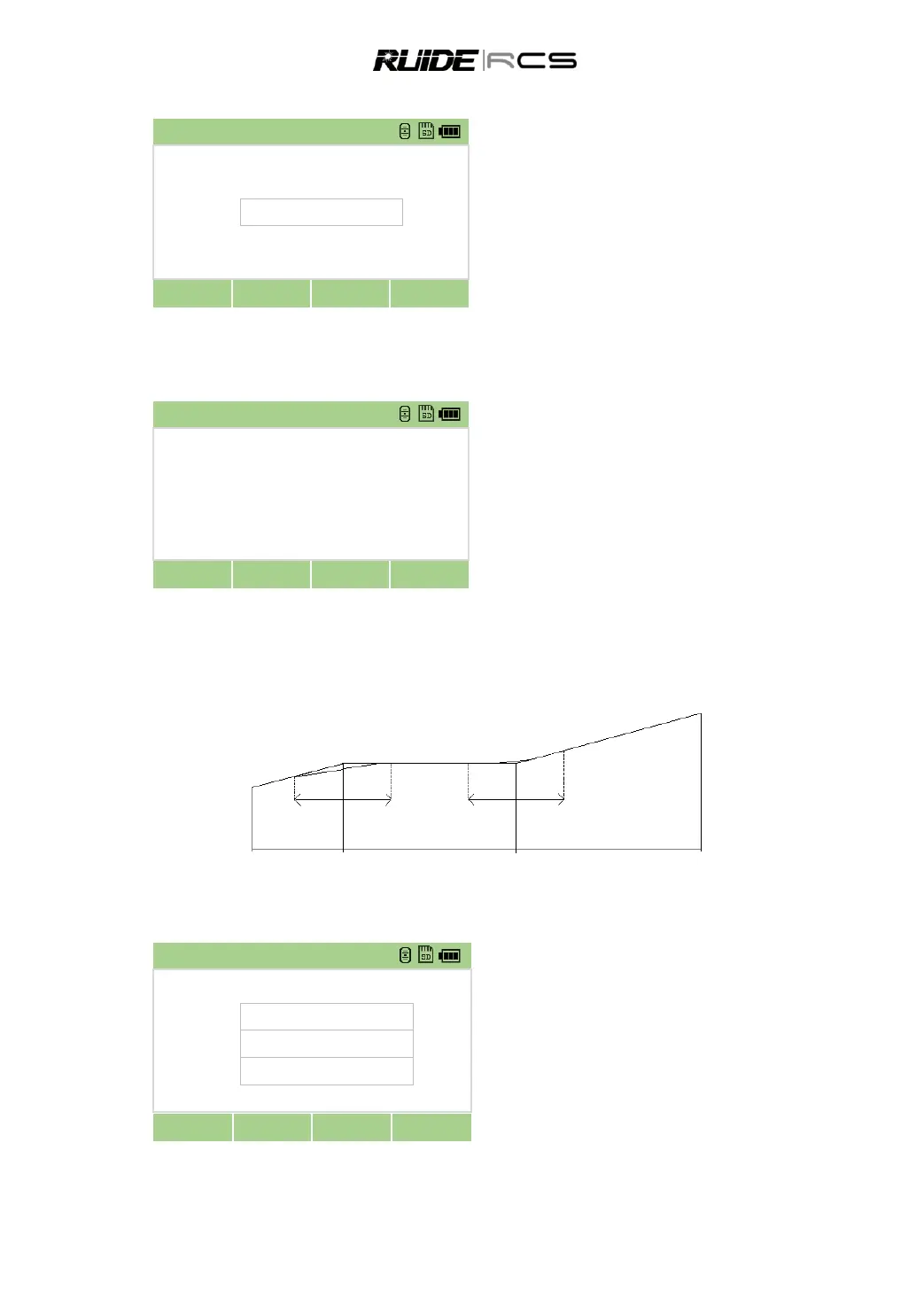
A vertical alignment consists of a series of intersections, including a chainage, height and curve length.
The length of start point and end point must be zero.
Chainage 1000 1300 1800 2300
Height 50 70 60 90
Curve length 0 300 300 0
In Roads menu select “2.VT AL data” to
enter to define VT Alignment function.
Select “Define VT AL”.
Input chainage, elevation and length, then
press [OK].
For the menu of Edit VT AL, Import VT AL and Clear VT AL, please refer to steps of HZ AL data.
Clear the alignment data?



 To Next Page