MCA-C3 Test Procedure
Page 10 of 77
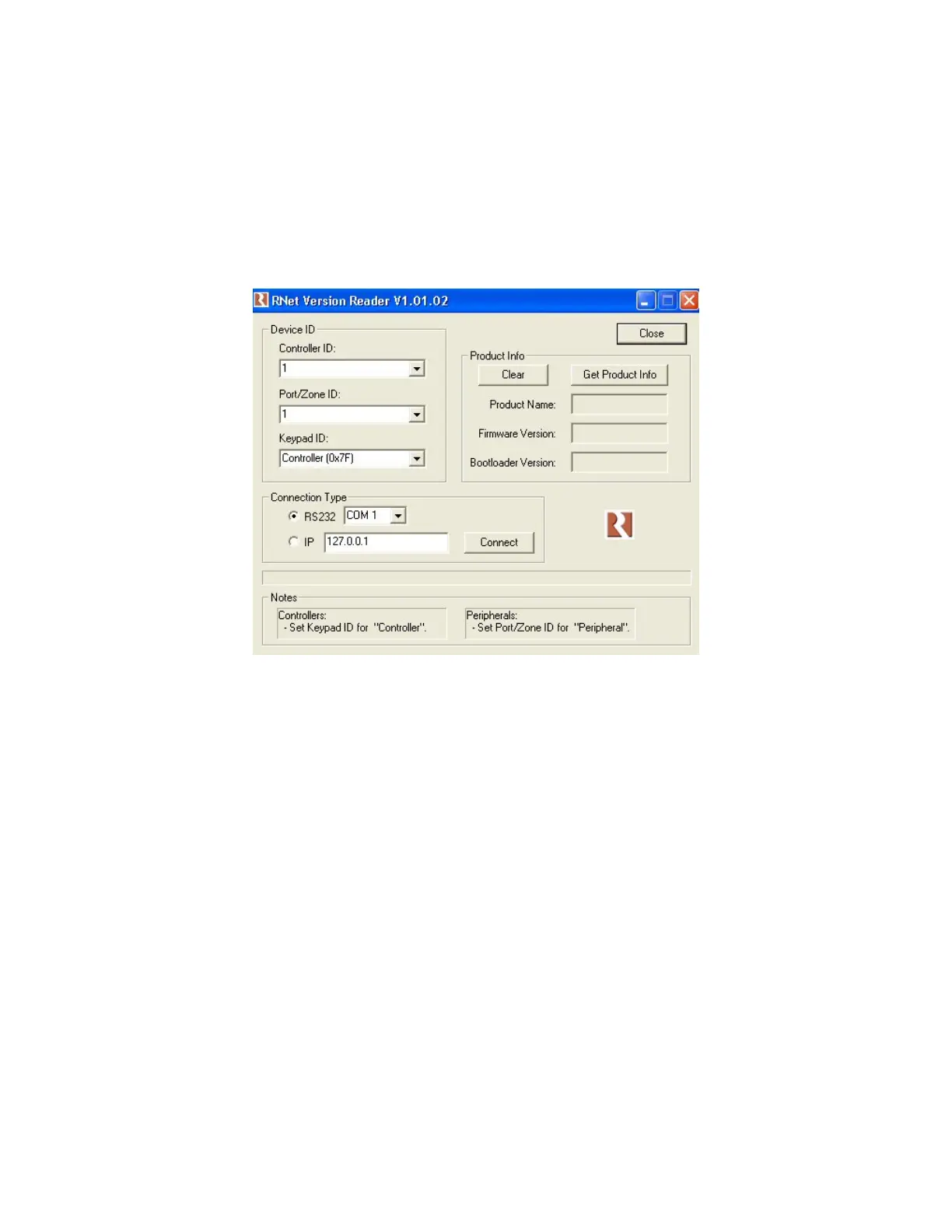
Install RNET Version Reader v1.01.02
1. Obtain the “RNETVersionReaderSetup.exe” file from Russound SQA.
2. Install RNET Version Reader v1.01.02 following the default prompts.
3. Place a shortcut on the desktop from the Russound directory in the
Start/Programs button.
4. Open RENT Version Reader and set it as the picture displays.
5. Close RNET Version Reader.



 To Next Page