MCA-C3 Test Procedure
Page 44 of 77
Controller ID Switch
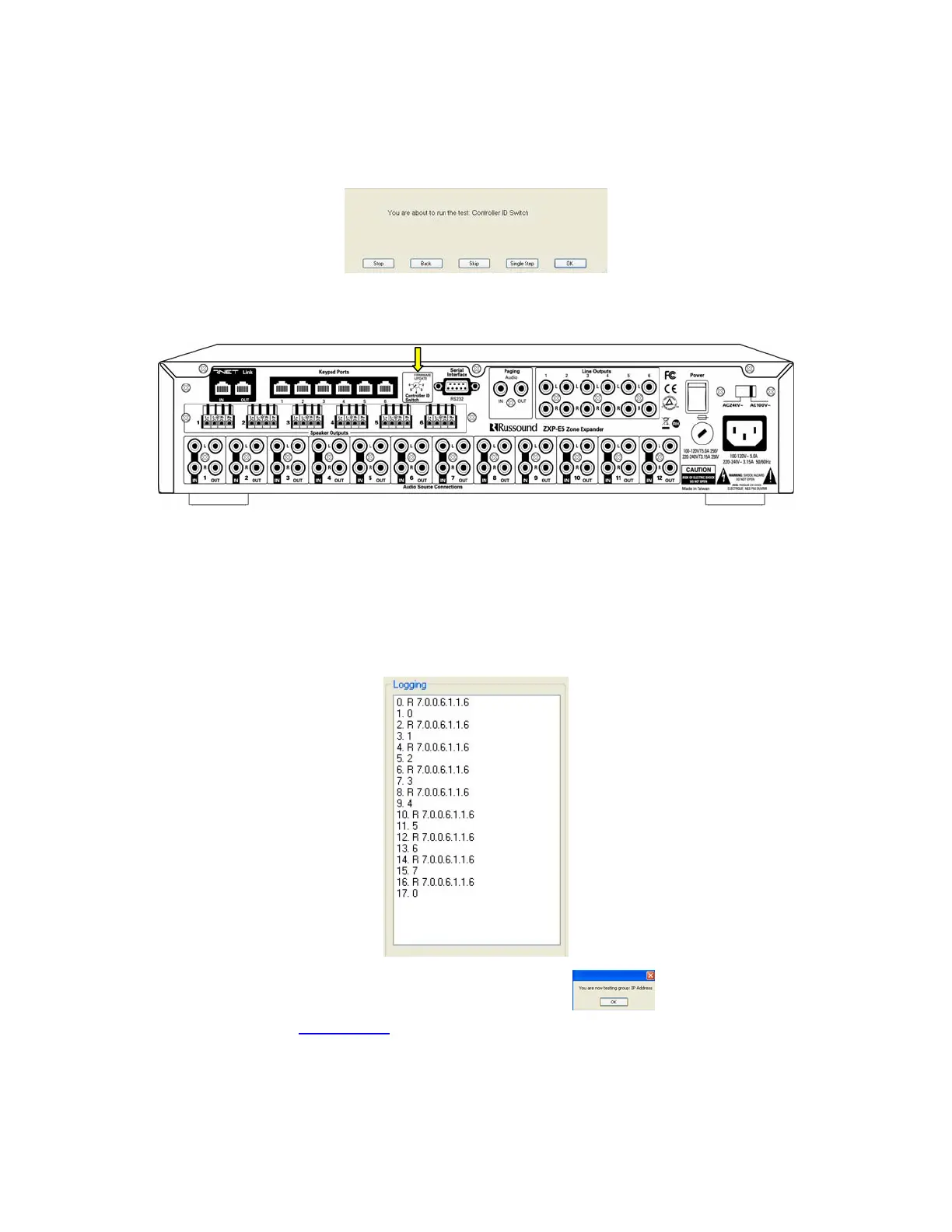
1. The following dialog will display.
2. Place a small screw driver in the Controller ID Switch located on the rear of the
MCA-C3.
3. Press the space bar to start the test.
When the number 0 displays in the logging window set the switch to position 1.
When the number 1 displays in the logging window set the switch to position 2.
You will turn the switch 8 times back to position 1 waiting for each number
to display.
This test passes when you see the following display.
4. Press the space bar since to start the next group.
5. Continue to the “IP Address
” section.
Note: Each time a new test starts the Logging window will clear.



 To Next Page