MCA-C3 Test Procedure
Page 46 of 77
MAC Address / Ethernet Port
1. Click the “Test All” button below the Command Queue window.
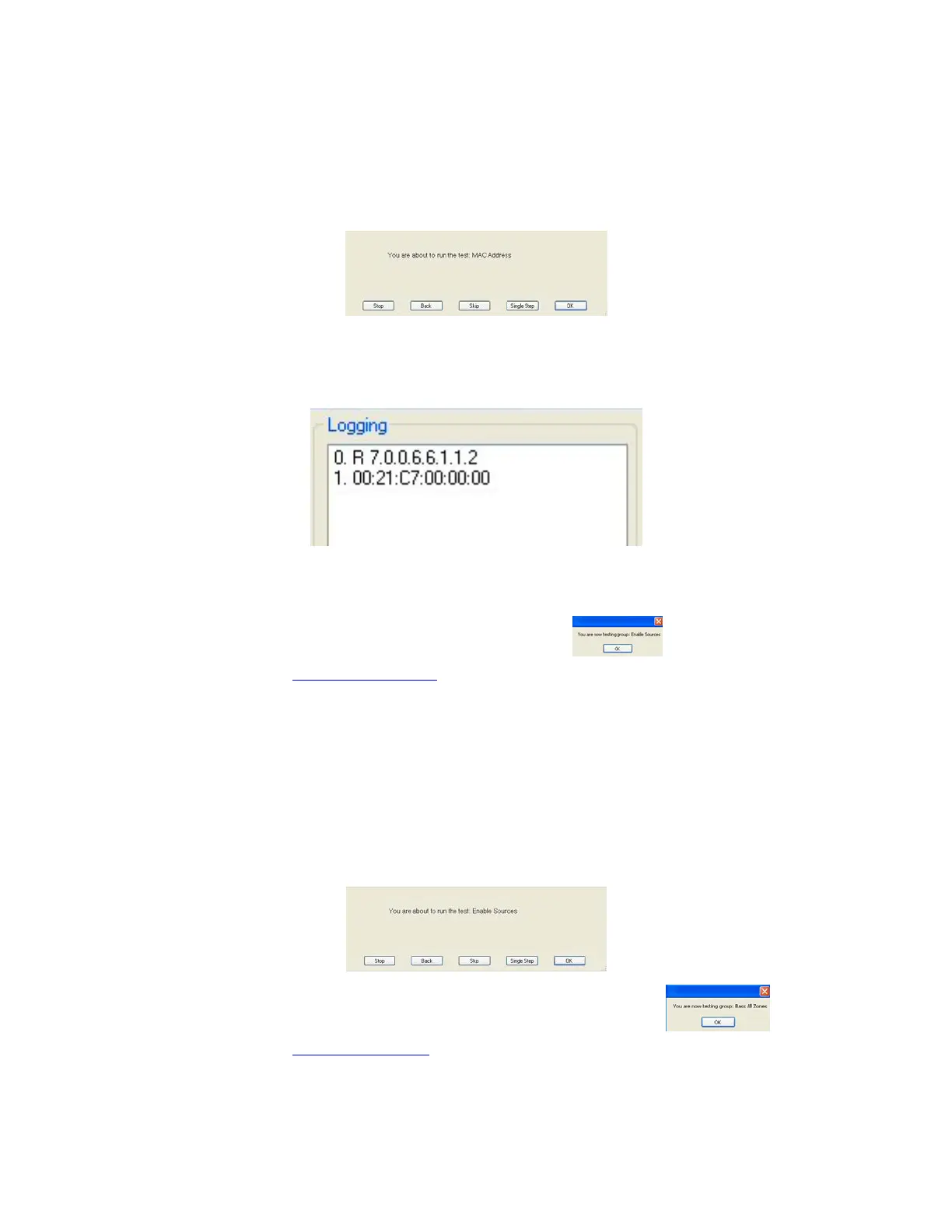
The “You are about to run the test: MAC Address” dialog will display.
Press the Space Bar.
2. The Incoming window in the Logging section displays the MAC address.
Check the MAC address has not been duplicated by another product.
Create a spreadsheet and record each MAC ID checked.
3. When the MAC ID displays it confirms the Ethernet Port has tested
successfully. The command was sent via row c3, the Ethernet Port.
3. Press the space bar since to start the next group.
4. Continue to the “Enable Sources” script”.
Enable Sources
1. Press the space bar at the “Enable Sources” dialog.
MDK-C5 Keypads 1 – 5 will turn off and display will go dark.
MDK-C5 Keypad 6 will remain illuminated. (This disables sleep mode)
2. Press the space bar to start the next group “Bass All Zones”.
3. Continue to the “Bass All Zones”
script.


 To Next Page