MCA-C3 Test Procedure
Page 54 of 77
Zone 2 – 6
1. Continue pressing the space bar until Zone 2 through Zone 6 is tested.
2. While progressing through Zone 2 the tests will be identical to the
Zone 1 section.
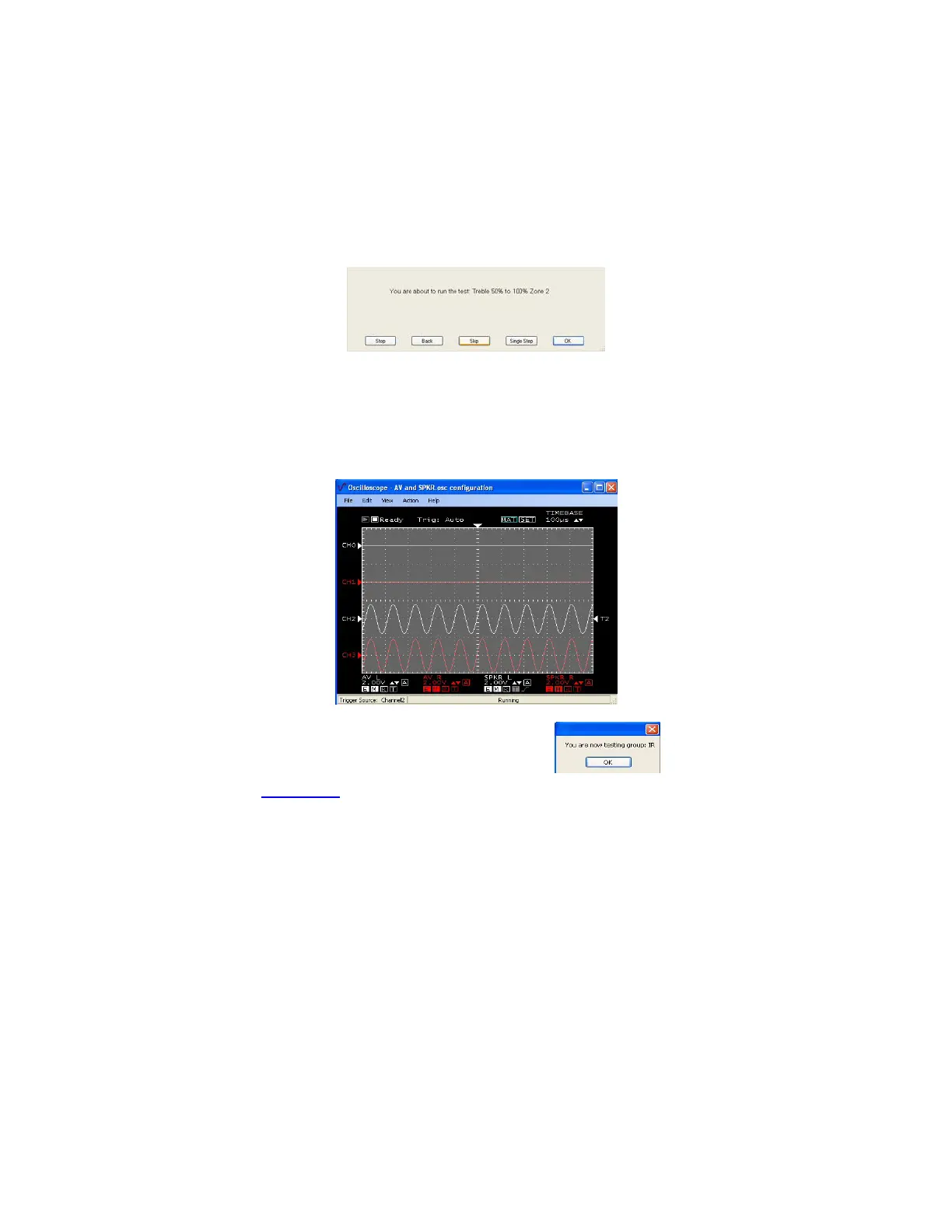
Dialogs like this will display for each Zone (x) test.
Zone 2 will display sine waves exactly like the Zone 1 section.
Make certain to test the Fixed/Variable Switch for Zone 2.
Zone 3 – 6 will display speaker sine waves only (CH2 and CH3 only)
All test scripts are the same a Zone 1 and 2 except no Fixed Zone (x) test.
Sample Zone 3 – 6 Speaker Output
3. Press the space bar to start the next group “IR”
4. Continue to “Zone IR” script.



 To Next Page