MCA-C3 Test Procedure
Page 56 of 77
Zone Paging
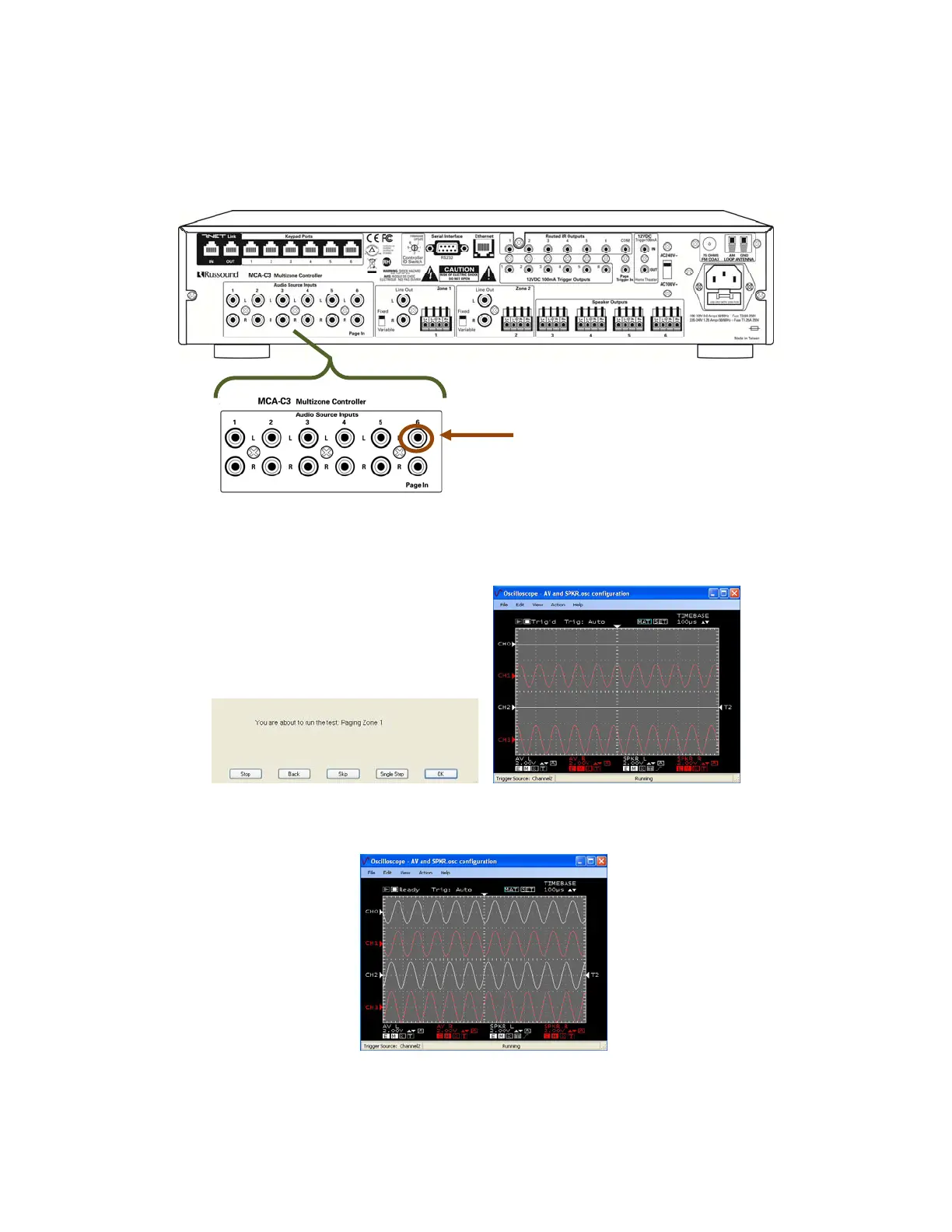
1. Unplug only the RCA Cable on Source 6 L Audio Source Inputs.
the RCA Cable on Source 6 R stays connected.
2. Press the space bar at the “Paging Zone 1” script.
The RCK will display Zone: 1 Source: 6
Paging disabled, Right channel sine wave is displayed only for 1.5 seconds.
3. After 1.5 seconds Paging enabled, both R & L channel sine wave displays.
After 1.5 seconds, Paging disabled, the Right channel sine wave displays only.
Source 6 Left unplugged Page Enabled
Unplug
Source 6 Left only



 To Next Page