MCA-C3 Test Procedure
Page 57 of 77
4. When this test finishes you will see the group Audio and Page Sense dialog,
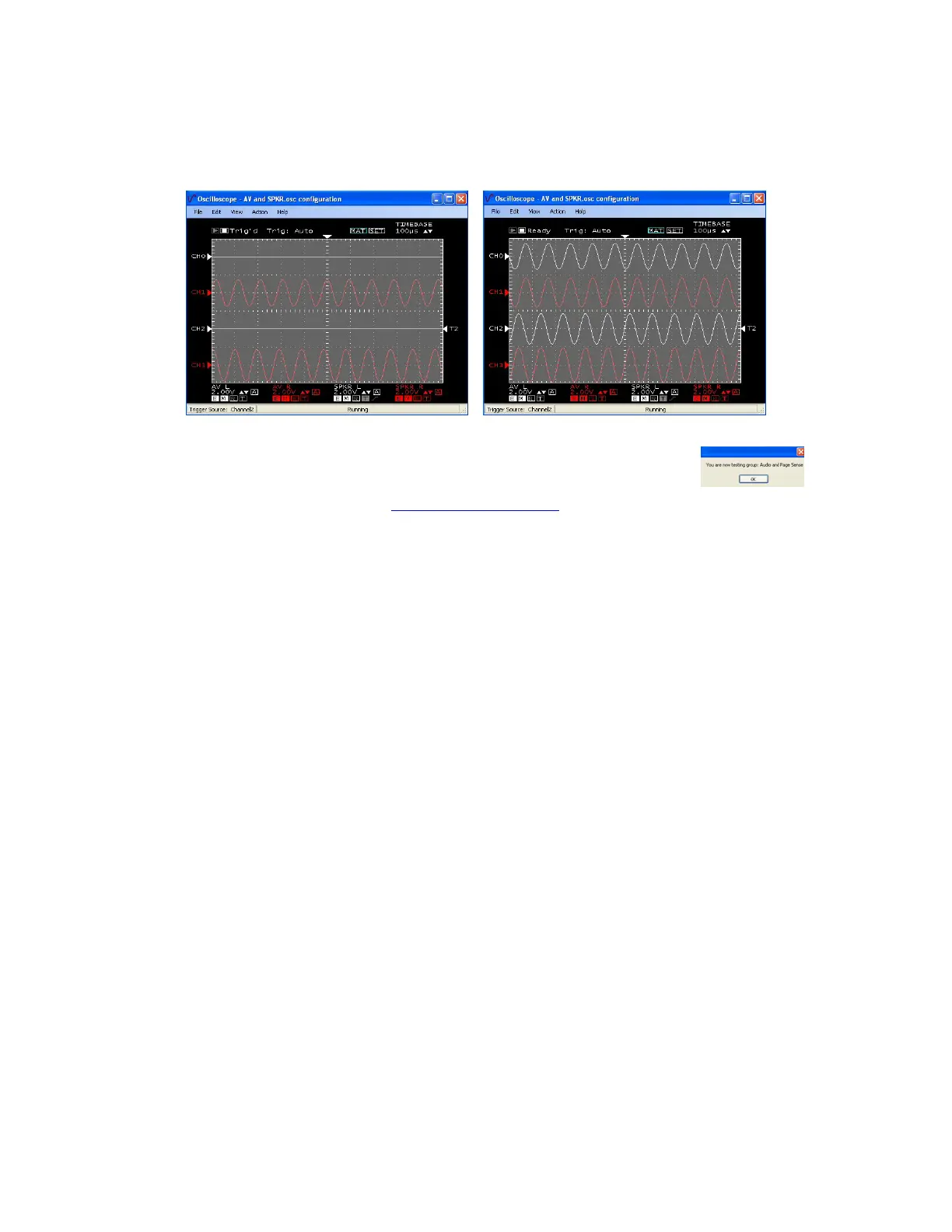
The Right channel only is displayed, plug in the RCA cable
for Source 6 L. Both channels will display.
Source 6 Left unplugged Page Disabled Source 6 Left connected Page Disabled
5. Press the space bar to start the next group “Audio Page Sense”.
6. Continue by performing the “Audio Register Set” script.



 To Next Page