MCA-C3 Test Procedure
Page 39 of 77
AM/FM Tuner
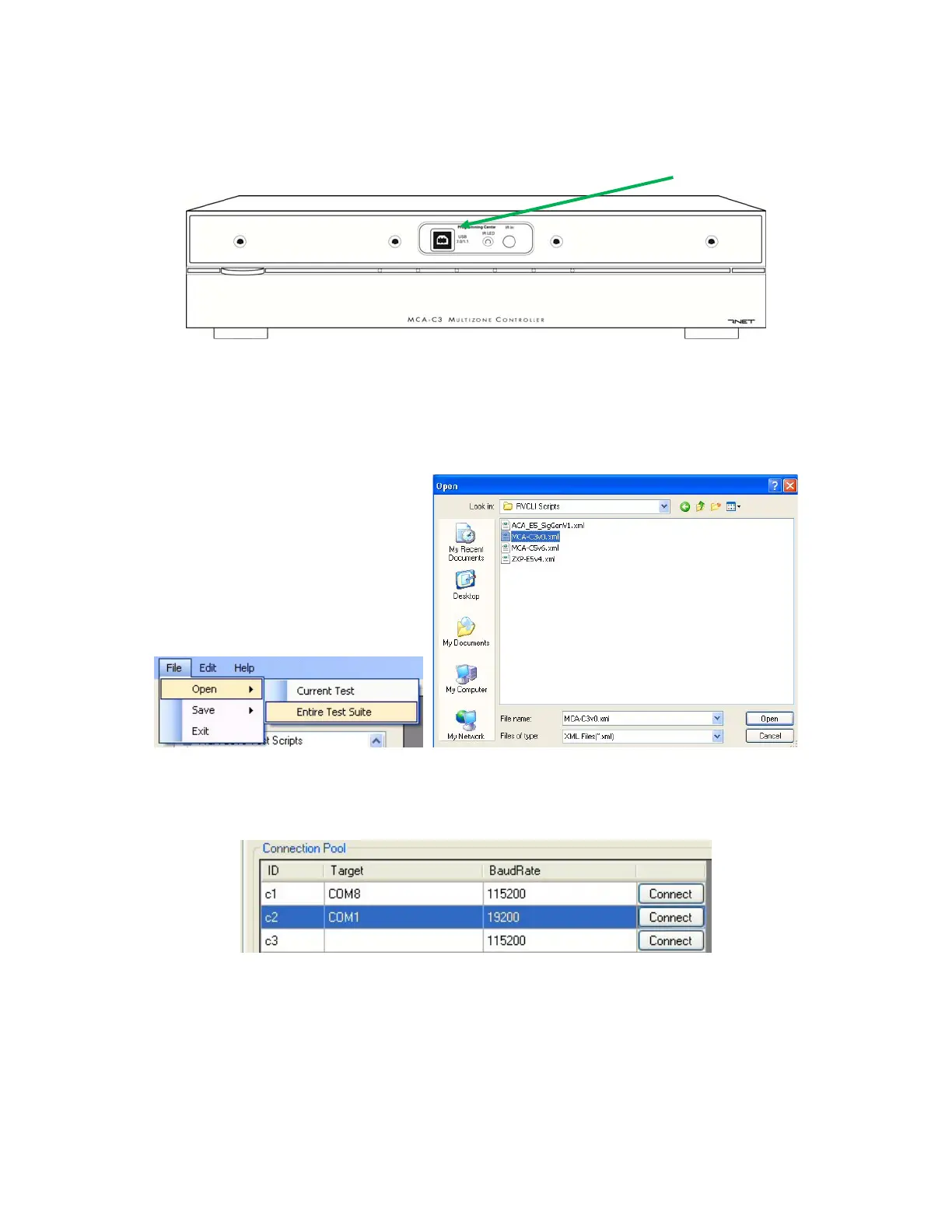
1. Connect a USB A-to-B cable from your PC to the MCA-C3 USB port.
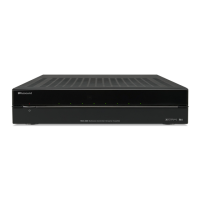
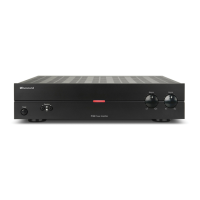
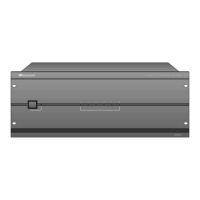
Front Panel of MCA-C3
2. Open RCVLIScripter. Load the correct version of the MCA-C3v*.xml file by
Clicking “File” the “Open” then “Entire Test Suite” and
Selecting MCA-C3v*.xml and clicking the “Open” button.
The correct version of the file is listed on the first page of the document.
3. The “Connection Pool” must have the following display.
The C1 row may have a different COM port listed. This is ok.
Check Device Manager to be certain. This is the USB Com Port.


 To Next Page