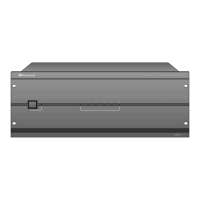
MCA-C3 Test Procedure
Page 19 of 77
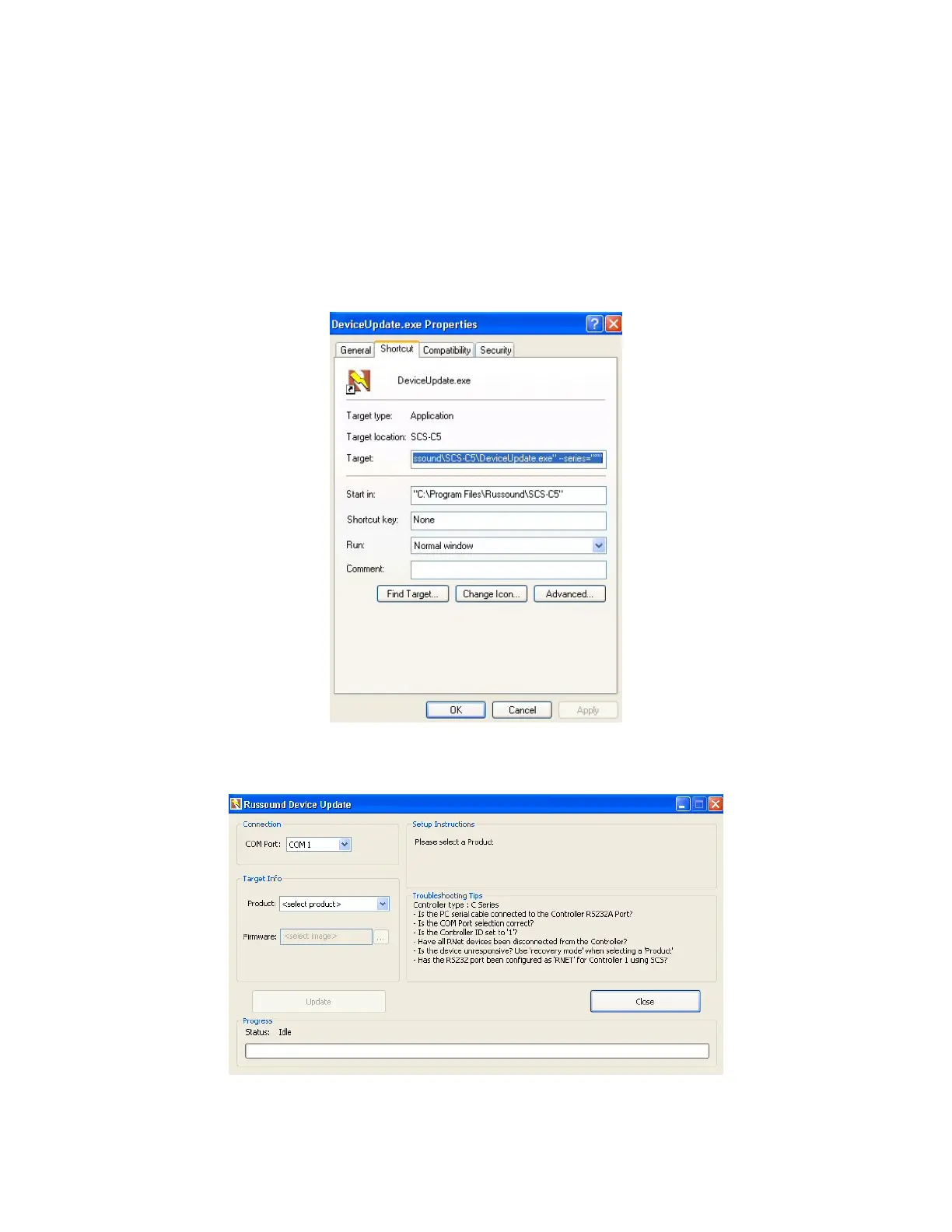
5. The “DeviceUpdate.exe” Properties dialog opens.
Select the “Shortcut” tab.
In the “Target” window at the very end of the statement type
(space) --series=”*”
This is how the “Target” window should appear.
"C:\Program Files\Russound\SCS-C5\DeviceUpdate.exe" --series="*"
Click the “Apply” then “OK” button and you will return to the desktop.
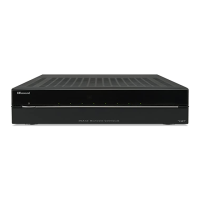
6. Open “DeviceUpdate.exe” by using the shortcut icon.
“Russound Device Update” will open.
7. Close “Russound Device Update” clicking the “Close” button.


 To Next Page