HighLinePlayer
BluetoothMessage
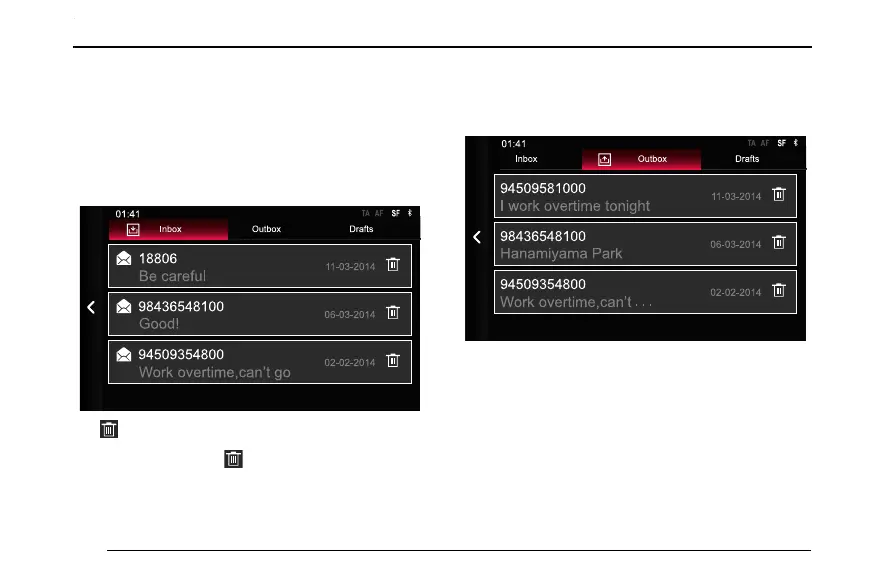
Inbox
AftertheBluetoothissuccessfullyconnected,tapthe
messageareainthehomepagetoentertheBluetooth
messageinterface,andtap[Inbox]toentertheinbox
interface.
T aptodeletethismessage
T apotherareasexcepttoviewthemessagedetails.
ThemessagecanalsobedeletedintheDetailsinterface.
Outbox
T ap[Outbox]toviewsentmessages,andtapeachlineto
viewthemessagedetails.
DraftBox
T ap[DraftBox]toviewmessagesnotsuccessfullysentor
beingedited.
146



 To Next Page