102 • Program Mode SAM4S ER-230EJ Manual
Descriptor Programming Methods
Descriptors can be programmed for PLUs, function keys, groups, clerks and the
logo/messages. Two methods are available to program descriptors, the Program Overlay
Method and the Descriptor Code Method. This chapter describes both methods. Refer to
each program area for specific steps for programming PLUs, groups, function keys, etc.
Descriptor Overlay Method (SMS mode)
This method is the default descriptor program method. When the descriptor field is
selected on the program screen, you can simply type the descriptor placing a copy of the
overlay over the keyboard. Press CASH to finalize your descriptor.
Program Example
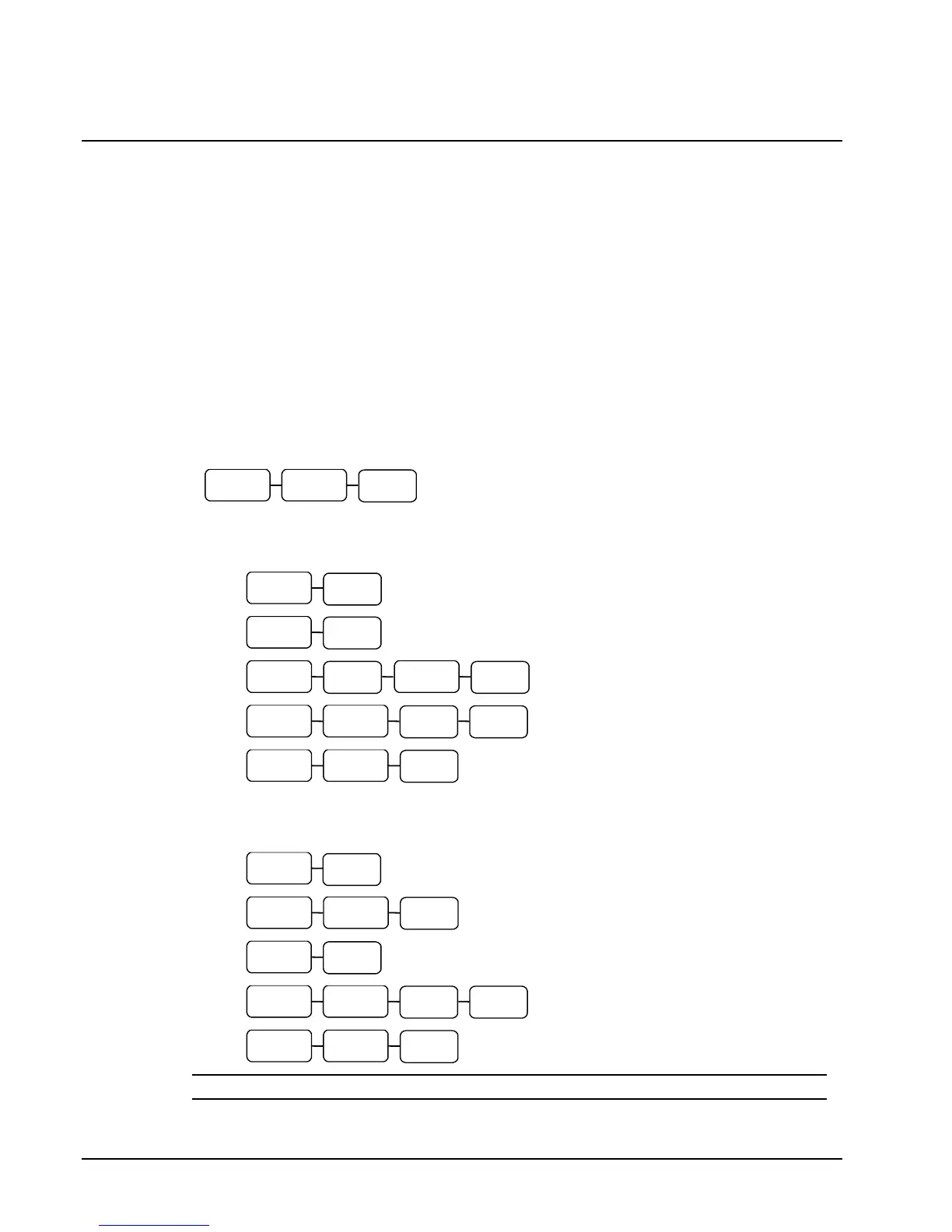
To program the descriptor "20%" type:
To use BACK and program the descriptor "APPLE" type:
To program the descriptor "Apple" type:
NOTE: Use the CAPSkey to toggle between upper and lower case descriptor options.



 To Next Page