38 • Operations SAM4S ER-230EJ Manual
Split Pricing Code Entry PLU
When items are priced in groups, i.e. 3 for £1.00, you can enter the quantity purchased and
let the register calculate the correct price.
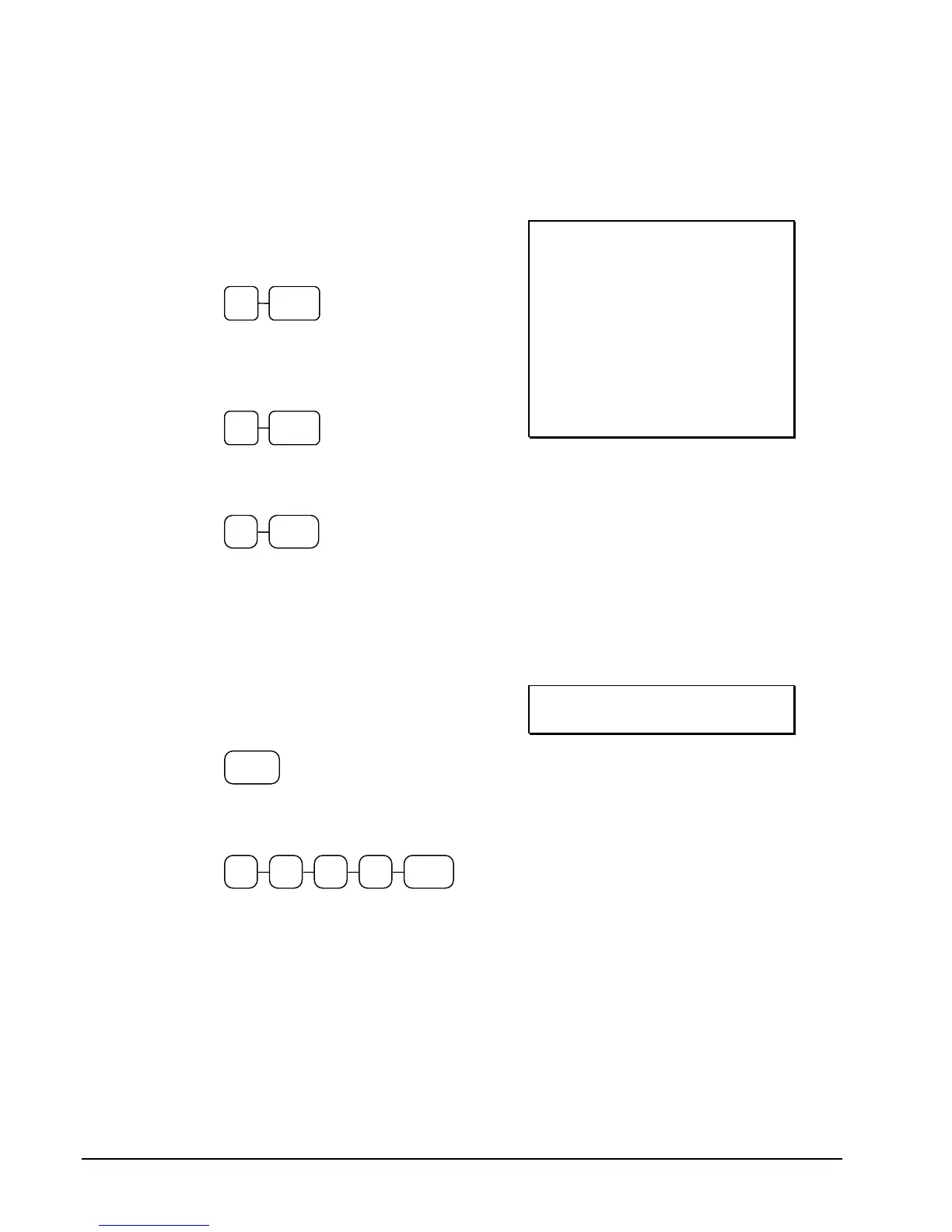
1. Enter the quantity purchased; press the
X/TIME key. For example, enter:
2. Enter the quantity of the group price;
press the X/TIME key. For example, if
the items are priced 3 for £1.00, enter:
3. Enter the PLU number; press the PLU
key. For example, enter:
THANK-YOU
CALL AGAIN
23/11/2015 MON 08:33
2@3FOR @2.99
PLU3 T1 £1.99
TAX1 £0.12
TOTAL £2.11
CASH £2.11
CLERK 01 000011 00001
PLU Price Inquiry
You can check the price of a PLU without registering the PLU by placing a price inquiry
function key on the keyboard.
SCREEN EXAMPLE
1. Press the PRICE INQ key. The
message "PRICEINQ" displays:
2. Press a preset PLU key, or enter a
PLU number and press the PLU key:
3. The PLU descriptor and price display
on the screen. If the PLU has prices at
more than one price level, all prices
will be shown.
4. Press CLEAR to remove the price
information from the screen, or enter
the PLU again to register the item.



 To Next Page