52 • Operations SAM4S ER-230EJ Manual
Paid Out Operations
You can use the PAID OUT function to track cash or cheques paid out or to record loans
from the cash drawer.
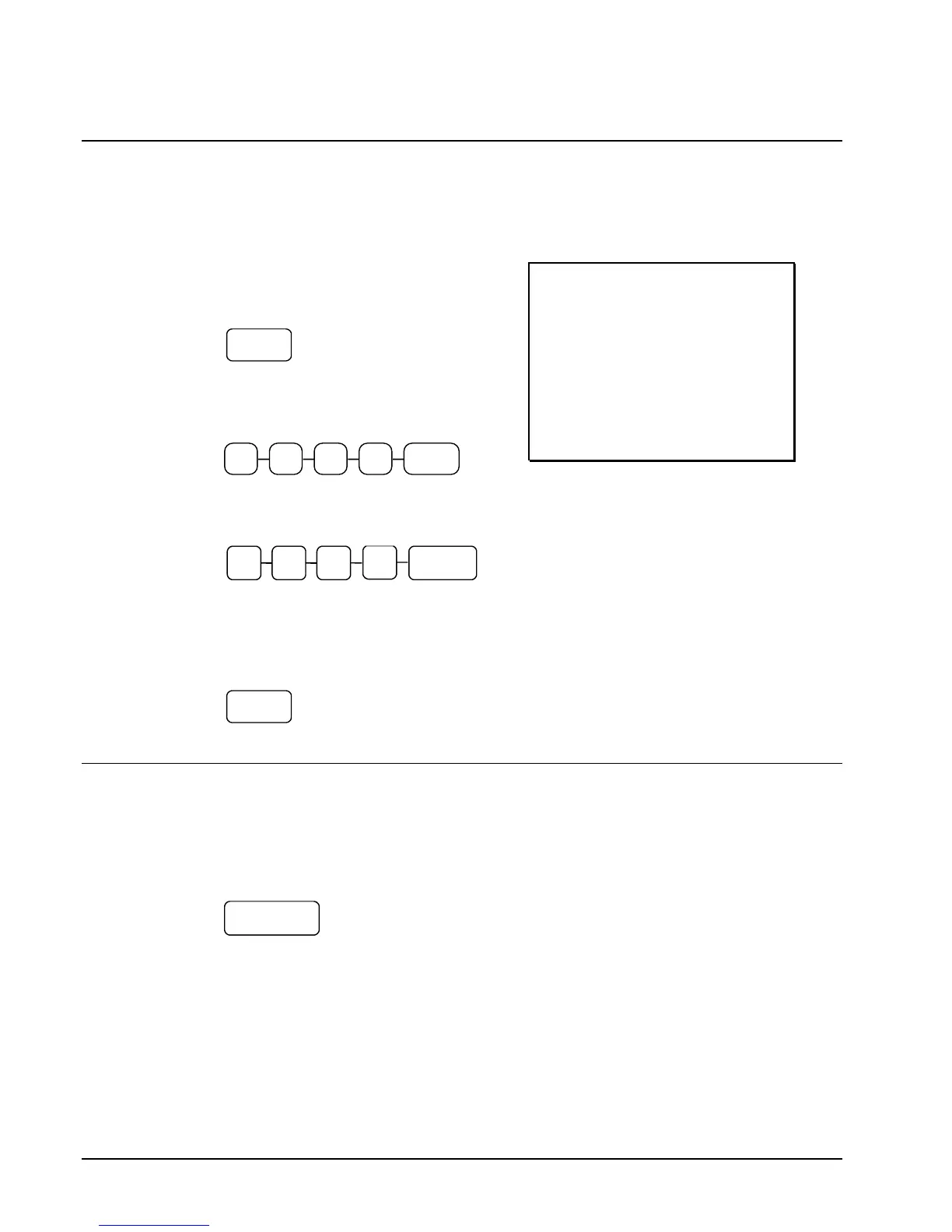
1. Press one of the paid out keys (PO1-
PO3).
2. Enter the amount of cash paid out,
press CASH.
3. Enter the cheque amount paid out,
press CHEQUE.
4. You can continue to itemize paid outs,
or you can finalize by pressing or
selecting the same paid out key.
THANK-YOU
CALL AGAIN
23/11/2015 MON 08:33
PO1
CASH -10.00
CHEQUE -10.00
PO1 -20.00
CLERK 01 000011 00001
Subtotaling a Sale
1. Register the items you wish to sell.
2. Press SUBTOTAL. The subtotal will display with the message
"SUBTOTAL" indicated on the rear display.
The subtotal can be printed if the print option is set. See “PRINT” of "Options
Programming" in the "Program Mode " chapter.



 To Next Page