SAM4S ER-230EJ Manual Operations • 57
Post Tender
Post tendering means computing change after the sale has been totaled and the drawer is
open. This feature is useful when a customer changes the amount of the tender or when a
"quick change artist" confuses a clerk. Normally, this function is not allowed. If you wish
to allow post tendering, you must set the appropriate options program. See “SYSTEM” of
"Options Programming" in the "Program Mode " chapter. (A separate system option
determines whether the drawer opens on the post tender.)
1. Register the items you wish to sell.
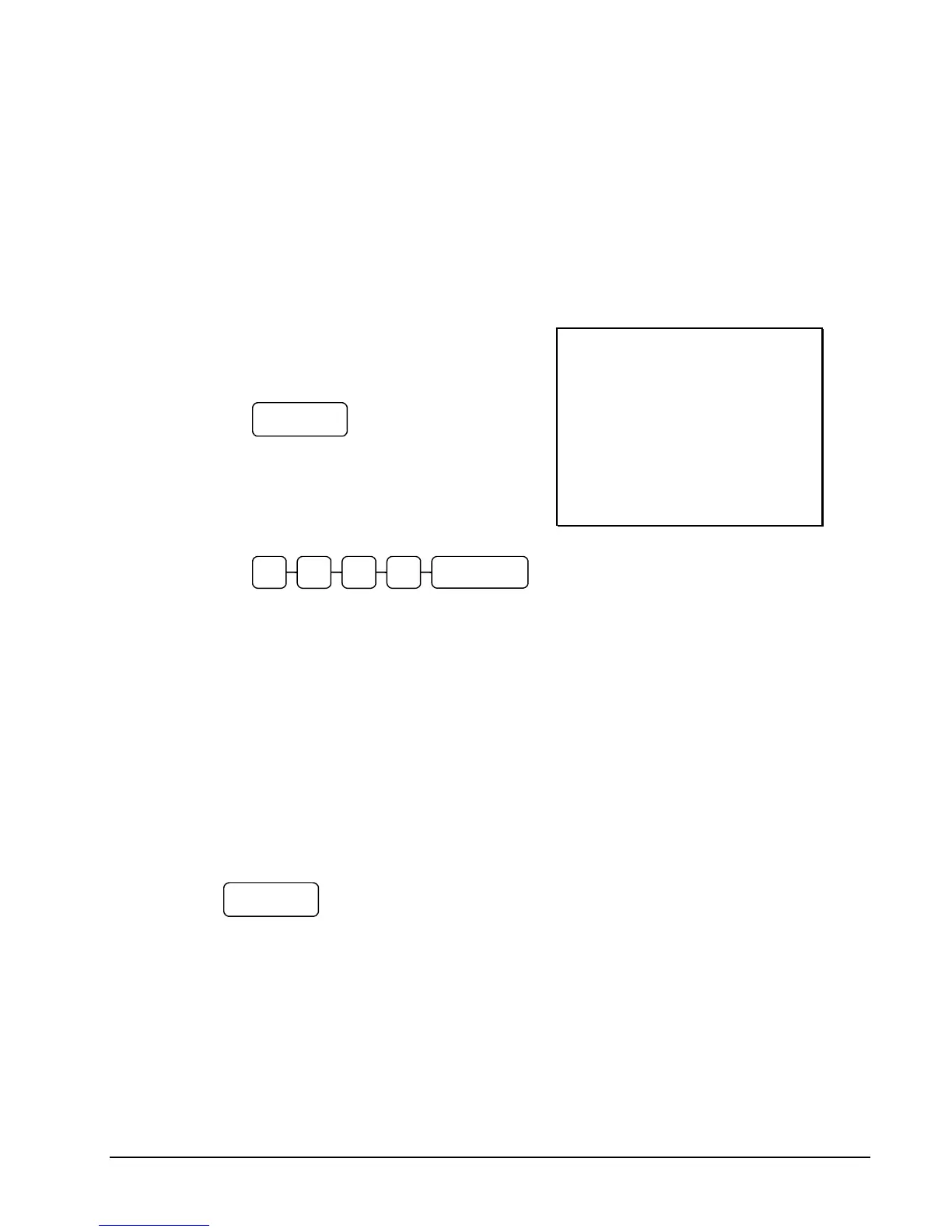
2. Press CASH:
3. The display will indicate the total of
the cash sale.
4. Enter the amount of the new tender,
Press CASH:
5. The display will indicate the change
due.
THANK-YOU
CALL AGAIN
23/11/2015 MON 08:33
PLU1 T1 £2.00
TAX1 £0.12
TOTAL £2.12
CASH £2.12
CLERK 01 000011 00001
Receipt On/Off and Receipt on Request
When a receipt is not normally issued, you can turn the receipt function off. See "Receipt
On/Off" in the "Manager Mode (X Mode)" chapter.
If the receipt is off, you can still issue a receipt after the sale has been completed.
Printing a Receipt after the Sale
After the sale has been totaled, but before the next transaction is started, press CASH:



 To Next Page