SAM4S ER-230EJ Manual Service Mode • 89
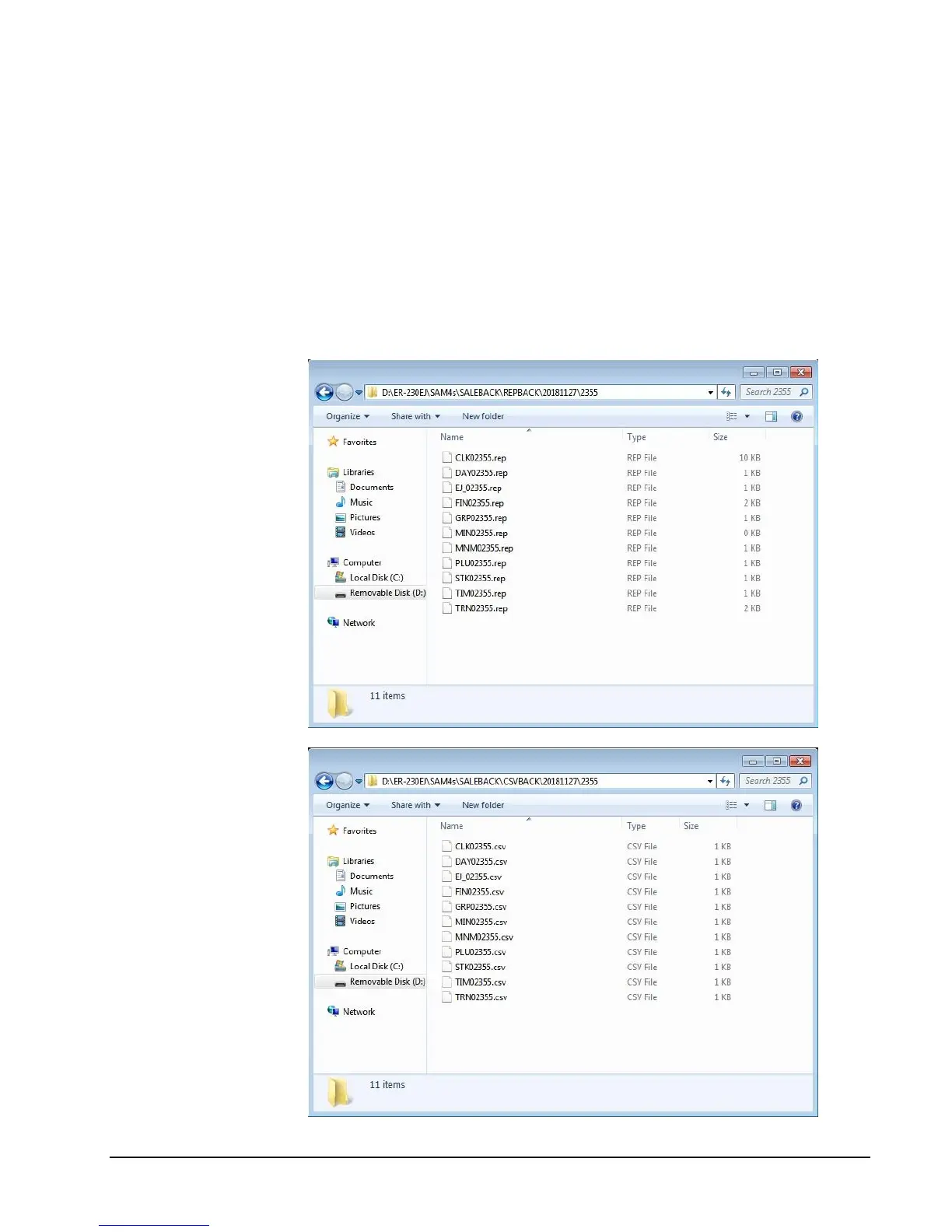
To Save Reports
1. Move to the SERVICE MODE.
2. From the Service Mode menu, select “7.PROGRAM BACKUP”.
3. From the PROGRAM BACKUP menu select “1.SD”.
4. From the SD menu select “3.REPORT SAVE”.
5. Select type CSV format (for Excel) or REP format (for PC Utility)
6. The register will display confirmation of the successful restoration with the
message “SUCCESS!” If the save is unsuccessful, the register will print an error
message.



 To Next Page