SAM300 Reference Manual v1.0 PLU/Inventory Maintenance 25
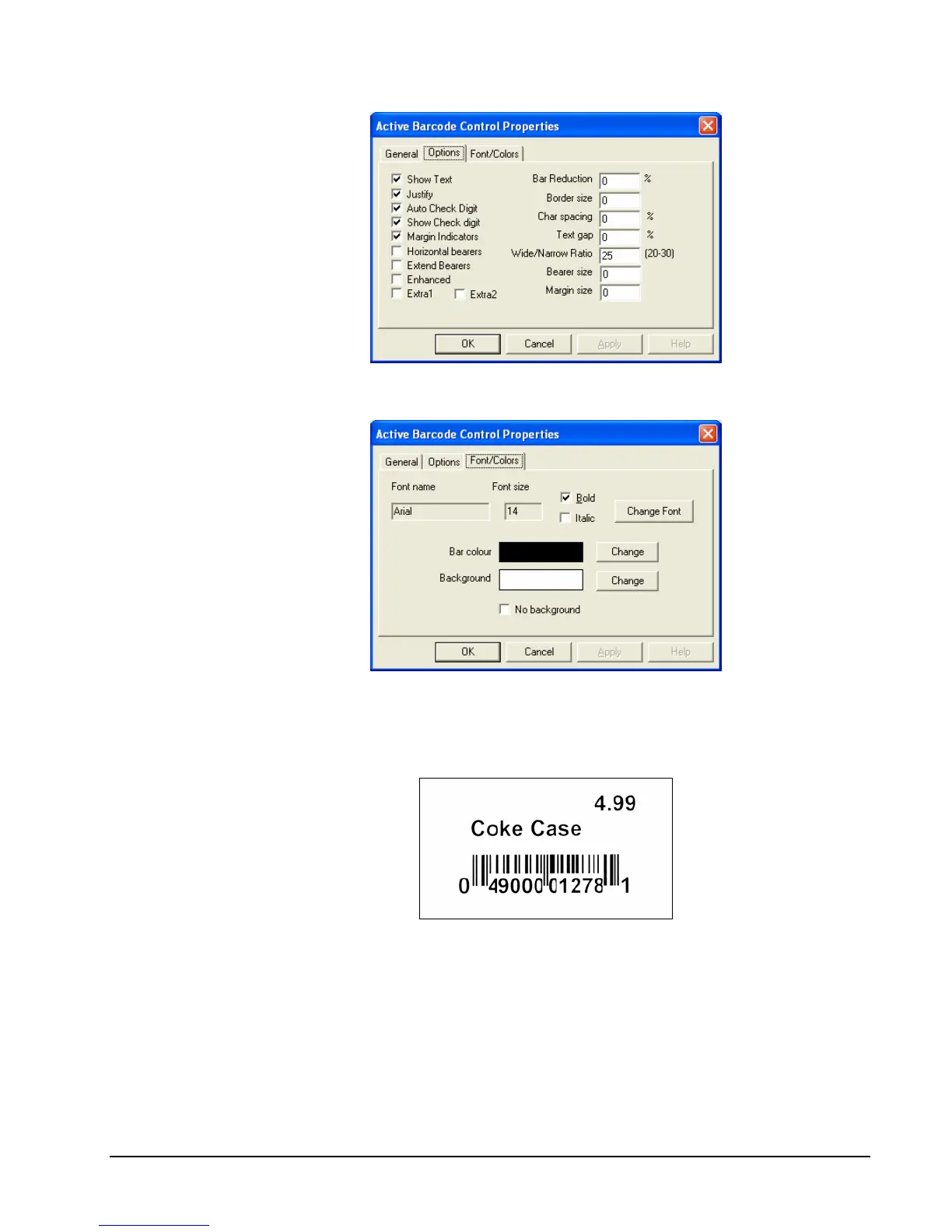
7. Click the Font/Colors tab. Click the Change Font button and select the font size and
style for the print of the bar code number.
8. Click OK to accept the settings and view the bar code as specified.
9. Click the Print this Barcode button. The print sample below was generated by a Samsung
SRP-770 label printer on a 1 ¼” x 2 ¼” label.



 To Next Page