30 PLU/Inventory Maintenance SAM300 Reference Manual v1.0
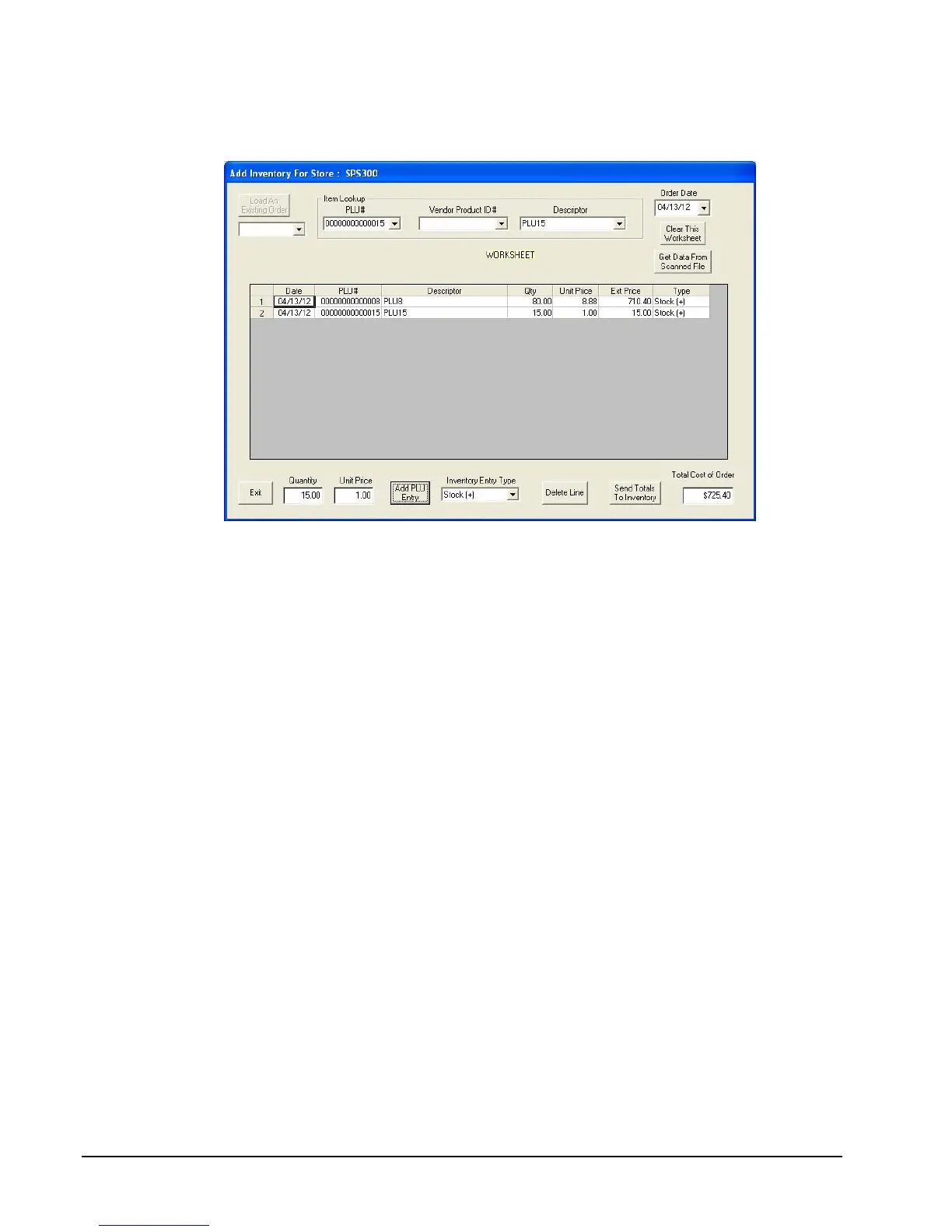
5. Enter the Quantity and Unit Price for the inventory adjustment. Click
Add PLU Entry.
6. Repeat from step #3 to add inventory for additional PLUs. Review the list of PLU
additions. If you wish to add these items to inventory at this time, click the Send
Totals to Inventory button. If you wish to suspend the order without adding to
inventory at this time, click Exit. You will be provided the opportunity to print the
inventory additions, and then you will be asked if you wish to save the worksheet and
any changes. The suspended order will be saved using the date and a sequential order
number.
To Delete a Line
Select a line and click Delete Line. Inventory adjustments are not updated until the
window is exited.
To Recall a Suspended Order
Use the drop-down list box under the Load Existing Order button to select a
suspended order. Orders are saved by date and sequential number. Select the order you
wish to recall and click the Load Existing Order button.



 To Next Page