SAM300 Reference Manual v1.0 PLU/Inventory Maintenance 31
Add Inventory from a Portable Data Terminal File
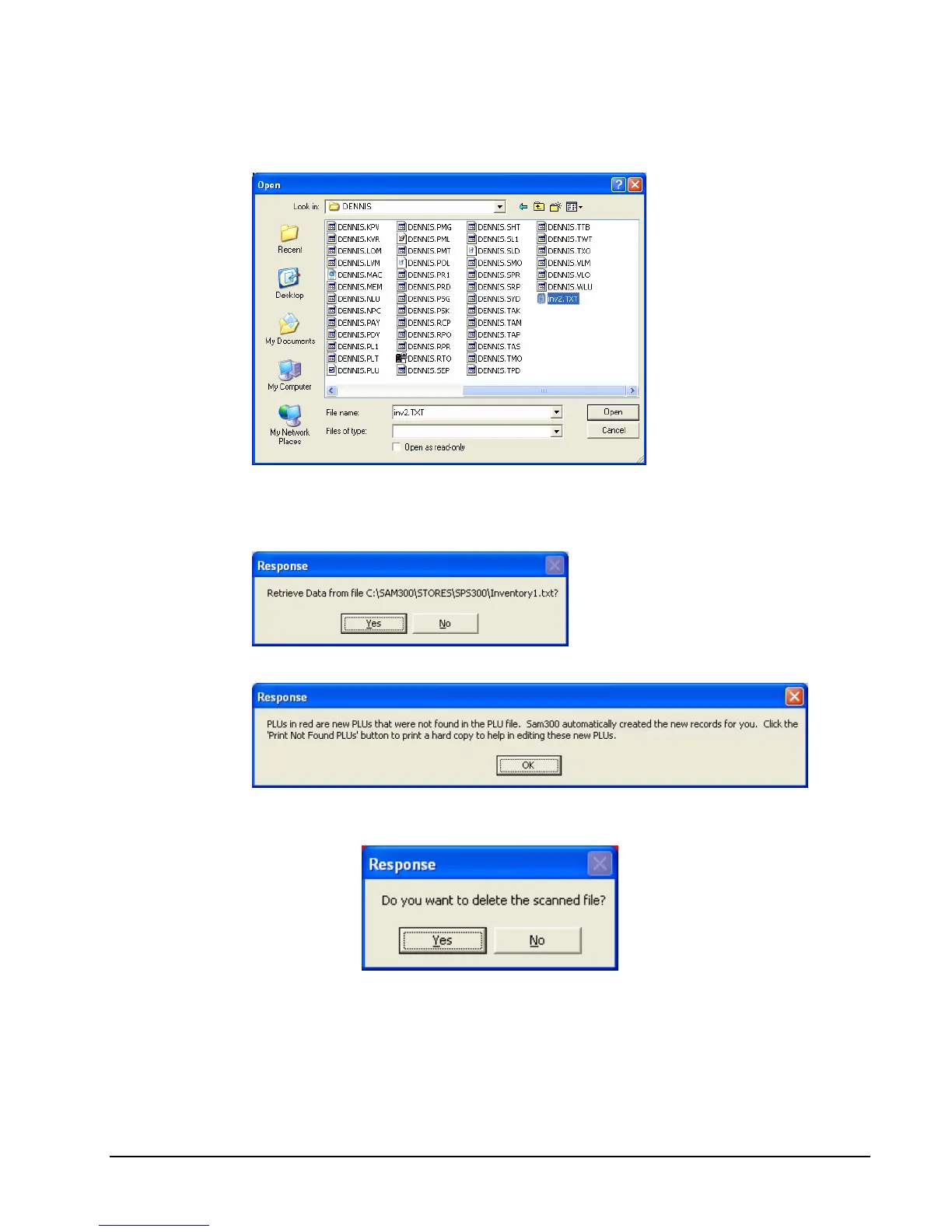
1. Click the Get Data From Scanned File command button.
2. From the Open dialog, locate the folder and file where you located the inventory record
text file. Click Open.
3. The Response Dialog displays. Click Yes.
4. The message displays:
5. Click OK. When the scanned file is loaded, you have to option to keep the scanned file
or delete it.



 To Next Page