12 EB 5573-1 EN
Operation
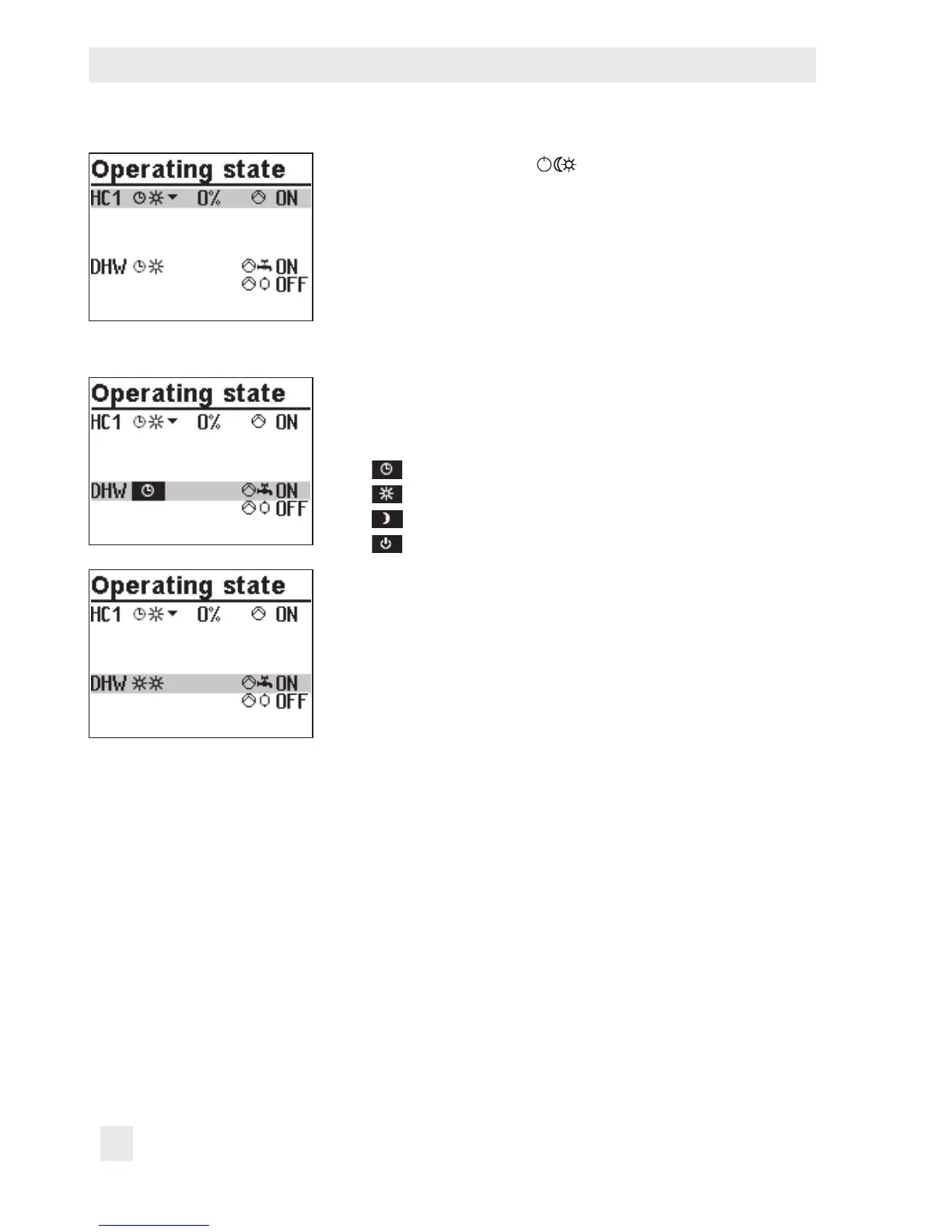
Turn the rotary switch to (operating modes). The oper-
ating states of all system control circuits are displayed:
− Heating circuit HC1
− Heating circuit HC2
− DHW heating
Î Only those control circuits are available for selection
which can be controlled by the selected system.
q Select the control circuit.
¼ Activate editing mode for the control circuit. The operat-
ing mode is shown inverted on the display.
q Select the operating mode:
Automatic mode
Day mode
Night mode
System deactivated
¼ Conrm the operating mode.



 To Next Page