28 EB 5573-1 EN
Operation
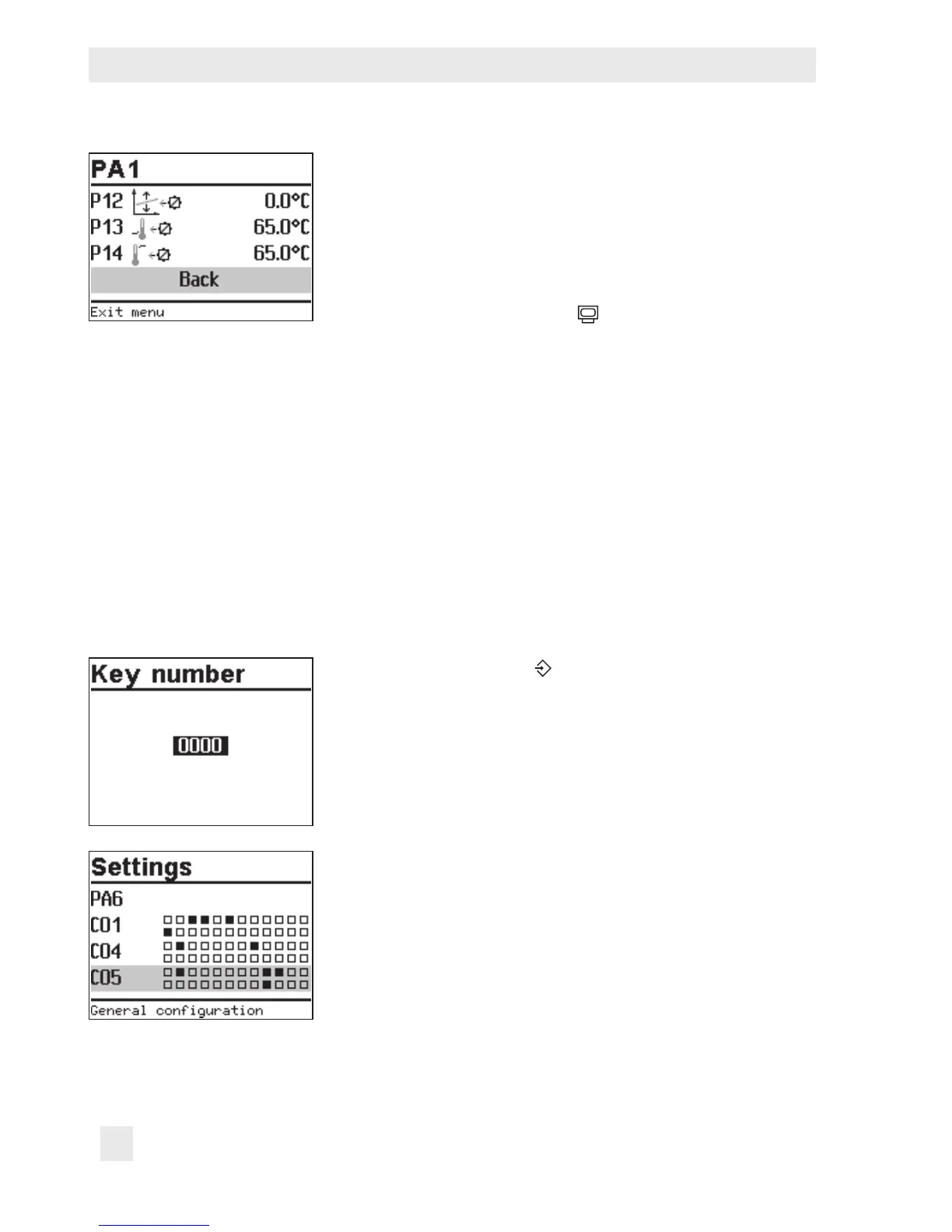
Exit parameter level.
q Select 'Back'.
q Exit conguration level.
To adjust further function blocks in other conguration levels,
repeat steps with gray background.
Turn the rotary switch back to
(operating level).
3.4 Calibrating sensors
The controller is designed for connection of Pt1000 sensors. The Pt 1000 resistance values
are listed on page150.
If the temperature values displayed at the controller differ from the actual temperatures, the
measured values of all connected sensors can be recalibrated. To calibrate a sensor, the cur-
rently displayed sensor value must be changed such that it matches the temperature (refer-
ence temperature) measured directly at the point of measurement. Sensor calibration is acti-
vated in CO5 in F20 function block.
An incorrect sensor calibration can be deleted by setting F20 - 0.
Turn the rotary switch to (settings).
q Enter the currently valid key number.
¼ Conrm key number.
¼ Select CO5 conguration level.
¼ Open CO5 conguration level.
¼ Select F20 function block.
¼ Activate editing mode for F20 function block.



 To Next Page