EB 5573-1 EN 31
Operation
3.7 Loading default setting
All parameters set over the rotary switch as well as parameters in the PA1 and PA2 parame-
ter levels can be reset to their default settings (WE), except for the maximum ow tempera-
ture and the return ow temperature limits in PA1 and PA2.
Turn the rotary switch to (settings).
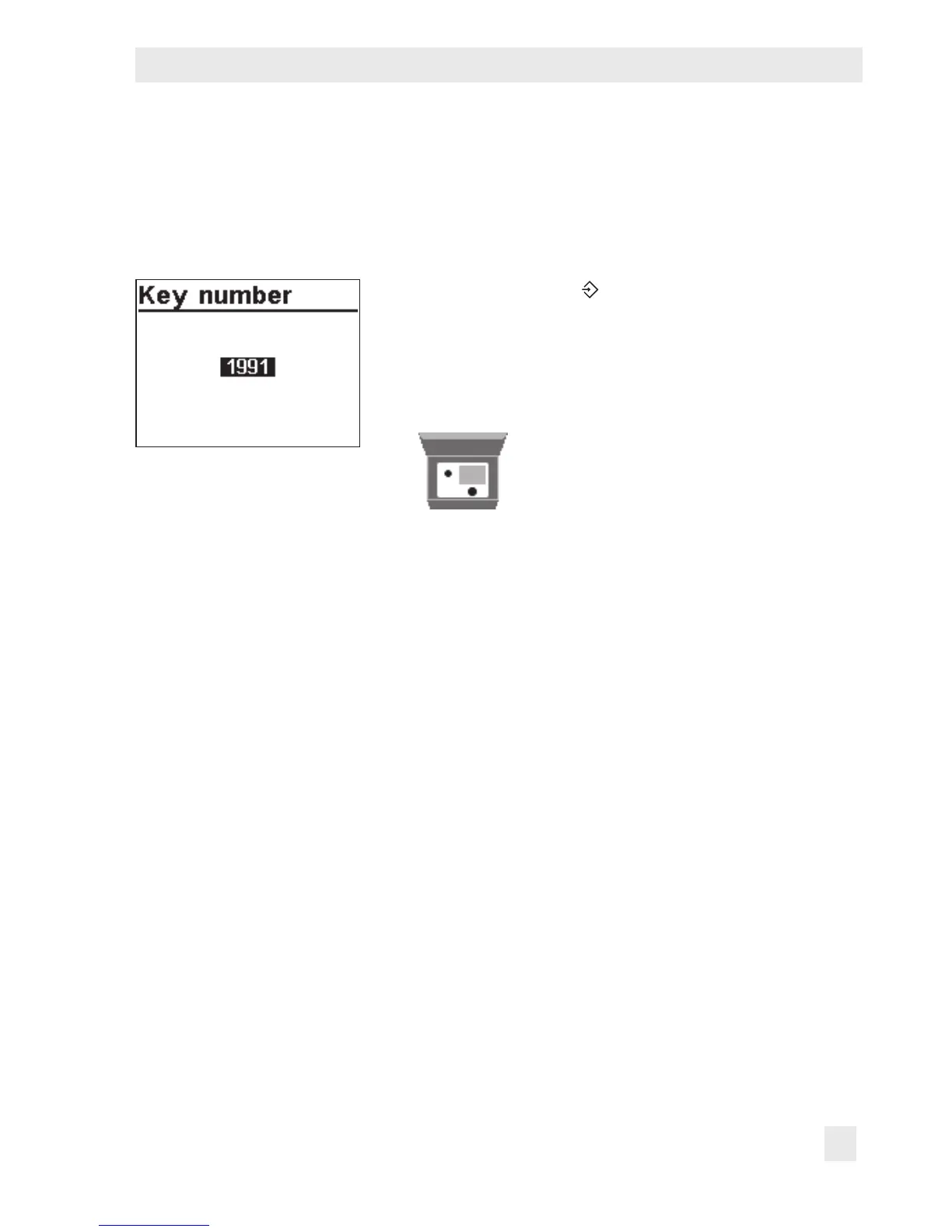
q Enter key number 1991.
¼ Conrm key number.
The settings are reset when the following icon appears
on the controller display:



 To Next Page