30 EB 5573-1 EN
Operation
3.5 Altering the display contrast
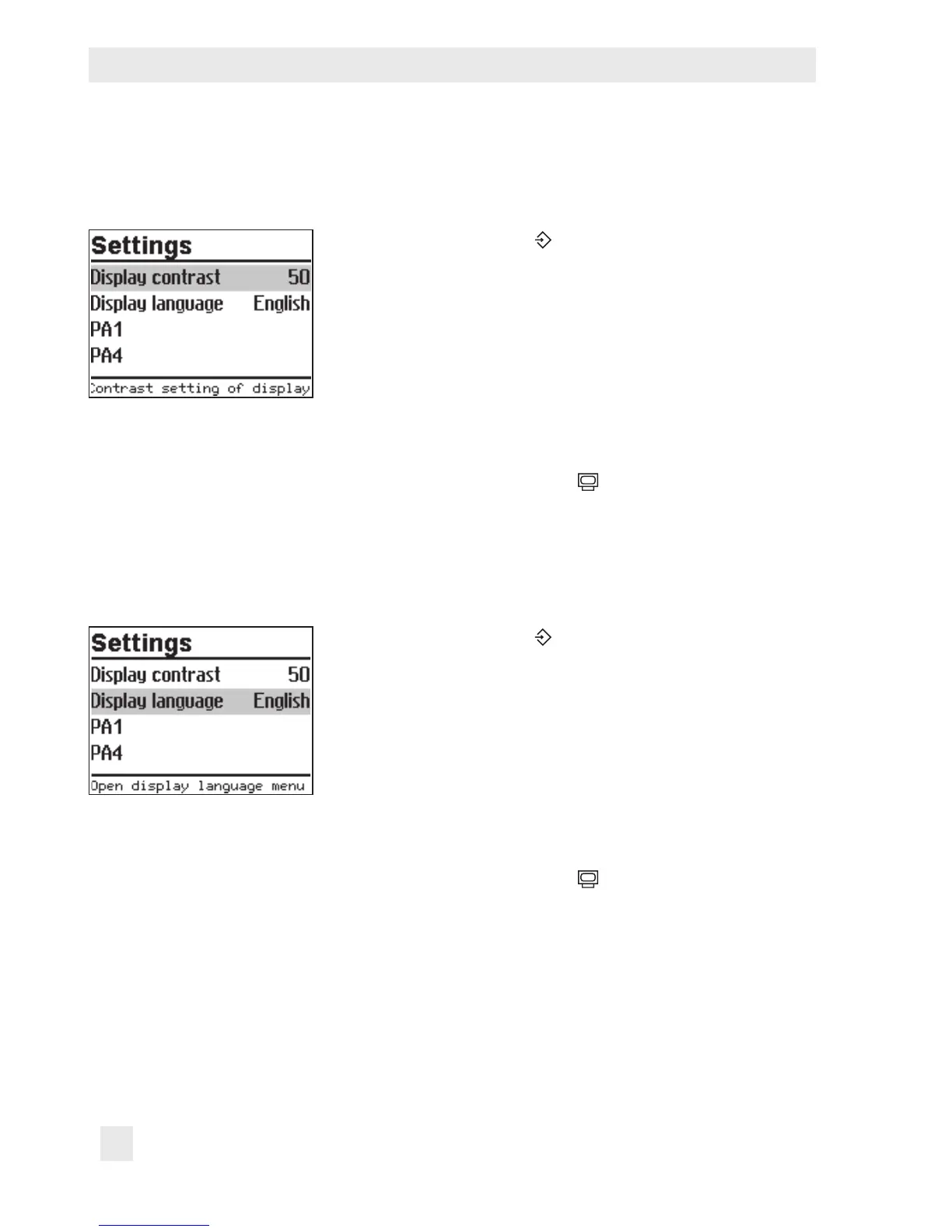
You can alter the contrast of the display.
Turn the rotary switch to (settings).
q Enter the currently valid key number.
¼ Conrm key number.
q Select 'Display contrast'.
¼ Activate editing mode for the display contrast.
The current setting is shown inverted on the display.
q Set the display contrast
¼ Conrm setting.
Turn the rotary switch back to
(operating level).
3.6 Changing the display language
The default display language is German. The setting can be changed to English.
Turn the rotary switch to (settings).
q Enter the currently valid key number.
¼ Conrm key number.
q Select 'Display language'.
¼ Activate editing mode for the language setting.
The currently valid language is selected.
q Change language setting.
¼ Conrm setting.
Turn the rotary switch back to
(operating level).



 To Next Page