EB 5573-1 EN 21
Operation
2.7 Entering day and night set points
The desired room temperature for the day and night set points can be programmed.
Switch position
Parameters WE Value range
HC1 room temperature 20.0°C 0.0 to 40.0°C
HC2 room temperature 20.0°C 0.0 to 40.0°C
DHW temperature 55.0°C Min. to max. DHW temperature
HC1 OT deactivation value 22.0°C 0.0 to 50.0°C
HC2 OT deactivation value 22.0°C 0.0 to 50.0°C
Switch position
Parameters WE Value range
HC1 room temperature 15.0°C 0.0 to 40.0°C
HC2 room temperature 15.0°C 0.0 to 40.0°C
DHW temperature 40.0°C Min. to max. DHW temperature
HC1 OT deactivation value 15.0°C 0.0 to 50.0°C
HC2 OT deactivation value 15.0°C 0.0 to 50.0°C
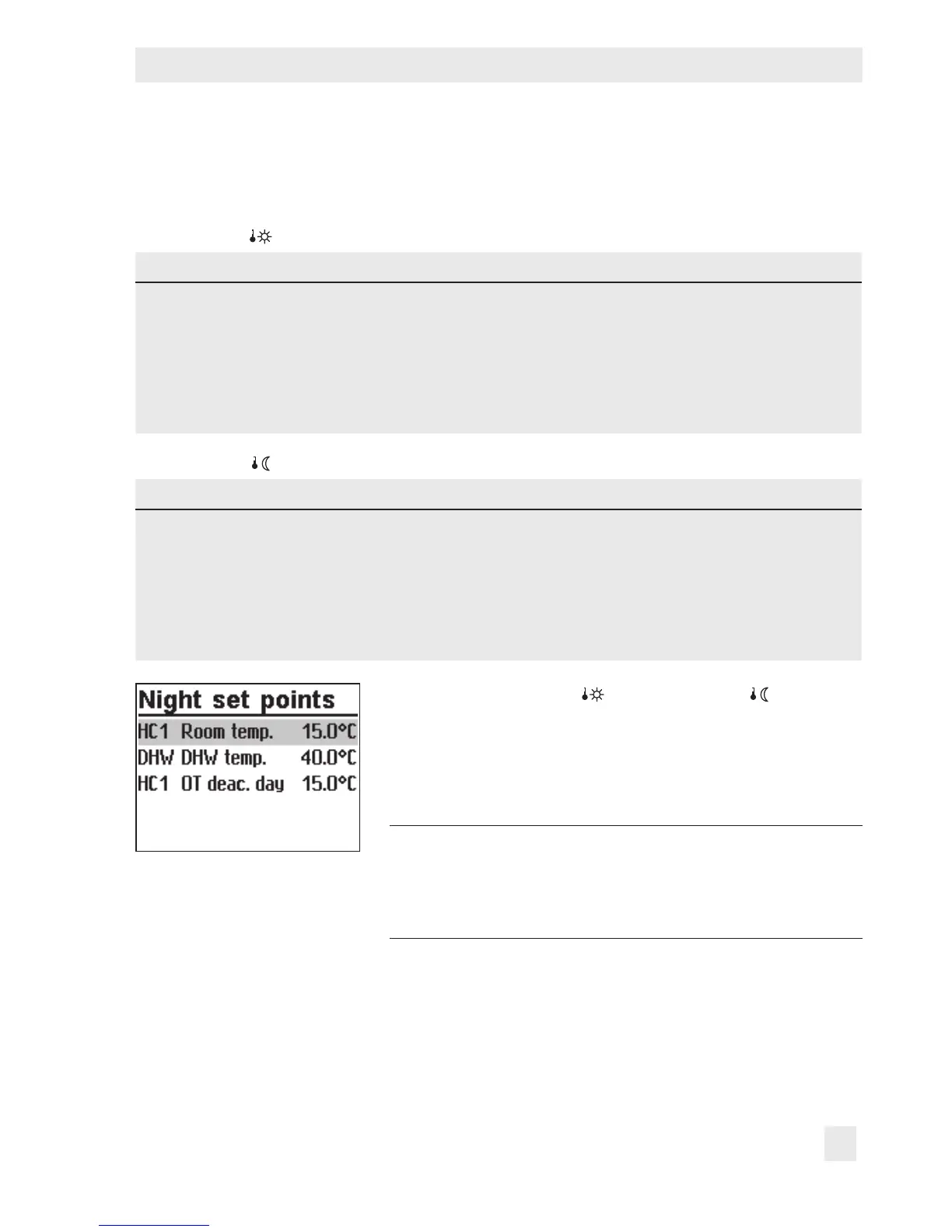
Turn the rotary switch to (day set point) or (night set
point).
The day or night set points are listed on the display.
Î Only those day and night set points are available for se-
lection which can be controlled by the selected system.
Note:
The deactivation values are located in a separate
menu (deactivation values) for systems with three
control circuits.
q Select the set point.



 To Next Page