EB 5573-1 EN 15
Operation
2.5 Setting the times-of-use
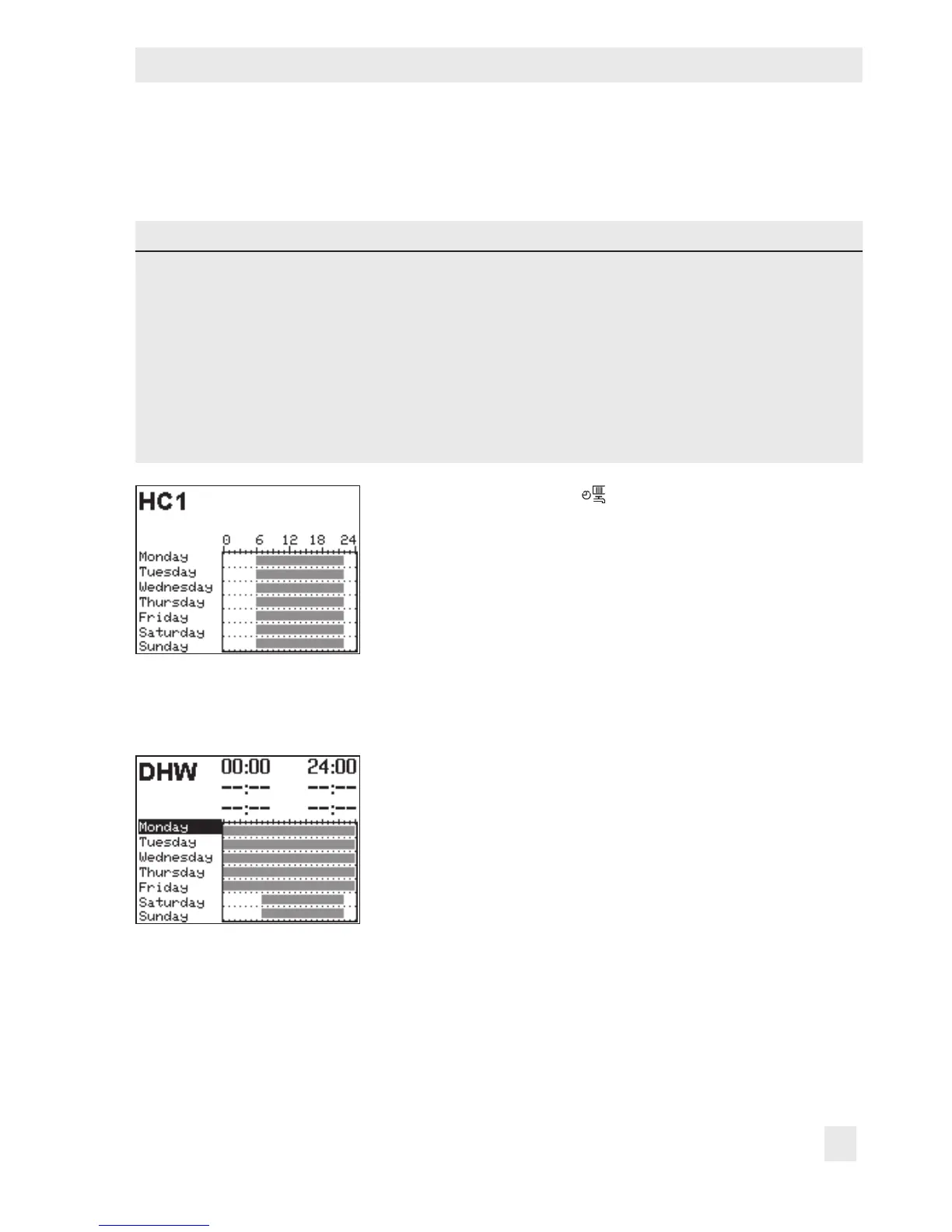
Three times-of-use can be set for each day of the week.
Parameters WE Value range
HC1, HC2 DHW, CP
Start rst time-of-use 06:00 00:00 00:00 to 24:00 h; in steps of 15 minutes
Stop rst time-of-use 22:00 24:00 00:00 to 24:00 h; in steps of 15 minutes
Start second time-of-use --:-- --:-- 00:00 to 24:00 h; in steps of 15 minutes
Stop second time-of-use --:-- --:-- 00:00 to 24:00 h; in steps of 15 minutes
Start third time-of-use --:-- --:-- 00:00 to 24:00 h; in steps of 15 minutes
Stop third time-of-use --:-- --:-- 00:00 to 24:00 h; in steps of 15 minutes
Turn the rotary switch to (times-of-use). The rst control
circuit is displayed together with its programmed times-of-
use.
q Program the times-of-use of another control circuit, if re-
quired:
– Heating circuit HC2
– DHW heating
– Circulation pump (DHW) CP
Î Only those control circuits are available for selection
which can be controlled by the selected system.
¼ Activate editing mode for the control circuit. The times-
of-use for Monday are displayed.



 To Next Page