14 EB 5573-1 EN
Operation
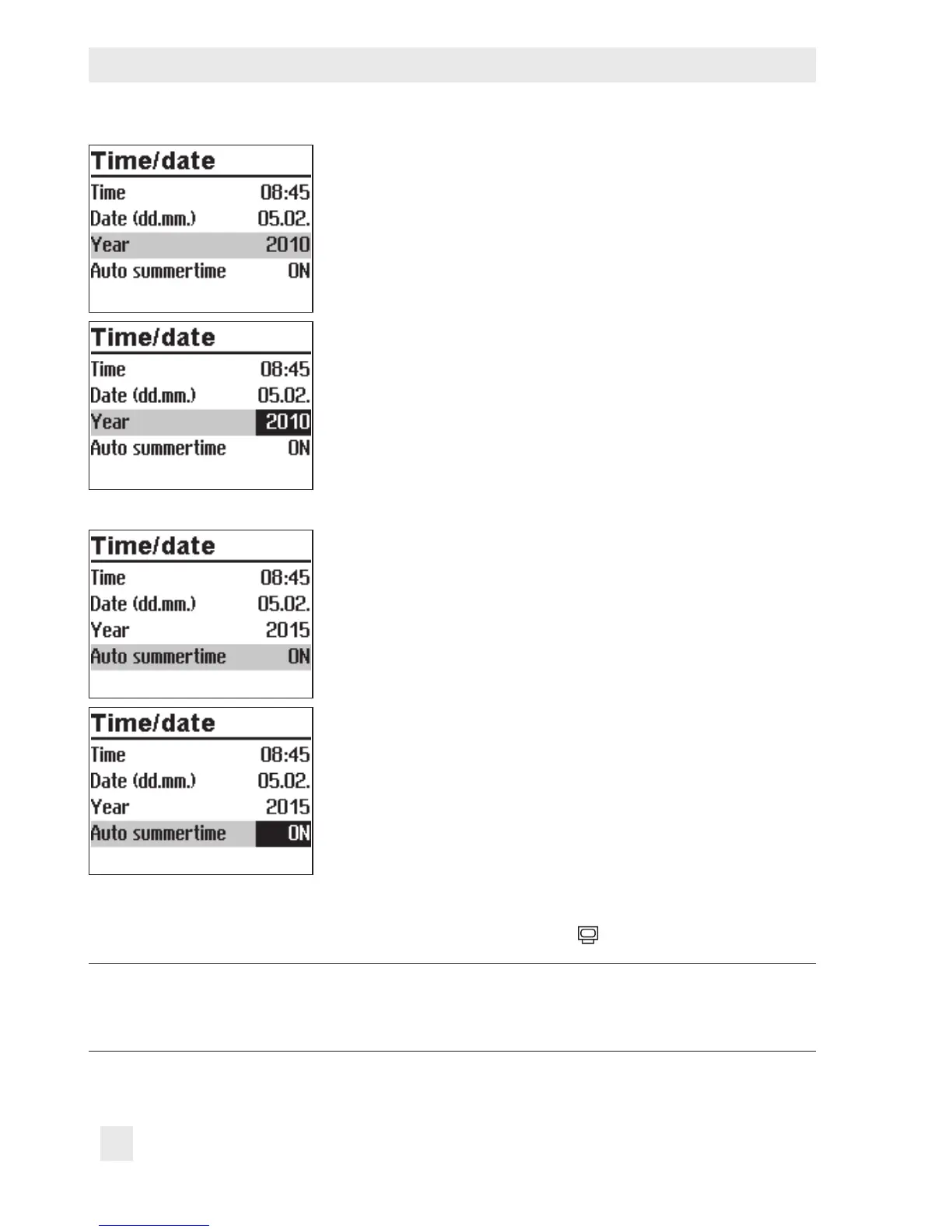
q Select 'Year'.
¼ Activate editing mode for the year. The year reading is
inverted.
q Change the year.
¼ Conrm the year setting.
Deactivate or activate the automatic summer/standard time
switchover as required. Refer to section8.1:
q Select 'Auto summertime'.
¼ Activate the editing mode for automatic summer/stan-
dard time switchover. The current setting is shown invert-
ed on the display:
ON = Summer/standard time switchover active
OFF = Summer/standard time switchover not active
q Deactivate or activate the automatic summer/standard
time switchover.
¼ Conrm deactivation/activation.
Turn the rotary switch back to
(operating level).
Note:
The correct time is guaranteed after a power failure of 24 hours. Normally, the cor-
rect time is still retained at least 48 hours after a power failure.



 To Next Page