32 EB 5573-1 EN
Manual mode
4 Manual mode
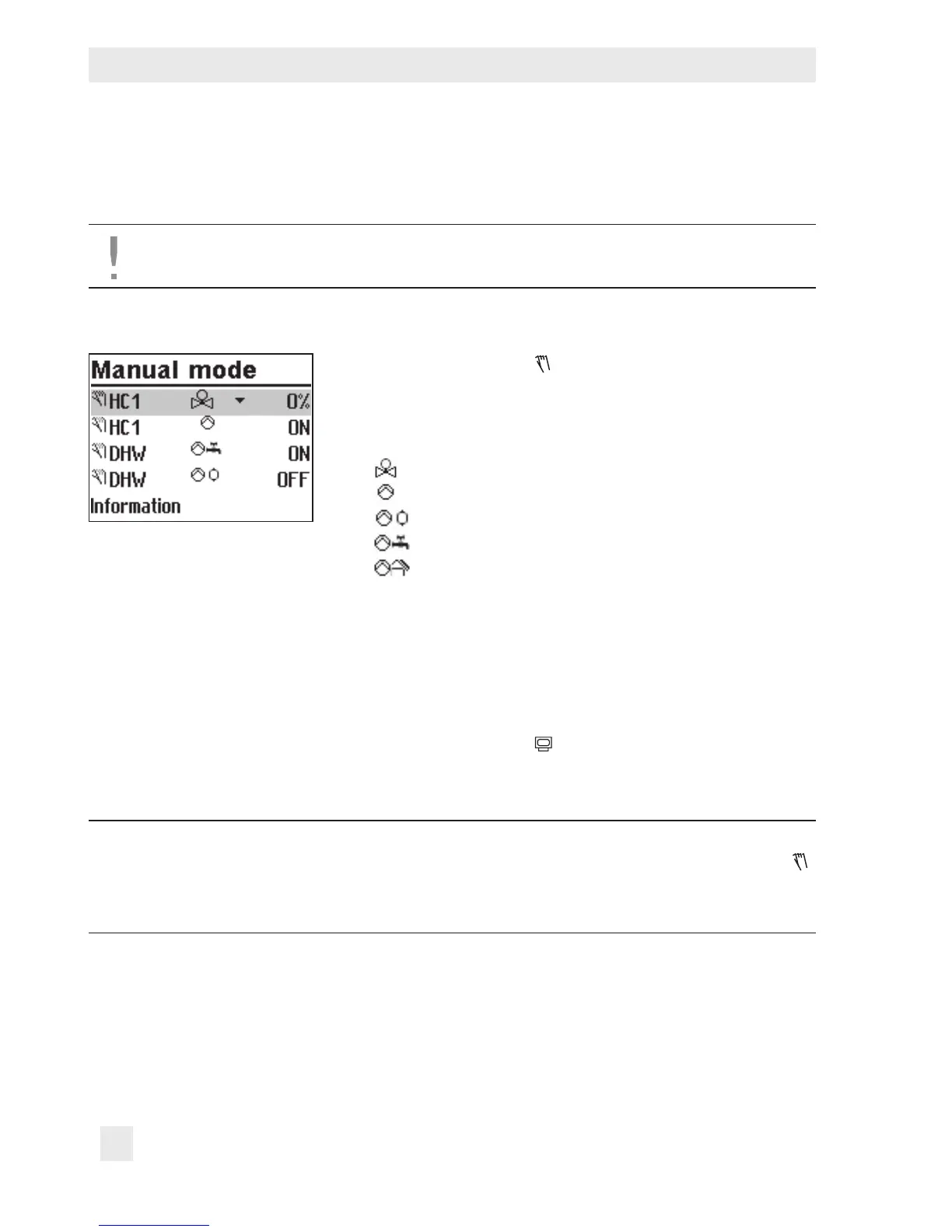
Switch to manual mode to congure all outputs (refer to section12).
NOTICE
The frost protection does not function when the controller is in manual mode.
Changing positioning value/switching state manually:
Turn the rotary switch to (manual mode).
The outputs of the congured system are listed on the
display.
q Select the output
Positioning value
Circulation pump (heating)
Storage tank charging pump
Circulation pump (DHW)
Solar circuit pump
q Activate editing mode for the output.
q Change the positioning value/switching state.
q Conrm the positioning value/switching state.
The modied values remain active as long as the control-
ler is in manual mode.
Turn the rotary switch to
(operating level). The manual
mode is deactivated.
Note:
The outputs of the controller are not affected by merely turning the rotary switch to
(manual mode). The outputs are only changed by entering or changing the position-
ing values or switching states.



 To Next Page