20 EB 5573-1 EN
Operation
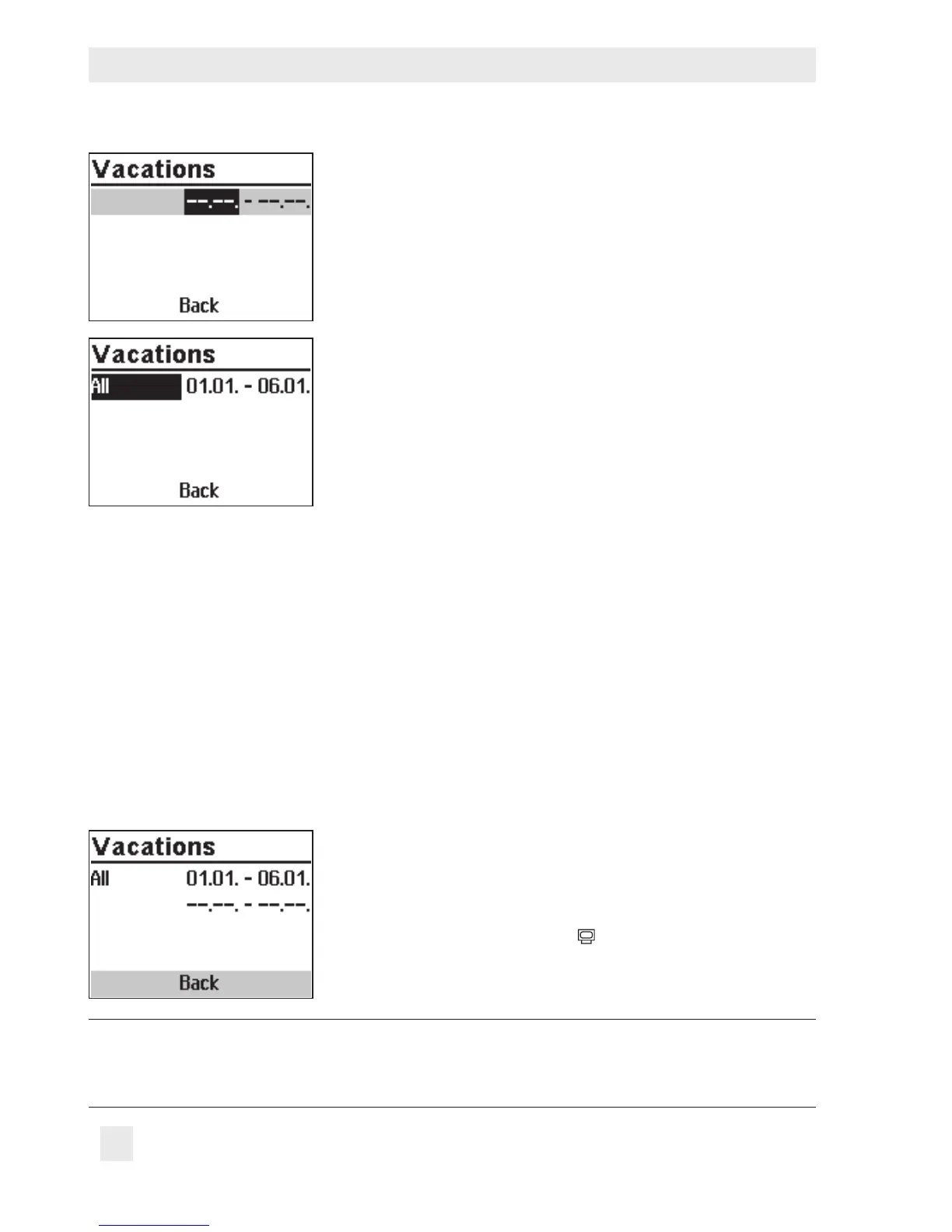
q Activate editing mode for vacations.
The start date can now be edited (inverted reading).
q Set the start date.
q Conrm the start date.
The end date can now be edited.
q Set the end date.
q Conrm the year setting. 'All' is selected. The vacation
period then applies to all control circuits.
q If the vacation period is to be only valid for one control
circuit, select the required control circuit:
– Heating circuit HC1
– Heating circuit HC2
– DHW heating
Î Only those control circuits are available for selection
which can be controlled by the selected system.
¼ Conrm the control circuit.
Proceed in the same manner to program further vacations.
Deleting vacation periods:
q Select the start date of the period you wish to delete.
¼ Conrm vacation period.
q Select --.-- - --.--.
¼ Conrm setting.
The vacation period is deleted.
After programming all vacation periods:
q Select 'Back'.
¼ Exit the vacations setting.
Turn the rotary switch back to
(operating level).
Note:
Vacations should be deleted by the end of the year so that they are not carried on in-
to the following year.



 To Next Page