26 EB 5573-1 EN
Operation
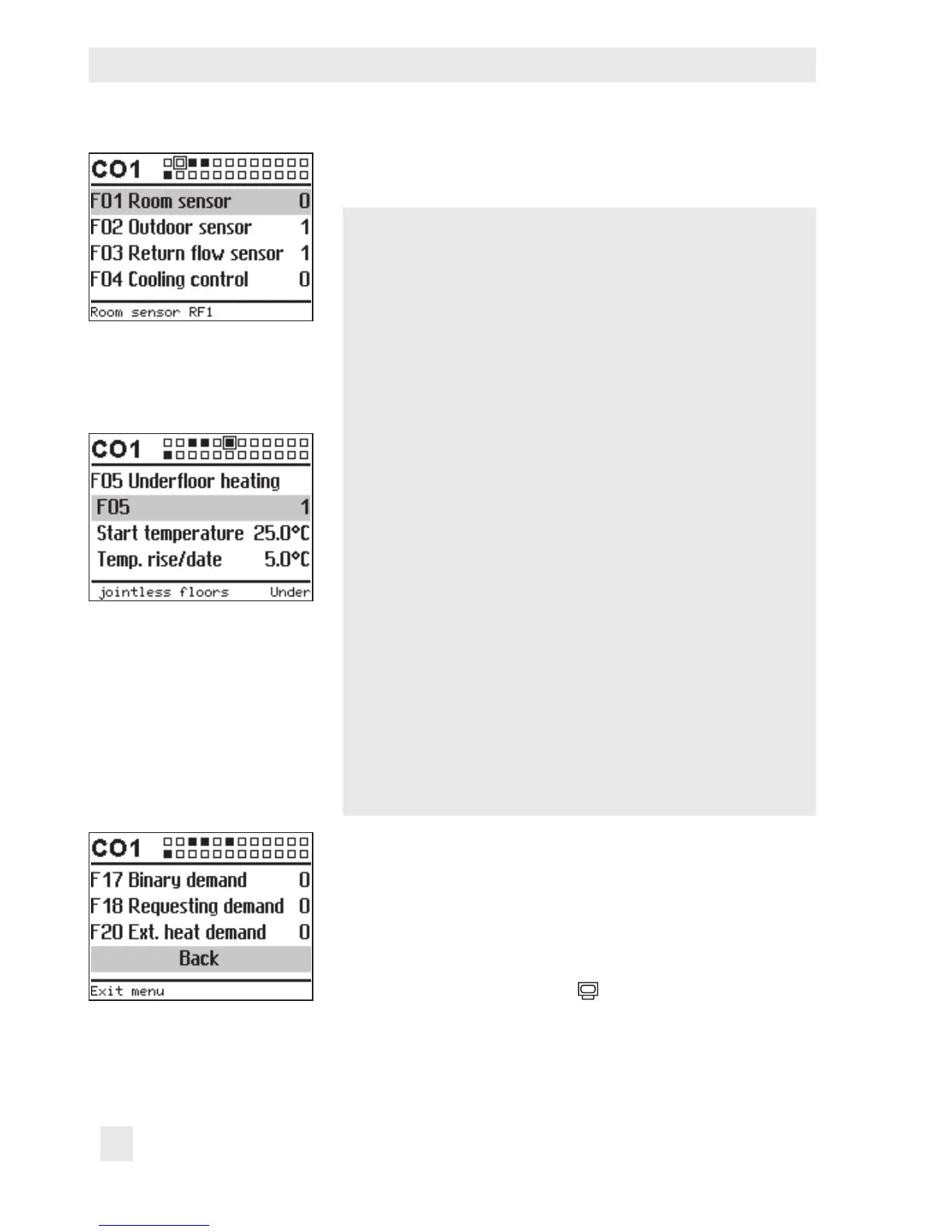
¼ Open conguration level.
The rst function block is selected (marked gray).
q Select function.
Functions without function block parameters:
¼ Activate editing mode for the function.
The currently active conguration '0' or '1' is shown in-
verted on the display.
q Activate function (1) or deactivate function (0).
¼ Conrm conguration.
Functions with function block parameters:
¼ Open function.
q Select conguration.
¼ Activate editing mode for conguration.
The currently active conguration '0' or '1' is shown in-
verted on the display.
q Activate function (1) or deactivate function (0).
¼ Conrm conguration.
q Select function block parameter.
¼ Activate editing mode for function block parameter.
The current setting is shown inverted on the display.
q Set function block parameter.
Proceed in the same manner to set further function blocks.
Exit conguration level:
q Select 'Back'.
q Exit conguration level.
To adjust further function blocks in other conguration levels,
repeat steps with gray background.
Turn the rotary switch back to
(operating level).



 To Next Page