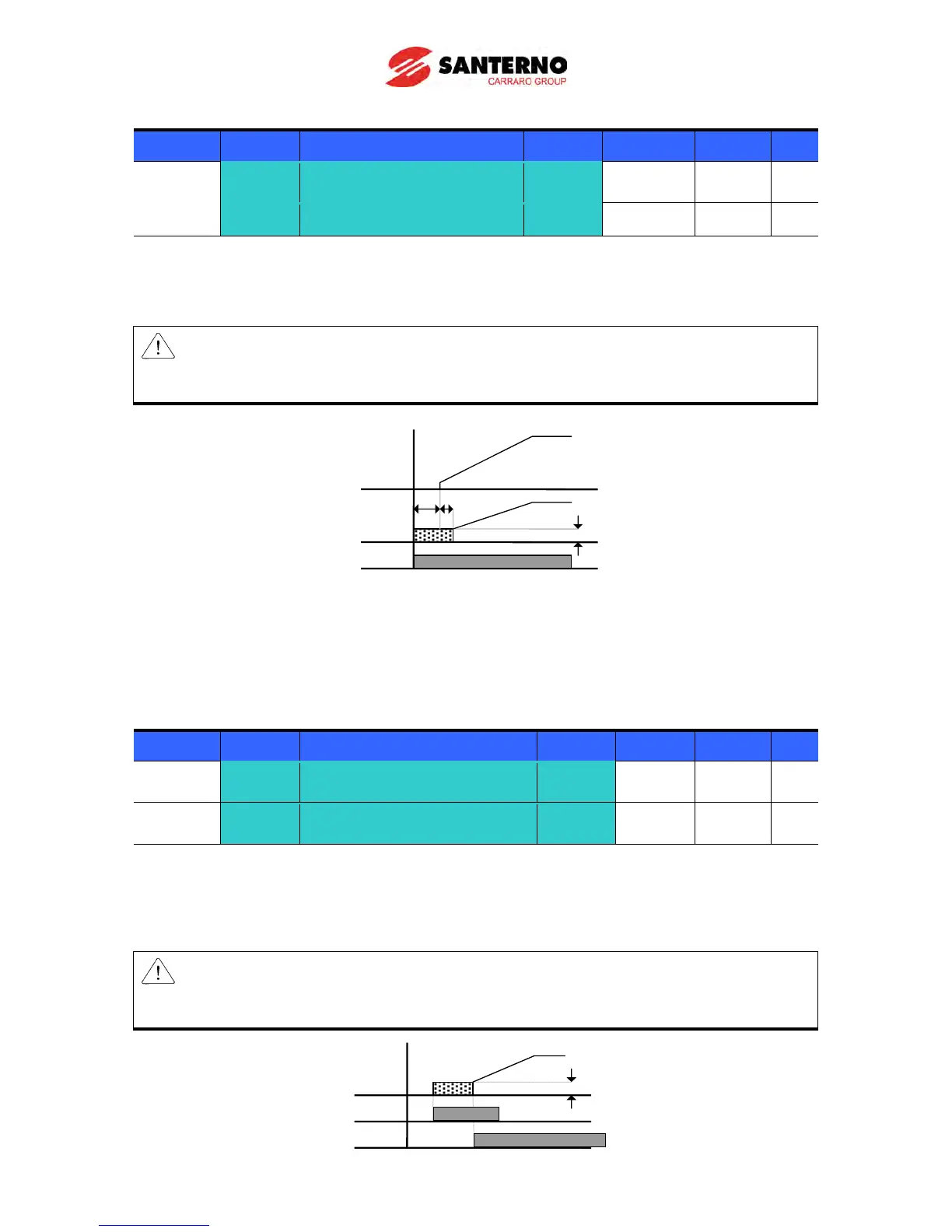
DC brake at start
Group Display Parameter Name Setting Range Default Unit
F12 [DC Brake start current] -
0 ~ 200 50 %
F13 [DC Brake start time] -
0 ~ 60 0 sec
F12: It sets the level as a percent of H33 – [Motor rated current].
F13: Motor accelerates after DC current, set in F12, is applied for this time.
Caution:
If excessive DC Brake voltage is set or DC Brake time is set too long, it may cause motor
overheating and damage the motor.
Setting F12 or F13 to 0 will disable Starting DC brake.
t: = when DC brake at start is applied, the output frequency increases after t time, or rather when the
inverter output voltage reaches the residual voltage due to DC brake
DC brake hold
Group Display Parameter Name Setting Range Default Unit
F12 [DC Brake start current] -
0 ~ 200 50 %
I/O group
I19
[Multi-function Input
terminal P3 Function select]
F12: It sets the level as a percent of H33 – [Motor rated current].
Select a terminal to issue a command of DC brake at a stop among P1 to P8.
If P3 terminal is set for this function, set I19 to 11 {DC brake hold}.
Caution:
If excessive DC Brake current is set or DC Brake hold time is set too long, it may cause motor
overheating and damage the motor.



 To Next Page