10.25 Parameters Restore default / Lock
Parameters restore
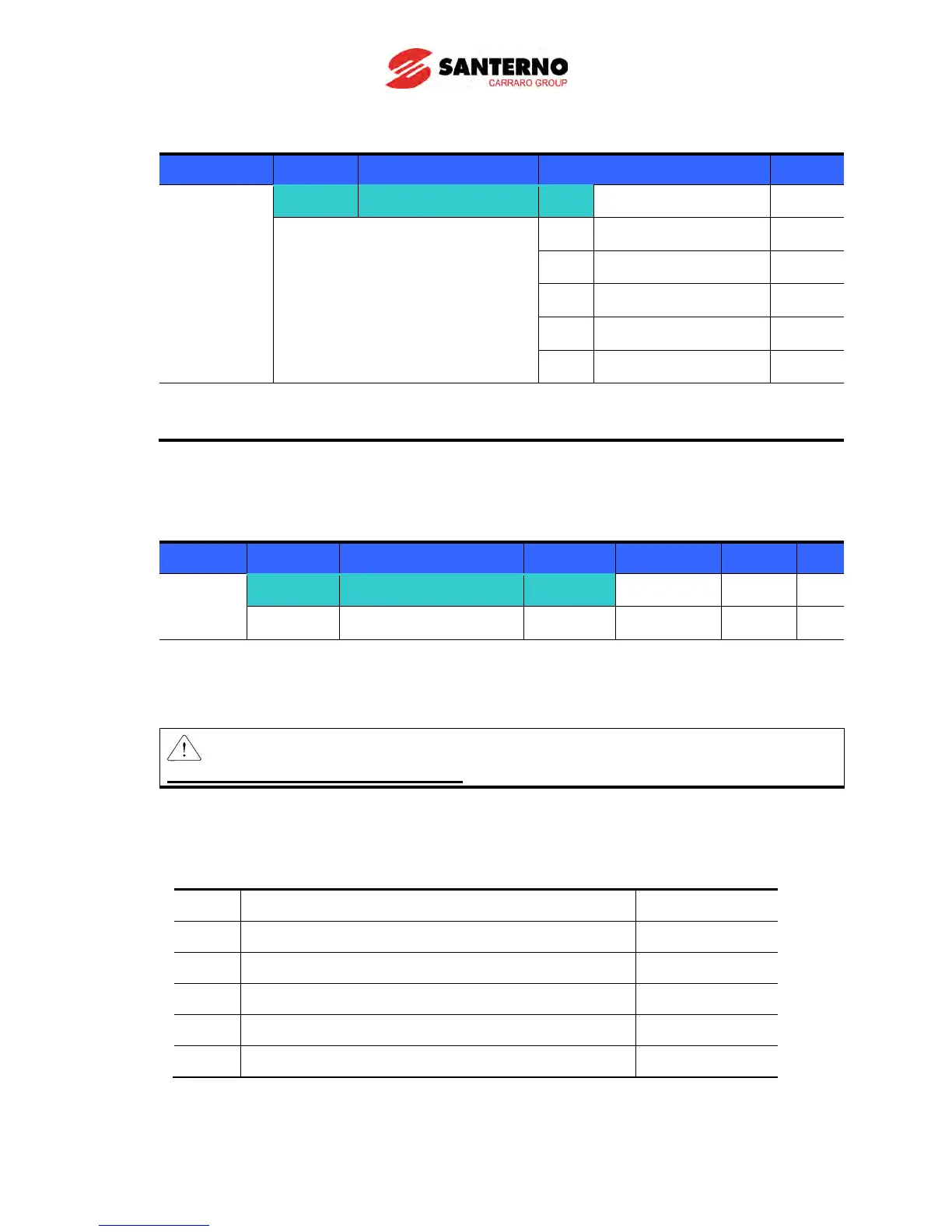
Group Display Parameter Name Range Default
group 2
H93 [Parameter initialize] 0
- 0
1 4 groups initialize
2 Drive group initialize
3 F1 group initialize
4 F2 group initialize
5 I/O group initialize
Select the group to be initialized and perform it in H93 code.
Press Enter () key after set H93. H93 will be displayed again after initialization is complete.
Password register
Group Display Parameter Name Setting Range Default Unit
Function
group 2
H94 [Password register] -
0 ~ FFFF 0
H95 [Parameter lock] - 0 ~ FFFF 0
Register password for Parameter lock (H95).
Password should be Hex decimal. (0 ~ 9, A, B, C, D, E, F)
Caution:
Do not forget the registered password. It is used when unlocking the parameters.
Factory default password is 0. Enter the new password except 0.
Follow the steps below when you register the password for the first time.
Step Note Keypad display
1 Move to H94 code. H94
2 Press Enter () key twice. 0
3 Register password. (Ex: 123) 123
4 123 will blink when Enter () key is pressed. 123
5 Press Enter () key. H94



 To Next Page