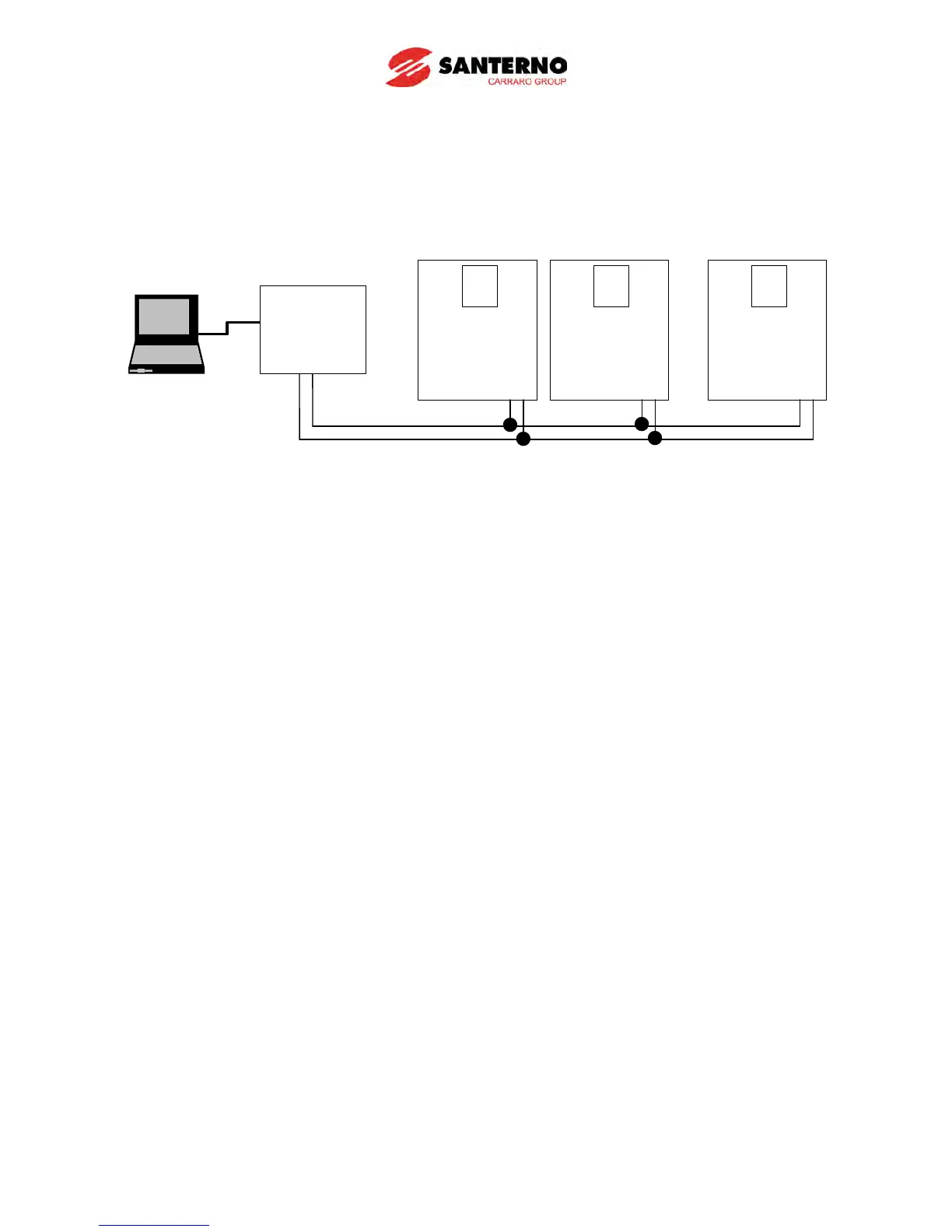
13.3.2 Computer and inverter connection
System configuration
- The number of drives to be connected is up to 31 drives.
- The specification of length of communication line is max. 1200m. To ensure stable communication,
is suggested to limit the length below 700m.
13.4 Operation
13.4.1 Operating steps
Check whether the computer and the inverter are connected correctly.
Switch the inverter ON. Do not connect the load until stable communication between the
computer and the inverter is verified.
Start the operating program for the inverter from the computer.
Operate the inverter using the operating program for the inverter.
Refer to “13.8 Troubleshooting” if the communication is not operating normally.
*User program or the “REMOTE DRIVE” program supplied from ES can be used as the operating
program for the inverter.
PC



 To Next Page