5-1
CHAPTER 5 - PROGRAMMING KEYPAD
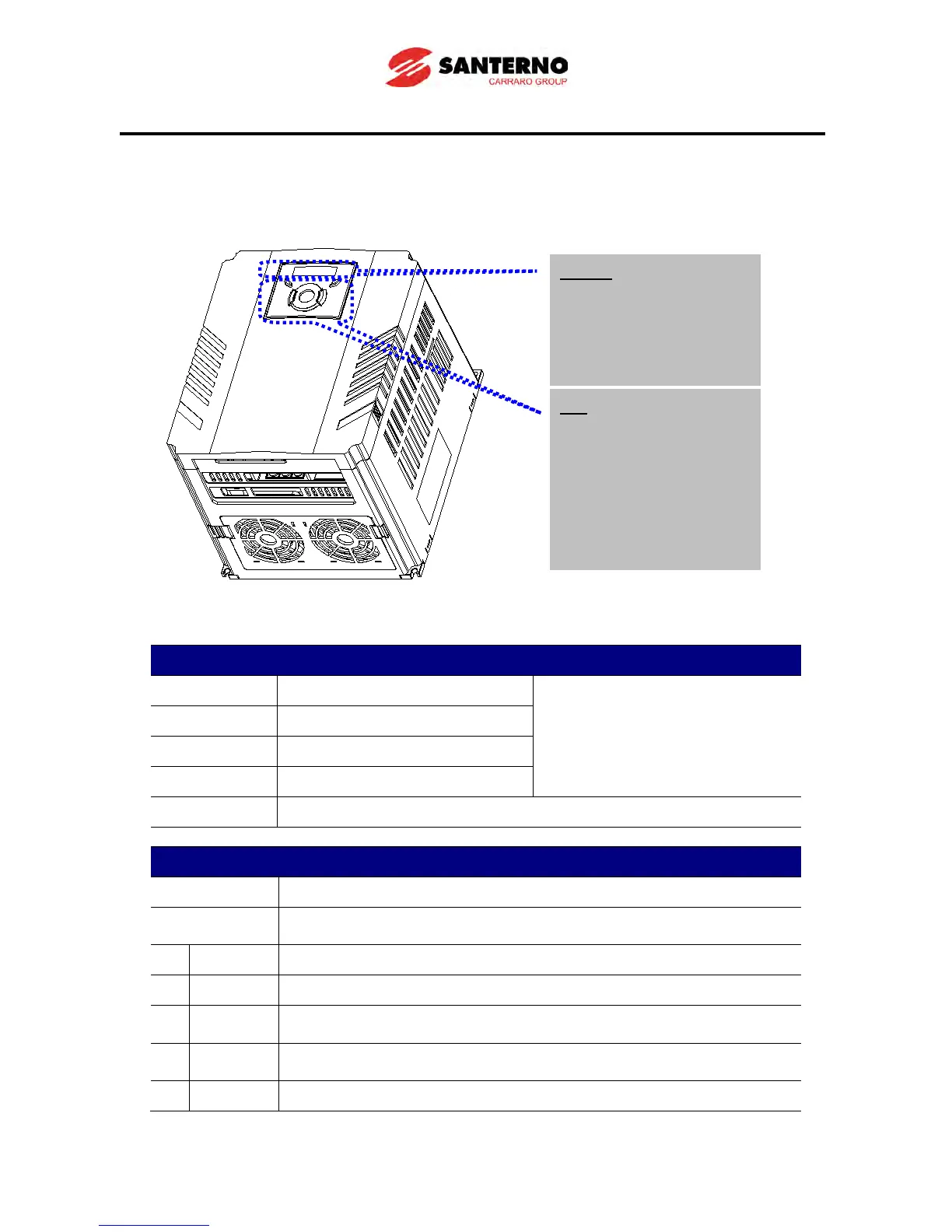
5.1 Keypad features
Display
FWD Lit during forward run
Blinks when a fault occurs
REV Lit during reverse run
RUN Lit during Operation
SET Lit during parameter setting
7 segment Displays operation status and parameter information
Keys
RUN Run command
STOP/RESET
STOP: Stop command during operation,
RESET: Reset command when fault occurs.
UP Used to scroll through codes or increase parameter value
Down Used to scroll through codes or decrease parameter value
Left
Used to jump to other parameter groups or move a cursor to the left to
change the parameter value
Used to jump to other parameter groups or move cursor to the right to
change the parameter value
ENT Used to set the parameter value or save the changed parameter value
Display
SET/RUN LED
FWD/REV LED
7 Segment LED
Key
RUN
STOP/RESET
Up/Down
Left/Right
Enter [ENT]



 To Next Page