10.15 Self-Diagnostics function
How to use Self-Diagnostics function
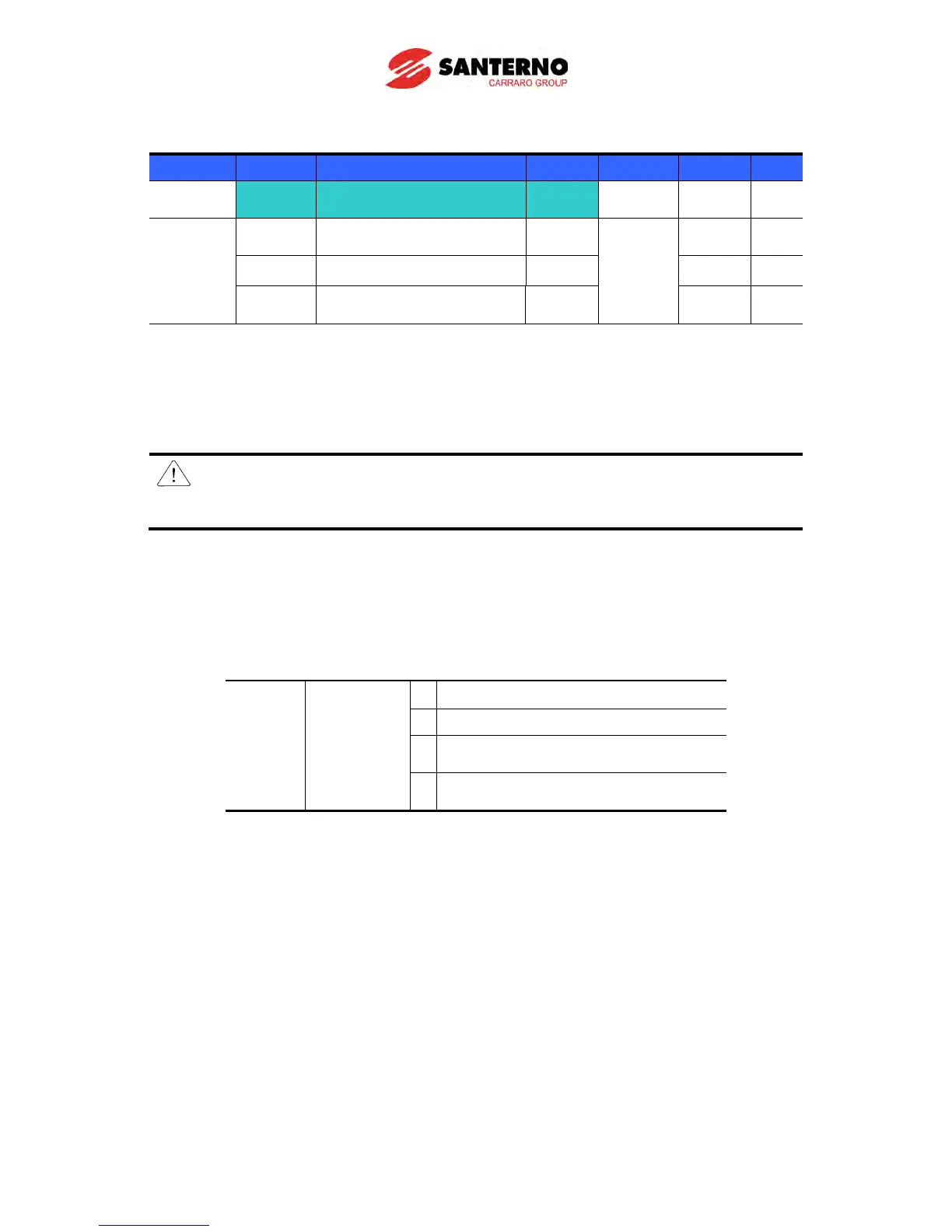
Group Display Parameter Name Setting Range Default Unit
H60 Self-Diagnostic Selection -
0 ~ 3 0 -
I/O group I17
Multi-function input
terminal P1 selection
Multi-function input
terminal P8 selection
20 7 -
Select Self-Diagnostic function in H60, Function group 2.
Define one terminal among P1~P8 terminals for this function.
To define P8 for this function, set I24 to “20”.
CAUTION:
Take caution not to touch the inverter by hand or other objects while performing this
function because current is flowing to the inverter output.
Perform Self-diagnostic function after input/output wiring of the inverter is finished.
This function enables the user to safely check for the IGBT fault, output phase open and
short, and Ground fault without disconnecting the inverter wiring.
There are 4 ways to select.
Diagnostic
function
0 Self-Diagnostic disabled
1 IGBT fault and Ground fault
2)
2
Output phase short & open circuit and
Ground fault
Ground fault (IGBT fault, Output
phase short and open circuit)
1) Selecting the higher number performs the lower number’s function.
2) Ground fault of U phase in 2.2KW ~ 4.0KW inverters and ground fault of V phase in other
rating inverters may not be detected when selecting “1”. Select 3 to make sure to detect all
phase of U, V, W.
When setting H60 to a specific value from 1 to 3 and turn the terminal defined for this
function among P1 ~ P8 terminals ON, the corresponding function is conducted, displaying
“dIAG” and the previous menu will be displayed when this function is completed.
To stop this function, press STOP/RESET key on the keypad, turn the defined terminal OFF
or turn the EST terminal ON.
When an error occurs during this function, “FLtL” will be displayed. While this message is
displayed, press Enter key (), the fault type is displayed and pressing the UP() or



 To Next Page