CHAPTER 11 - MONITORING
11.1 Operating status monitoring
Output current
Group Display Parameter Name Setting Range Default Unit
Drive group
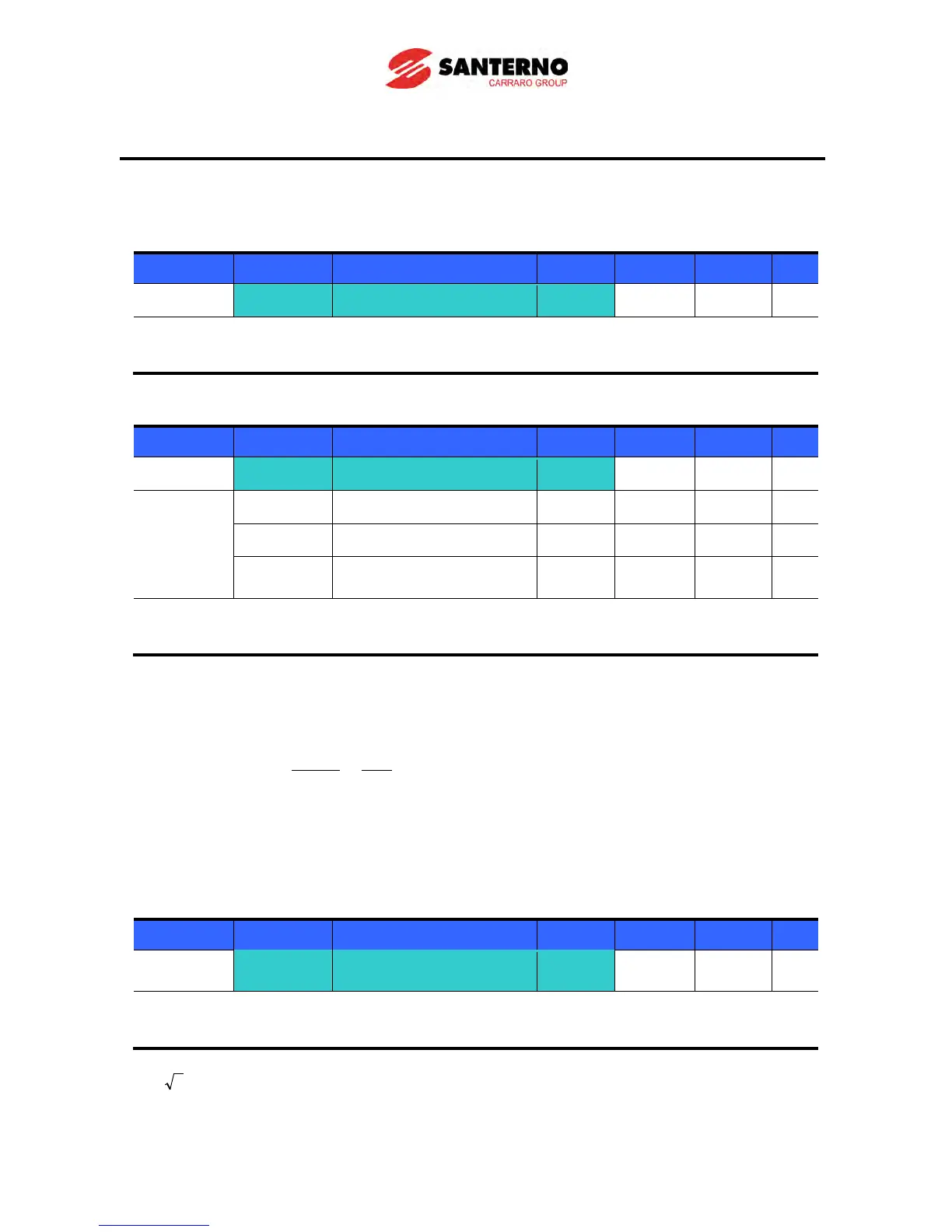
CUr [Output current] -
Inverter output current can be monitored in Cur.
Motor RPM
Group Display Parameter Name Setting Range Default Unit
Drive group
rPM [Motor RPM] -
Function
group 2
H31 [Number of motor poles] - 2 ~ 12 4
H49 [PID control select] - 0 ~ 1 0
H74
[Gain for Motor rpm
Motor rpm can be monitored in rPM.
When H40 is set to 0 {V/F control} or 1 {PID control}, the Inverter output frequency (f) is displayed in
RPM using the formula below. Motor slip is not considered.
H31: Enter the number of motor poles shown on the motor nameplate.
H74: This parameter is used to change the motor speed display at run speed (r/min) or mechanical
speed (m/min).
Inverter DC Link Voltage
Group Display Parameter Name Setting Range Default Unit
Drive group
dCL
[Inverter DC Link
Voltage]
Inverter DC link voltage can be monitored in dCL.
times the value of input voltage is displayed in dCL while motor is at a stop.
100
74
31
120 H
H
f
RPM ×
×
=



 To Next Page