EasyManua.ls Logo

Santerno Sinus M - 11.1 Operating status monitoring; User display select

Santerno Sinus M
219 pages
Print Icon
To Next Page IconTo Next Page
To Previous Page IconTo Previous Page
Loading...
11-2
User display select
Group Display Parameter Name Setting Range Default Unit
Drive group
vOL [User display select] -
Function
group 2
H73 [Monitoring item select] - 0 ~ 2 0
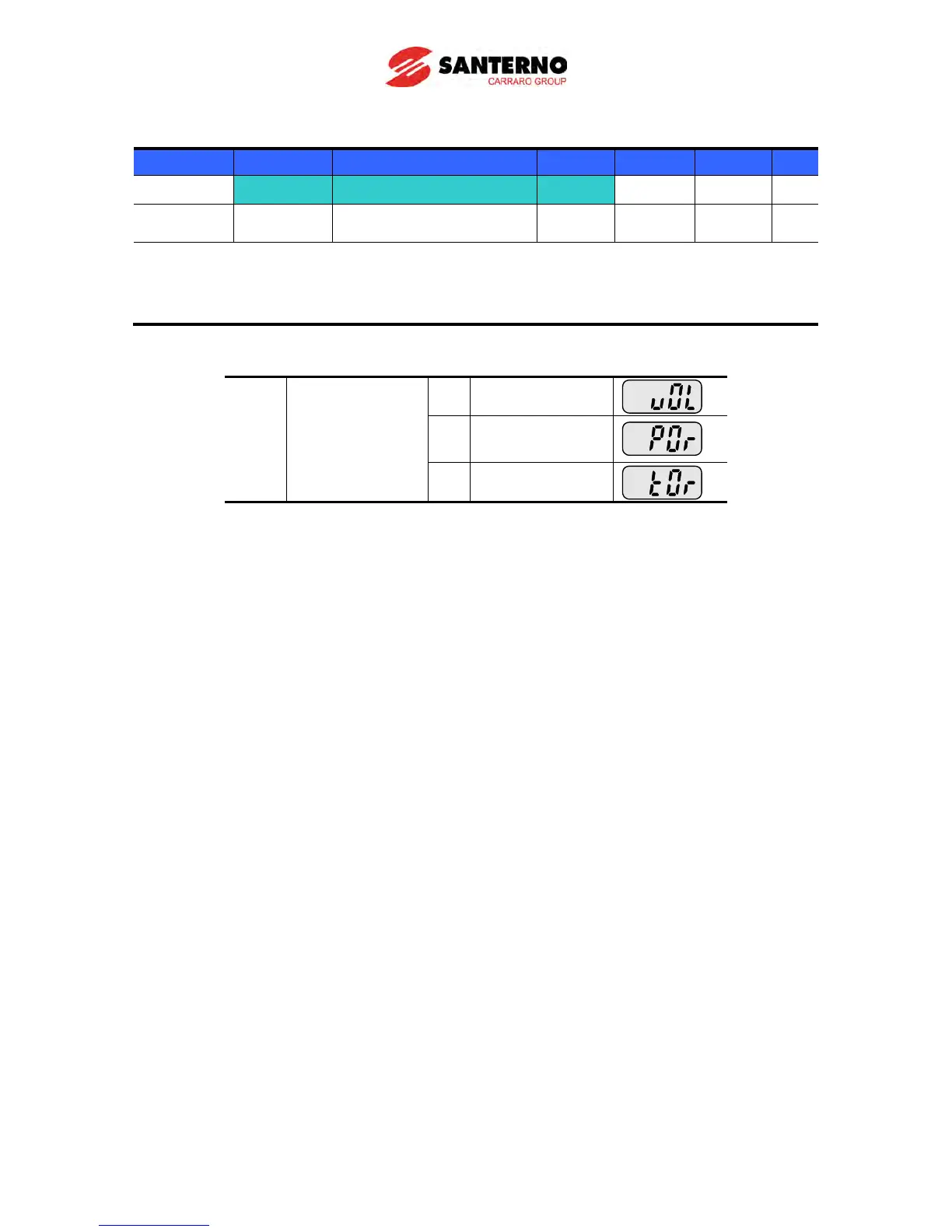
The selected item in H73- [Monitoring item select] can be monitored in vOL- [User display
select.
If output power or torque is selected, Por or tOr will be displayed.
H73: Select one of the desired item to be shown.
H73
[Monitoring item
select]
0 Output voltage [V]
1
Output power
[kW]
2
Torque [kgf m]
Enter motor efficiency indicated on motor nameplate in H36 to display the correct torque value.

Table of Contents

Other manuals for Santerno Sinus M