9.3 Operating command setting method
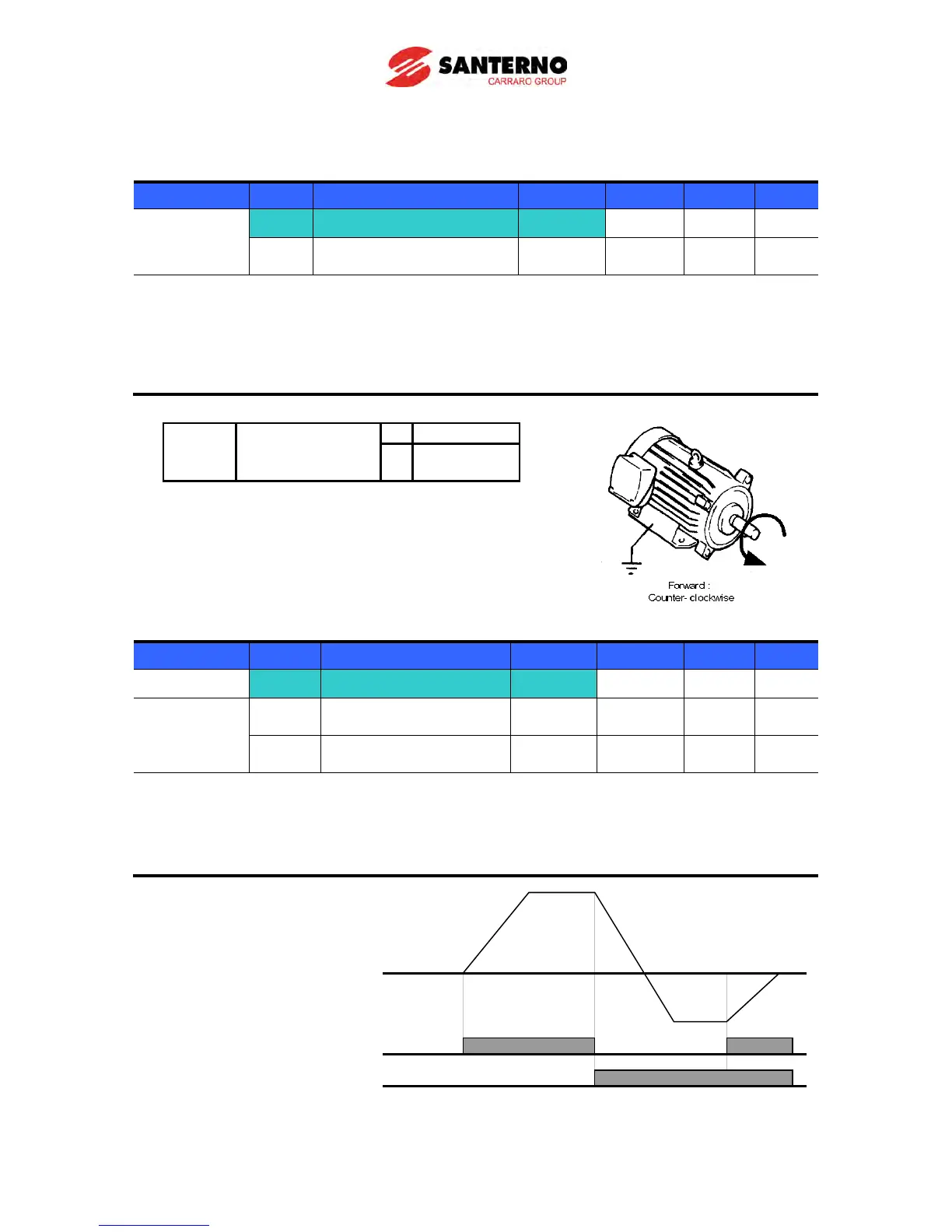
Operation via keypad RUN key and STOP/RST key (Modality 0)
Group Code Parameter Name Setting Range Initial Unit
Drive group
drv [Drive mode] 0
0 ~ 3 1
drC
[Direction of motor rotation
select]
Set drv – [Drive mode] to 0.
Acceleration is started upon pressing the Run key if operating frequency is set. Motor
decelerates to stop by pressing the STOP/RST key.
Selecting rotation direction is available at drC - [Direction of motor rotation select] when
operating command is issued via keypad.
When remote keypad is connected, body-embedded keypad is
deactivated.
Operating command via FX, RX terminal (Modality 1)
Group Code Parameter Name Setting Range Initial Unit
Drive group
drv [Drive mode] 1
0 ~ 3 1
I/O group I17
[Multi-function input
[Multi-function input
terminal P2 define]
Set drv – [Drive mode] to 1.
Set I17 and I18 to 0 and 1 to use P1 and P2 as FX and RX terminals.
“FX” is Forward run command and “RX” Reverse run.
Motor is stopped when FX/RX
terminal is ON/OFF at the same
time.



 To Next Page