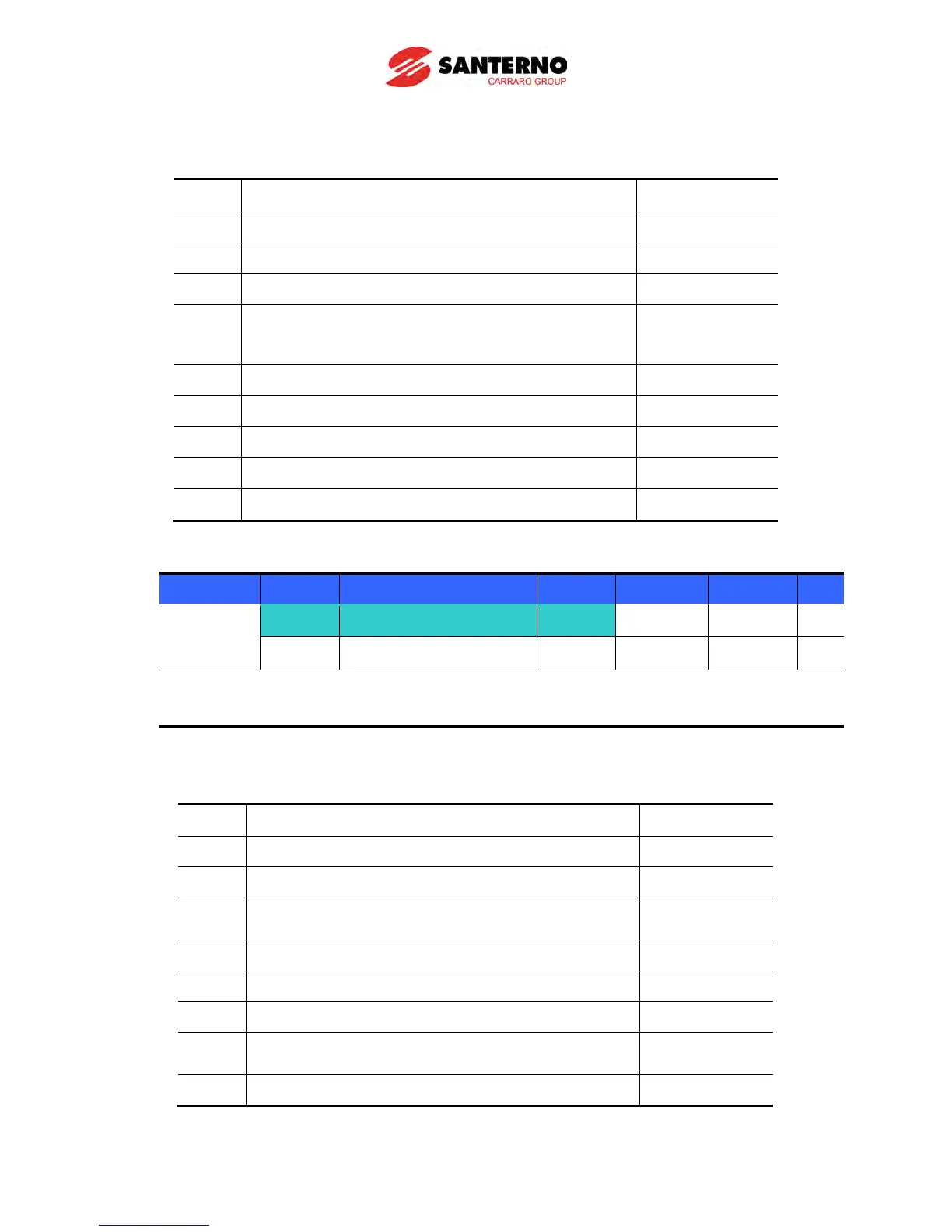
Follow the table below to change the password. (Current PW: 123 → New PW: 456)
Step Note Keypad display
1 Move to H94 code. H94
2 Press Enter () key. 0
3 Enter any number (e.g.: 122). 122
4
) key. 0 is displayed because
wrong value was entered. Password cannot be
0
5 Enter the right password. 123
6 Press Enter () key. 123
7 Enter the new password. 456
8 Press the Enter () key. Then “456” will blink. 456
9 Press Enter () key. H94
Parameter Lock
Group Display Parameter Name Setting Range Default Unit
Function
group 2
H95 [Parameter lock] -
0 ~ FFFF 0
H94 [Password register] - 0 ~ FFFF 0
This parameter is used to lock the user-set parameters using the password.
See the table below to lock the user-set parameter via the H94 – [Password Register].
Step Note Keypad display
1 Move to H95 code. H95
2 Press Enter () key. UL
3
Parameter value can be changed in UL (Unlock)
status.
UL
4 Press Enter () key. 0
5 Enter the password created in H94 (e.g.: 123). 123
6 Press Enter () key. L
7
Parameter value cannot be changed in L (Lock)
status.
L
8 Press Enter () key. H95



 To Next Page