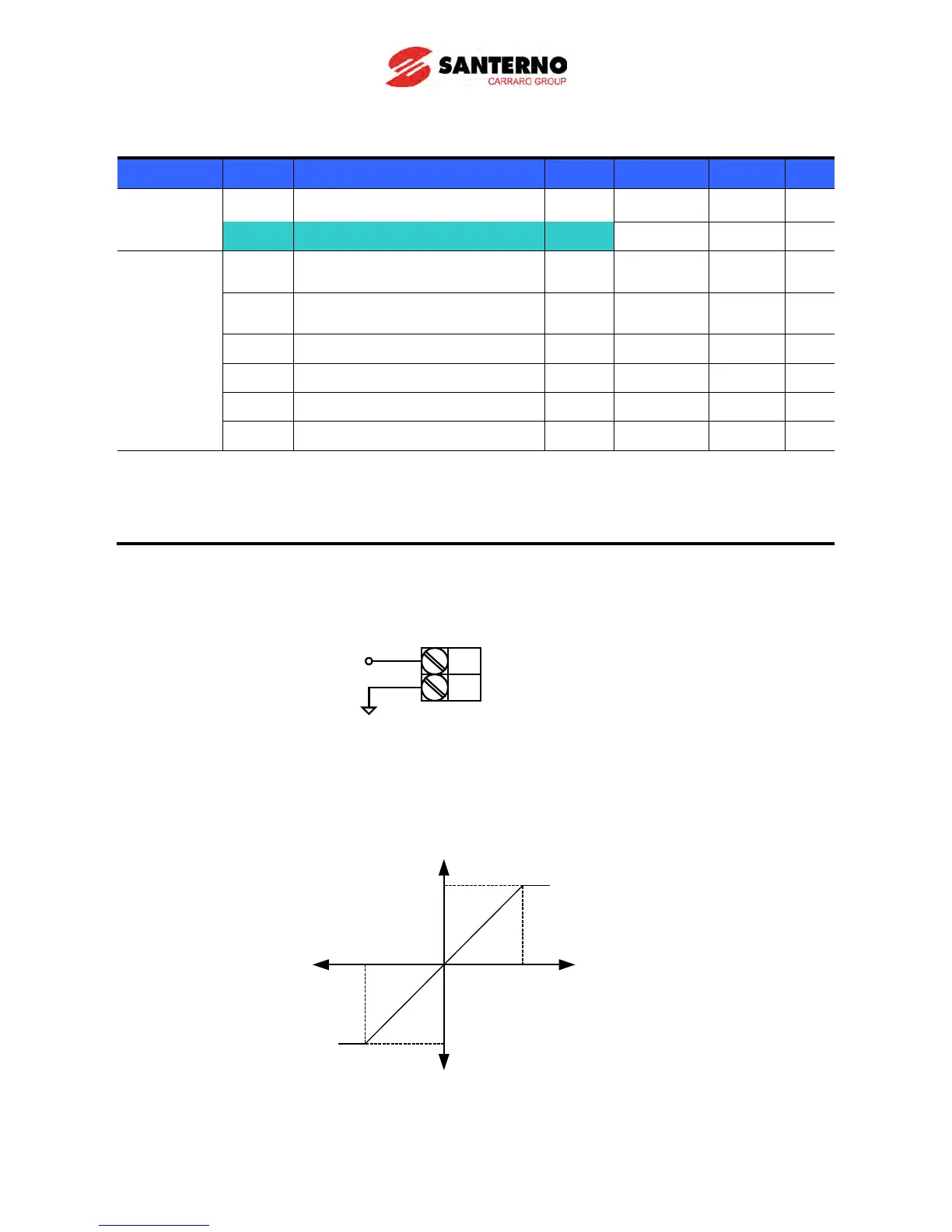
Frequency setting via –10 ~ +10[V] input
Group Code Parameter Name Setting Range Initial Unit
Drive group 0.00 [Frequency Command] - 0 ~400 0.00 Hz
Frq [Frequency Mode] 2
0 ~ 8 0
I/O group I1
[Filter time constant for negative
input V1]
[V1 input minimum negative
voltage]
- 0 ~ –10 0.0 V
I3 [Frequency corresponding to I2] - 0 ~ 400 0.00 Hz
I4 [V1 input max. negative voltage] - 0 ~ 10 10.00 V
I5 [Frequency corresponding to I4] - 0 ~ 400 50.00 Hz
I6 ~ I10 [V1 input positive]
Set Frq – [Frequency Mode] to 2.
The set frequency can be monitored in 0.00 - [Frequency Command].
Apply –10V ~ +10V signal between V1 and CM terminal.
Output frequency corresponding to –10V ~ +10V input voltage to V1 terminal
V1
CM
When using - 10 ~ 10V from external
circuit
- 10 ~ +10 V
Output freq
(Positive)
Output freq
(Negative)
Input
voltage
0~10[ V]- 10~0[ V]



 To Next Page