Frequency setting via RS 485 communication
Group Code Parameter Name Setting Range Initial Unit
0.0 [Frequency Command] - 0 ~400 0.00 Hz
Frq [Frequency Mode] 7
0 ~ 8 0
Select 7 in Frq code of Drive group.
Related codes: I59, I60, I61
Refer to Chapter 13. RS485 communication.
Frequency setting via Digital Volume (up-down)
Group Code Parameter Name Setting Range Initial Unit
0.0 [Frequency Command] - 0 ~400 0.00 Hz
Frq [Frequency Mode] 8
0 ~ 8 0
Select 8 in Frq code of Drive group.
Related codes: I17 ~ 24.
Among the multifunction inputs (P1 ~ P8), select two terminals to be used for up-down.
Refer to Chapter 7, I/O 2 Group.
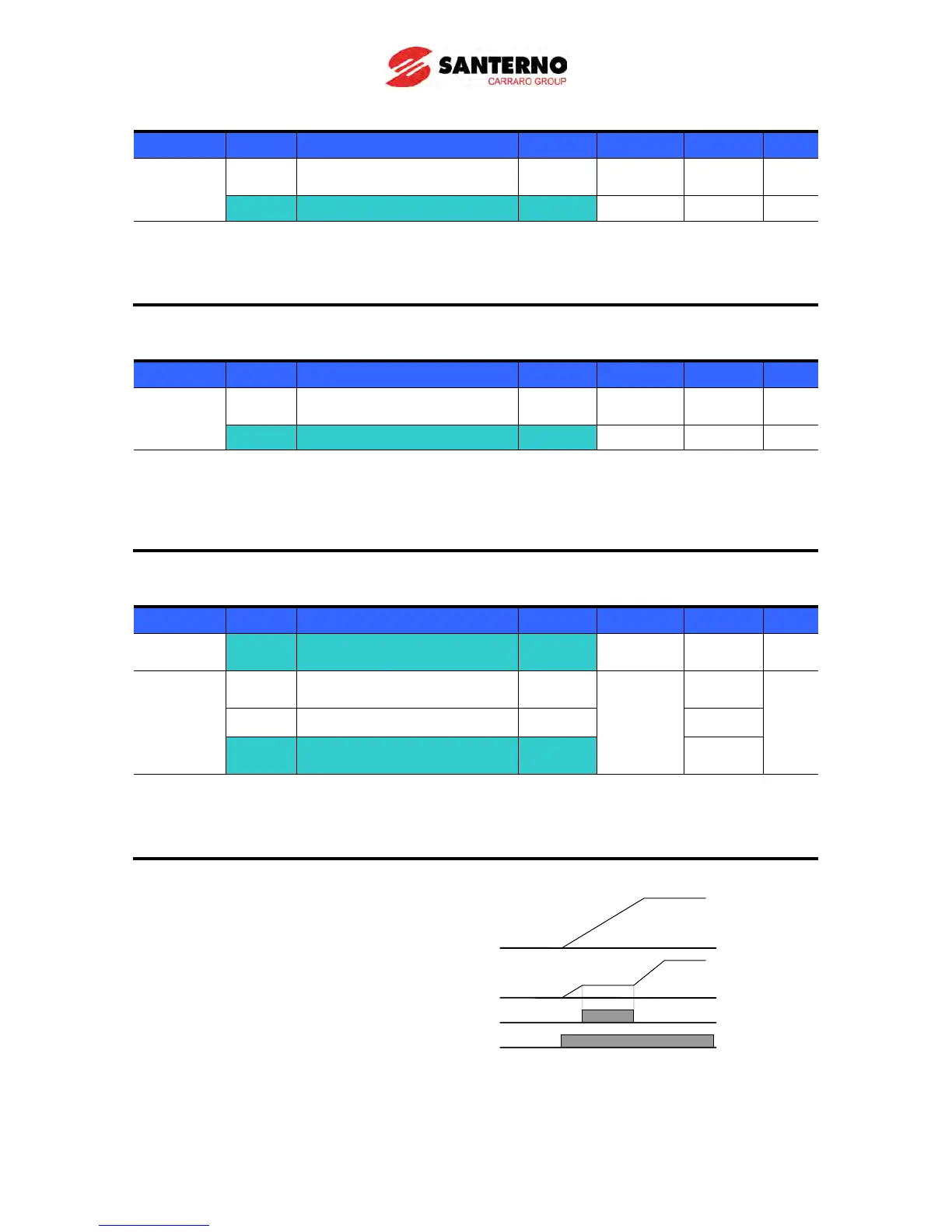
Analog Hold
Group Code Parameter Name Setting Range Initial Unit
Frq [Frequency Mode] 2 ~ 7
0 ~ 7 0
I/O group I17
[Multi-function input terminal
P1 define]
[Multi-function input
terminal P8 define]
It is available when Frq code setting is 2 ~ 7.
Select one terminal to be used for Analog Hold command among Multi-function input
terminal (P1 ~ P8).
When P8 terminal is selected,



 To Next Page