EasyManua.ls Logo

Santerno Sinus M - 9.3 Operating command setting method; Rotating direction selection via -10 ~ +10[V] input of V1 terminal; FX;RX Run Disable

Santerno Sinus M
219 pages
Print Icon
To Next Page IconTo Next Page
To Previous Page IconTo Previous Page
Loading...
9-10
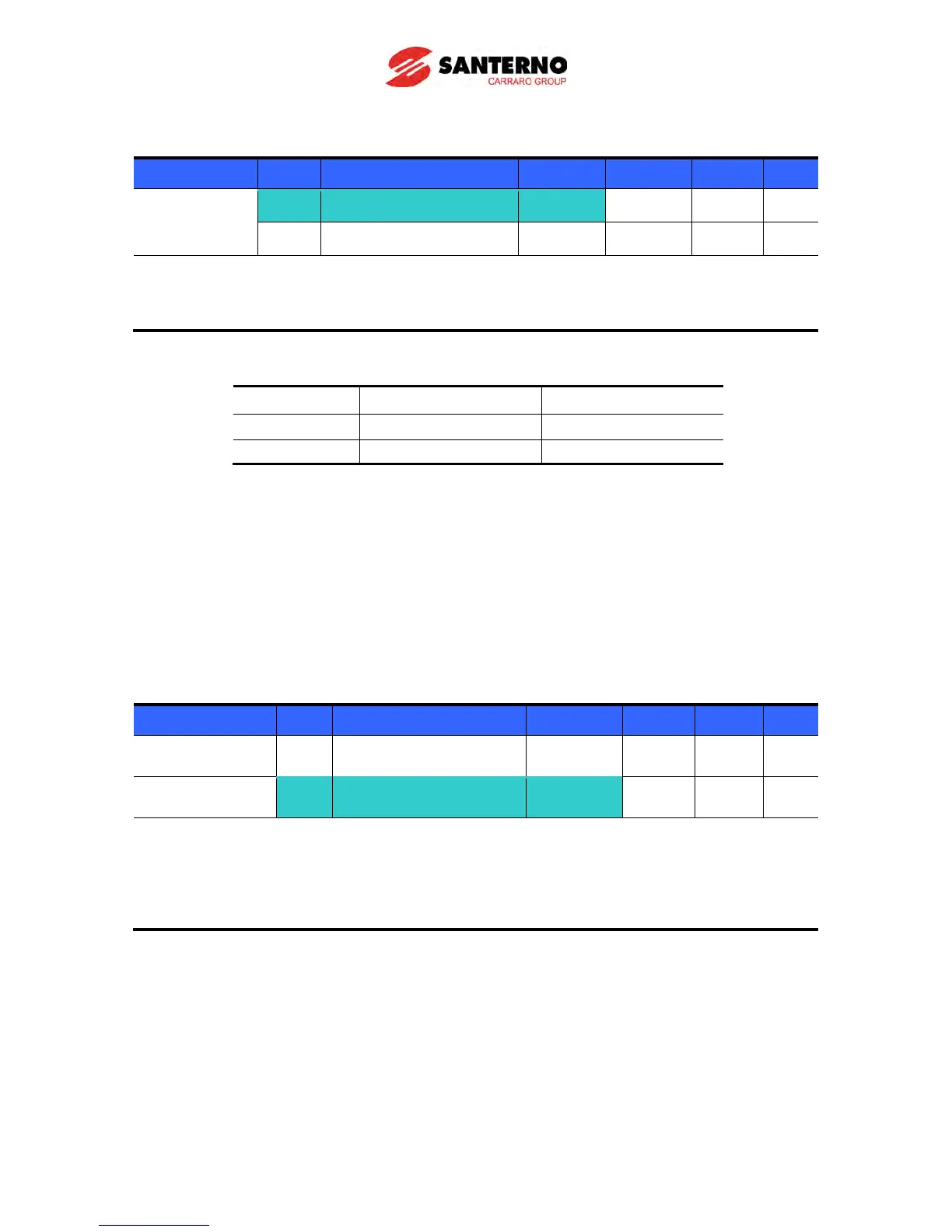
Rotating direction selection via 10 ~ +10[V] input of V1 terminal
Group Code Parameter Name Setting Range Initial Unit
Drive group
frq [Frequency setting] 2
0 ~ 7 0
drv [Drive mode] - 0 ~ 3 1
Set frq to 2.
Inverter is operating as the table below regardless of Drive mode setting.
FWD RUN Command
REV RUN Command
0 ~ +10 [V]
FWD RUN
REV RUN
10 ~ 0 [V]
REV RUN
FWD RUN
Motor runs in Forward direction when input voltage to V1-CM is 0~10[V] and FWD RUN command is
active. When input voltage polarity is reversed to 10~0[V] during FWD RUN, motor decelerates to stop
and runs in reverse direction.
When input voltage to V1-CM is 0~10[V] and REV RUN command is active, motor runs in Reverse
direction and if 10~0[V] is entered, the motor rotating direction is reverse.
FX/RX Run Disable
Group Code Parameter Name Setting Range Initial Unit
Drive group drC

[Direction of motor
rotation select]
- F, r F
Function group 1
F1
[Forward/Reverse run
disable]
-
0 ~ 2 0
Select the direction of motor rotation.
0: Forward and Reverse run enable
1: Forward run disable
2: Reverse run disable

Table of Contents

Other manuals for Santerno Sinus M